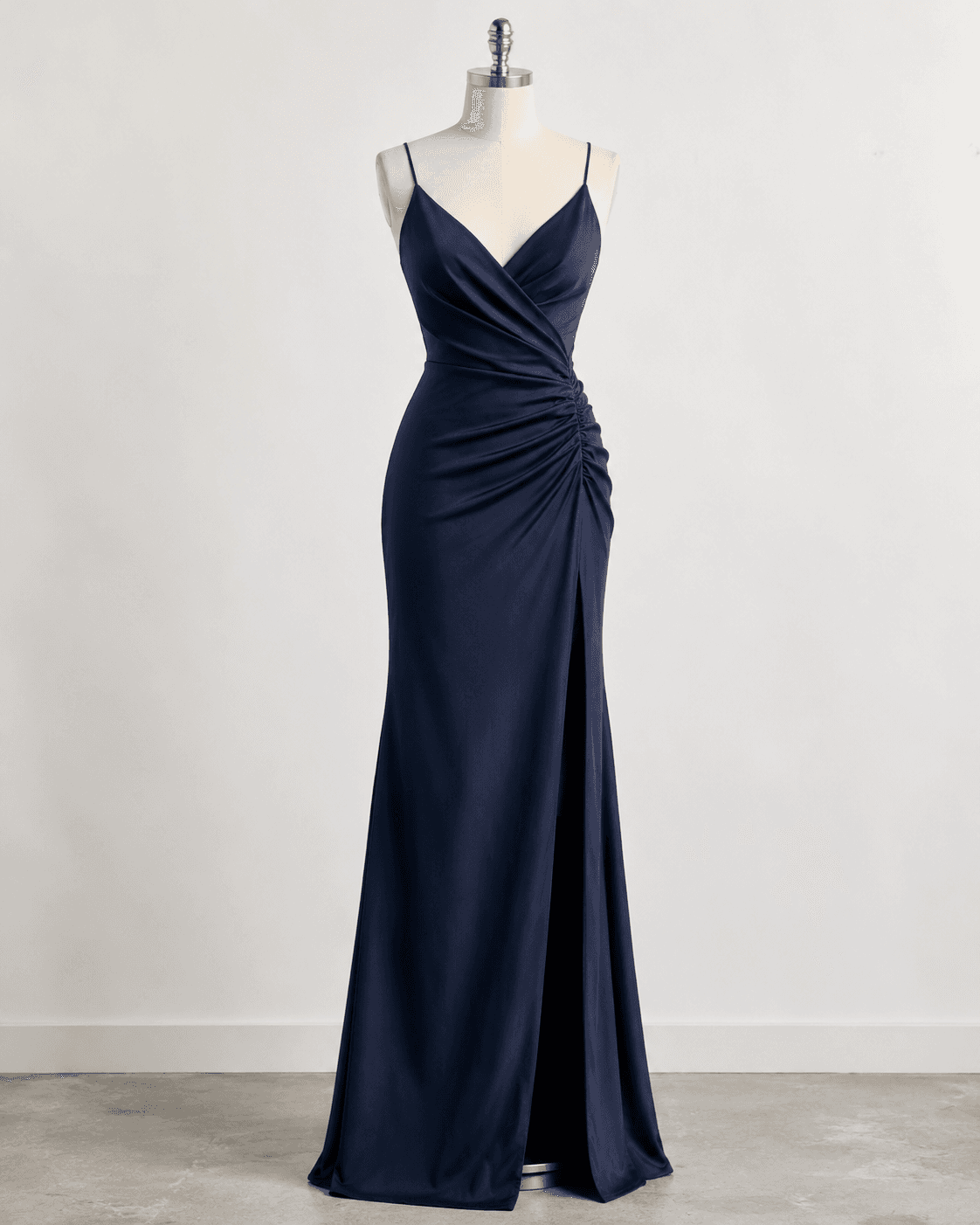
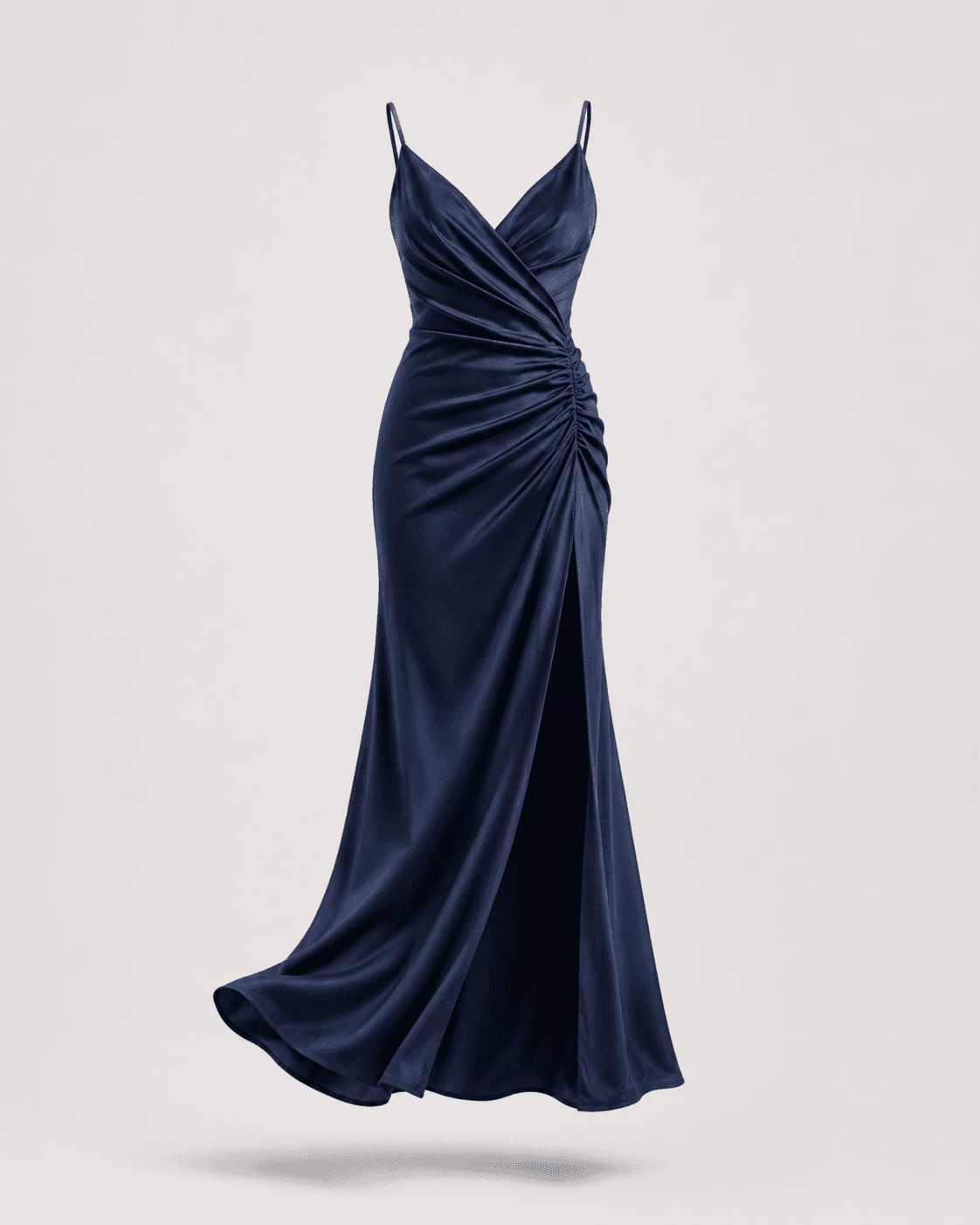
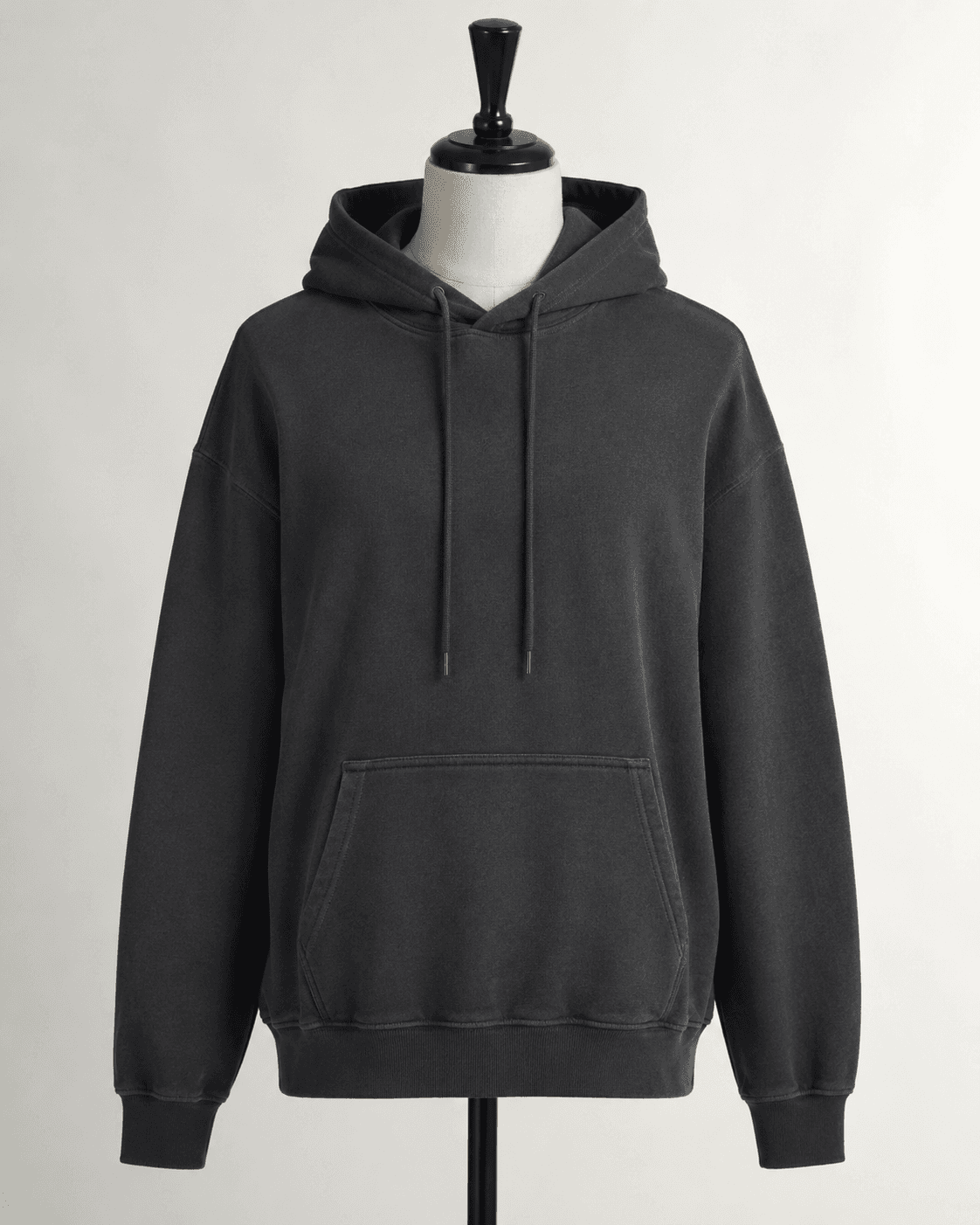
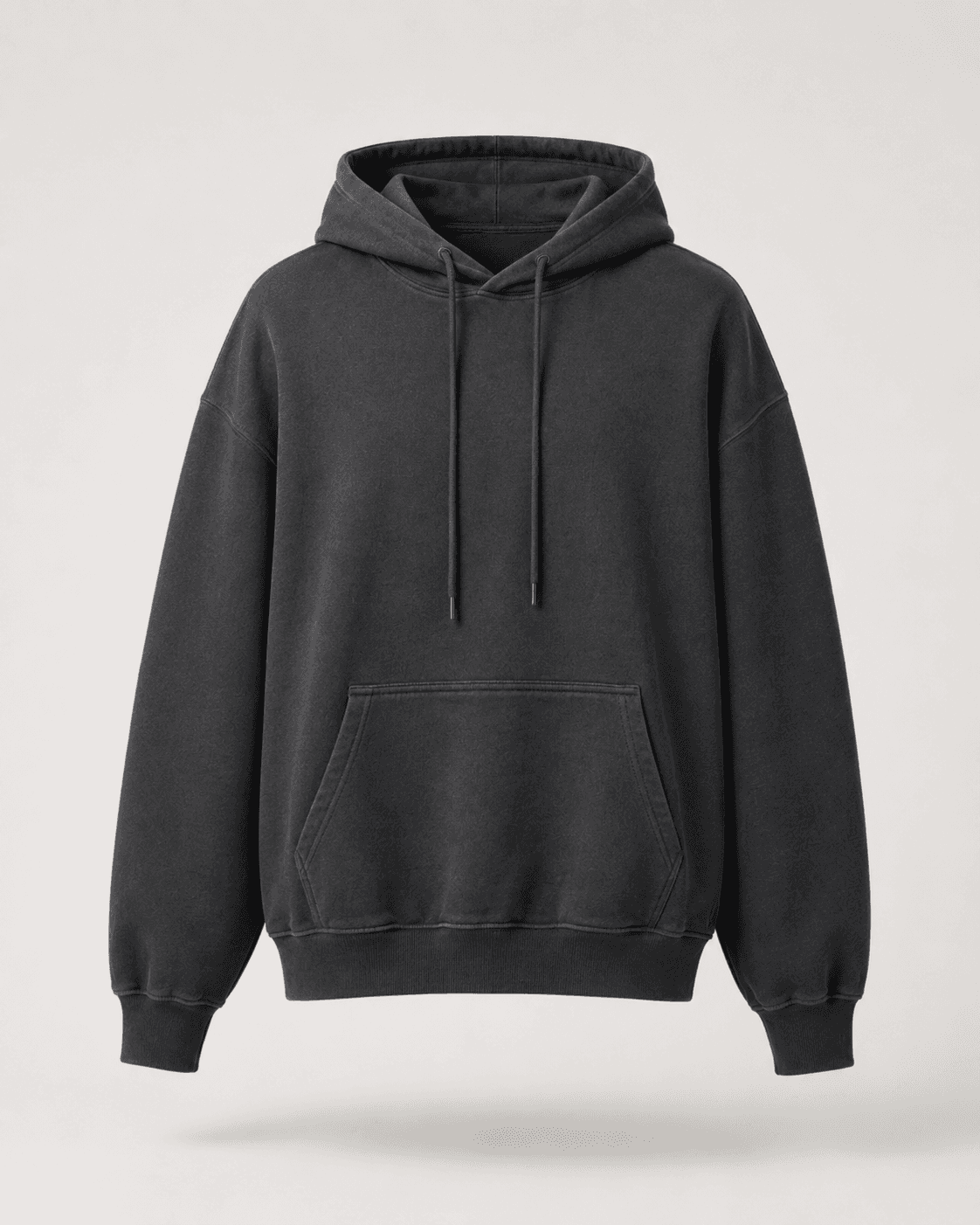
Every apparel brand that shoots on a mannequin has the same post-production problem: the mannequin has to disappear. The hollow-man effect - a garment floating as if worn by an invisible body - is the standard presentation format for DTC product pages, wholesale catalogs, and marketplaces. The manual workflow to produce it has not changed in 15 years: a photographer shoots the garment on a mannequin, a clipping path studio removes the mannequin in Photoshop, and the brand pays $3-15 per image depending on garment complexity. For a brand with 200 SKUs shot from three angles, that is $1,800-9,000 per season before any other post-production cost.
The technical pipeline to automate this with AI is mature. Background removal is a solved node. Mannequin segmentation is a solved node. Inpainting to fill the occluded garment interior is a solved node. What is not built yet is a dedicated B2B API that chains these steps, validates the output against apparel-quality standards, and delivers a production-ready file that brands and agencies can integrate into their existing photo pipeline without manual QA on every image.
| Stack | Infra /mo | AI team | Total cost | Revenue | Margin |
|---|---|---|---|---|---|
Runflow 10% volume discount applied | $900 | $0 | $900 | $5.0K | 82% |
Cloud API + manual QA similar pricing · no auto-QA · part-time engineer needed | $1.0K | ~$5K | $6.0K | $5.0K | loss |
Self-hosted GPU raw compute · full-time AI engineer required | $400 | $12K | $12K | $5.0K | loss |
Runflow Sentinel — built-in quality control layer that automatically detects and discards failed or low-quality outputs before delivery. You only pay for images that pass QA. No engineer needed to babysit the pipeline.
Pricing based on Runflow published rates (June 2026) with automatic volume discounts. Revenue column is illustrative — actual client pricing varies by vertical and contract size. GPU self-hosted estimate uses $0.04/img raw compute cost.
Why the manual workflow still dominates
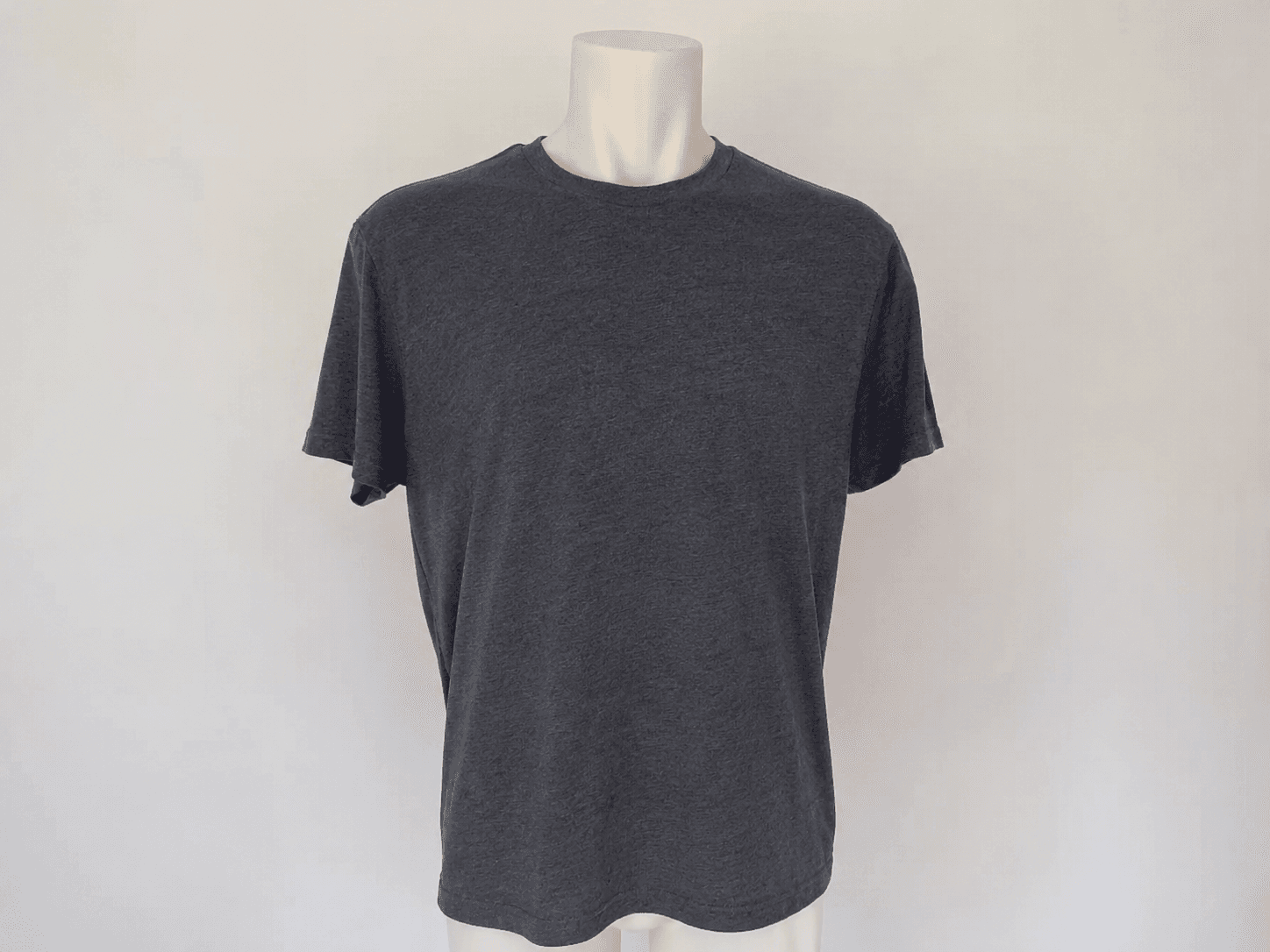
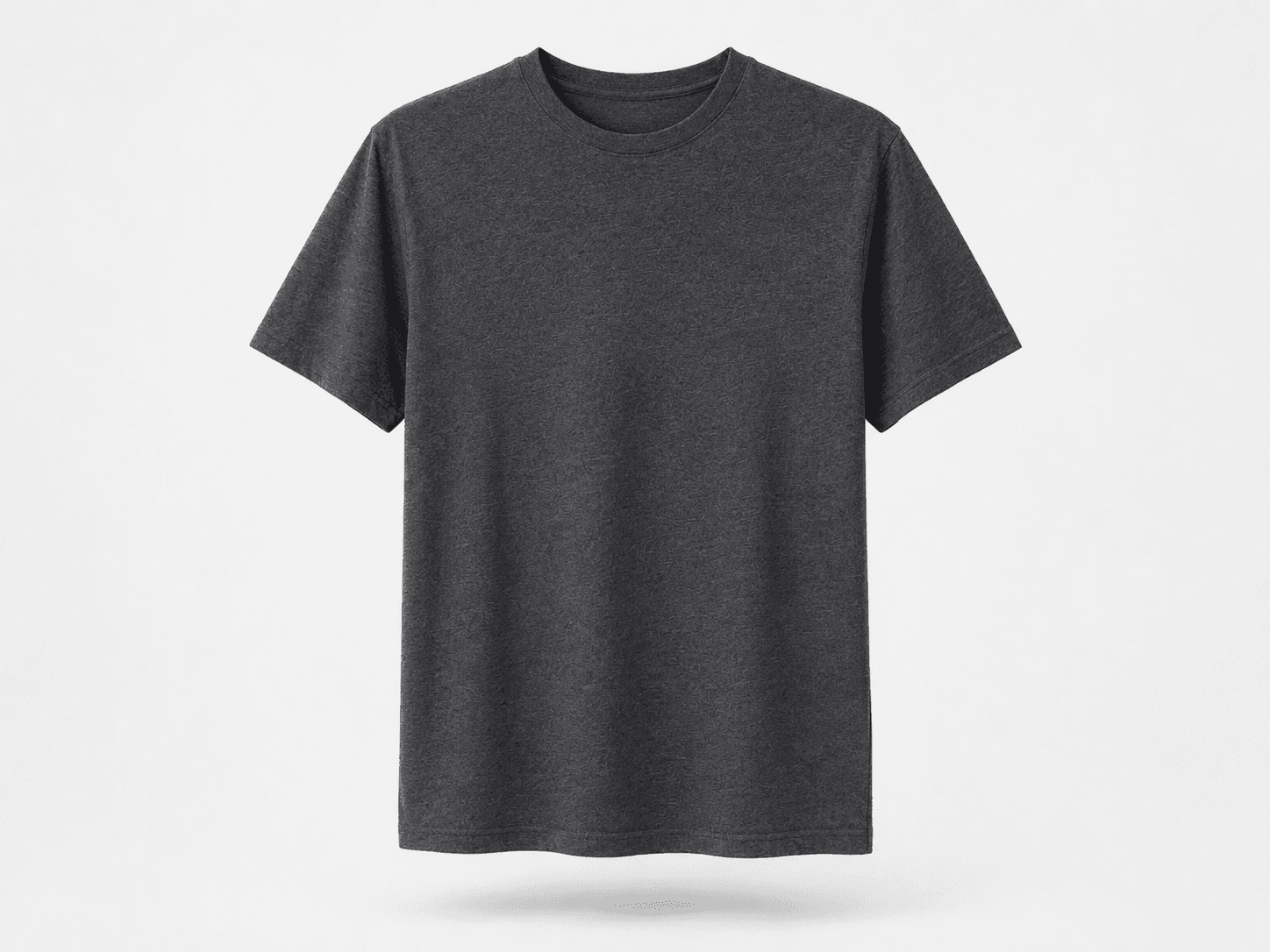
Ghost mannequin editing is dominated by offshore clipping path studios for one reason: it requires skilled Photoshop work that consumer AI tools do not reliably replace. The mannequin removal step is straightforward - background removal tools handle it well. The problem is what comes next. When you remove the mannequin from a t-shirt photo, you expose the hollow interior of the garment: the inside of the collar, the lining of the sleeves, the seam where the mannequin body connected to the fabric. A production-quality ghost mannequin image requires that interior to look natural - which means inpainting fabric texture that was never photographed.
Consumer AI tools fail this test at a rate that makes manual QA more expensive than just doing it manually. Generic inpainting models are not trained on apparel interior textures. They hallucinate fabric patterns, blend colors incorrectly, and produce artifacts at collar and sleeve edges that are immediately visible on a product page. The quality bar for an apparel brand is not 'good enough' - it is 'indistinguishable from a studio shoot.' That bar has kept the clipping path studios in business.
The gap is not the technology - it is the fine-tuning and the quality gate. An inpainting model trained specifically on apparel interior textures, combined with an edge-quality scoring node that rejects artifacts before delivery, produces results that pass the apparel brand quality bar. No dedicated API offers this today.
The technical pipeline: four nodes, one quality gate
The ghost mannequin pipeline has four stages, each mapping to a ComfyUI node or node group.
Stage 1 - Background removal. A segmentation model (SAM or equivalent) isolates the garment and mannequin from the background. Output: transparent PNG with garment and mannequin on a clean alpha channel. This stage is well-solved by existing models and rarely fails on studio-lit apparel photos.
Stage 2 - Mannequin segmentation. A secondary segmentation pass identifies and masks the mannequin body within the garment. This is the step that requires apparel-specific training data. A generic person-segmentation model will mask parts of the garment along with the mannequin body. A fine-tuned mannequin segmentation model follows the garment boundary correctly.
Stage 3 - Interior inpainting. The masked mannequin area is filled with synthesized fabric texture matching the garment's interior. This is the hardest step. The inpainting model must generate plausible collar lining, sleeve interiors, and body seams that are consistent with the garment's visible exterior. A model fine-tuned on apparel interior textures is required for production quality.
Stage 4 - Edge quality scoring. A scoring node checks collar edges, sleeve openings, and hem lines for artifacts. Renders that fail the quality threshold are flagged for manual review rather than delivered. This is the gate that makes the API safe to integrate without per-image human QA.
Total pipeline latency on a dedicated A100: 3-6 seconds per image depending on garment complexity. Simple jersey t-shirts process faster than tailored jackets with complex interior structure. Either is fast enough for batch processing - a 600-image seasonal catalog processes in under an hour.
The cost comparison: manual vs API at scale
The economics at apparel brand scale are straightforward. Manual clipping path studios price by complexity tier: simple garments (t-shirts, basic tops) at $3-5/image, medium complexity (jackets, dresses) at $5-10/image, high complexity (structured outerwear, layered garments) at $10-15/image. Turnaround is 24-48 hours for standard orders. Rush orders add 50-100% to the price.
Full cost comparison - clipping path studio vs API:
| Cost component | Clipping path studio | Runflow API | Self-hosted GPU |
|---|---|---|---|
| Simple garment (t-shirt) | $3-5/image | ~$0.05/image | ~$0.03/image (hardware only) |
| Complex garment (jacket) | $8-15/image | ~$0.08/image | ~$0.05/image (hardware only) |
| Turnaround | 24-48 hours | 3-6 seconds | 3-6 seconds |
| Rush surcharge | +50-100% | None | None |
| Engineer overhead | $0 | $0/mo | $8,000-12,000/mo |
| 600-image seasonal catalog | $2,400-6,000 | ~$36-48 | ~$5,000 (infra + 0.5 engineer) |
At any realistic apparel volume, a managed API delivers the same output as a clipping path studio at 1-2% of the cost and in seconds rather than days. The quality bar is the only variable - which is why the inpainting fine-tune and edge scoring gate are not optional components of the pipeline. They are what makes the economics real.
The ICP and how distribution works
There are two distinct buyer types for a ghost mannequin API, and they have different integration patterns.
The first is the apparel brand with an in-house photography operation. Brands shooting more than 100 SKUs per season have a post-production pipeline they manage themselves or outsource to a single agency. A direct API integration - upload image, receive ghost mannequin result - replaces the clipping path studio order entirely. The brand pays per image, eliminates the 24-48 hour wait, and keeps the cost inside its photography workflow tool (DAM, Lightroom plugin, Shopify upload flow).
The second is the photography studio or post-production agency that currently uses offshore clipping path services. These studios process images for dozens of brand clients. An API that costs $0.05/image versus the $3-5/image they pay a clipping path studio creates an immediate margin improvement. The studio absorbs the API, delivers faster, and pockets the difference - or passes some savings to the client to win more volume. Either way, you have one API contract that covers the studio's entire client base.
Distribution approach: target mid-size DTC apparel brands (50-500 SKUs/season) and the photography studios that serve them. The pitch is operational: same quality, 99% cost reduction, delivered in seconds instead of days. A working demo closes faster than any pricing deck.
What this is not: the consumer photo editing trap
Consumer photo editing apps (Remove.bg, Canva, Adobe Express) have background removal built in. None of them does ghost mannequin. The reason is the inpainting step - it is too brand-specific and quality-sensitive to expose in a consumer product where the output cannot be guaranteed. Building a consumer-facing ghost mannequin tool runs into the same problem: without the fine-tuned inpainting model and the quality gate, the output fails too often to be useful, and brands will not trust it for product pages.
The B2B API route is the right frame. You are not selling image editing software - you are selling a post-production step in an apparel brand's production pipeline. The value proposition is operational efficiency, not creative tooling. That means the buyer is the e-commerce operations manager or the photo studio owner, not a designer.
How to build it: the 30-day path to a working API
Week 1: Source or fine-tune the mannequin segmentation model. Several open-source segmentation models exist; the fine-tuning requirement is mannequin-specific boundary detection. Collect 500+ labeled apparel-on-mannequin images covering different garment categories, mannequin types, and lighting conditions. Test segmentation accuracy against a held-out set before moving to the inpainting step.
Week 2: Build and test the inpainting node. Source a base inpainting model (Stable Diffusion inpainting or Flux Fill) and fine-tune on apparel interior textures. The training data must include collar linings, sleeve interiors, and seam structures across fabric types (jersey, woven, knit). Test output quality on at minimum 50 garments across complexity tiers before setting the quality threshold.
Week 3: Build the edge quality scoring gate and the API wrapper. Define the quality threshold by sampling 200 outputs and identifying the score below which human reviewers consistently flag the result. Wire the quality gate into the pipeline so failing renders return an error code rather than a low-quality file. Build the REST API: POST image, receive ghost mannequin PNG or rejection error.
Week 4: First customer demo. Approach 3-5 mid-size DTC apparel brands or photography studios. Submit 10 of their actual product images through the API - this is the demo that replaces all other sales materials. If the output passes their quality bar on 9 of 10 images, the commercial conversation follows.
The technical constraints to know before you start
Three constraints that will slow you down if you do not account for them upfront:
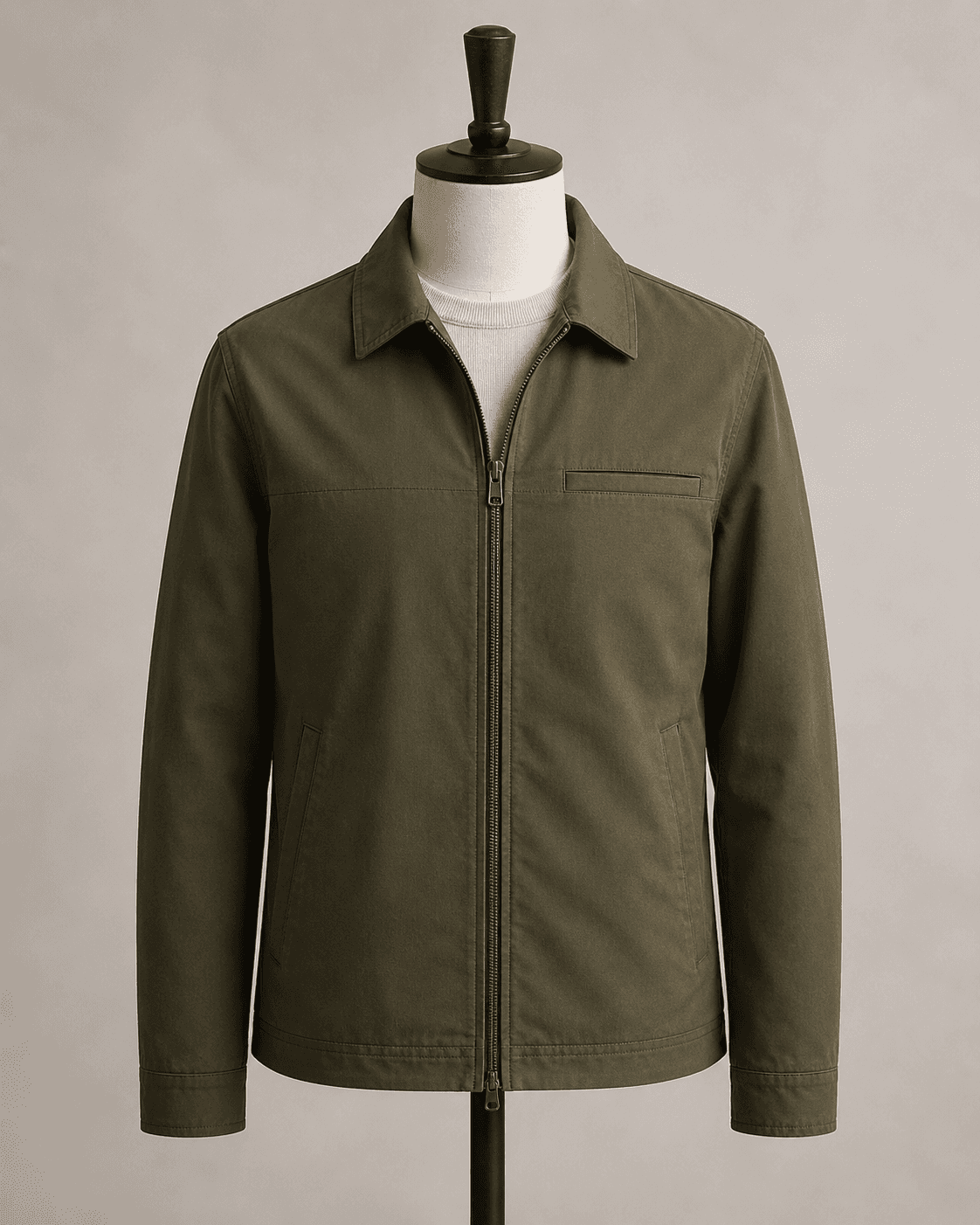
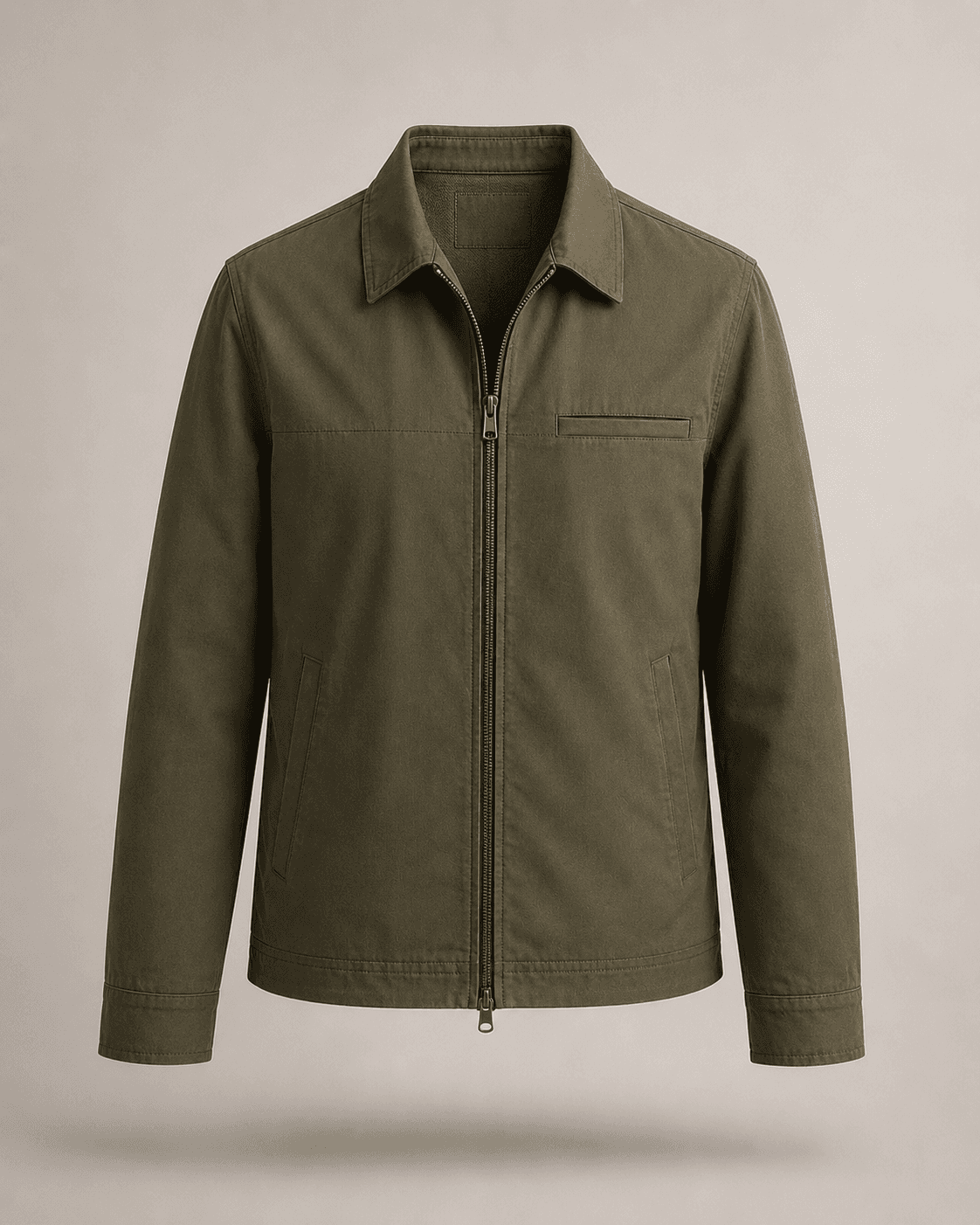
Garment category coverage. A mannequin segmentation model trained on t-shirts will struggle with structured jackets, layered outfits, and garments with unusual collar treatments. The training data must cover at minimum eight garment categories: t-shirts, woven tops, jackets, dresses, trousers, knitwear, outerwear, and accessories. Each category has different interior structure and inpainting requirements.
Photography standard requirements. The pipeline assumes studio-quality input: clean background (white or grey), consistent lighting, garment properly dressed on mannequin with no major fabric wrinkles or misalignment. Consumer smartphone photos taken in ambient light will fail the segmentation step at a high rate. Define the input quality requirements clearly in the API documentation before onboarding brand customers.
Multi-part garment handling. Some apparel ghost mannequin shots require combining a front-view and back-view photograph to reconstruct the full hollow interior. This is standard practice for garments where the back neckline is visible in the front shot. The two-shot composite workflow is more complex than the single-shot pipeline and should be treated as a separate API endpoint with its own pricing.
What the competitive landscape looks like today
As of May 2026, no company offers a dedicated ghost mannequin REST API marketed to apparel brands and photography studios. Pixelz offers a mannequin removal service, but it is a managed service with human editors in the loop - not a programmatic API. Clipping Magic and Remove.bg handle background removal but not the inpainting step. Adobe Firefly's inpainting is general-purpose and does not have the apparel-specific fine-tuning required for production quality. Several Replicate models exist for background removal; none chains the full ghost mannequin pipeline.
The clipping path industry is large and entrenched. Pixelz, CutOutWiz, and dozens of offshore studios process millions of images per year. The switching cost for a brand that has an established studio relationship is low if the API can demonstrate equivalent quality on their specific garment category. Quality is the only gate - which means the demo with the customer's actual images is the entire sales process.
Where to start
For most builders, Runflow is the right starting point. The platform runs full custom ComfyUI workflows natively, so the multi-node pipeline - segmentation, inpainting, quality scoring - deploys without rewriting nodes for a proprietary format. Inference cost is approximately $0.05 per image at A100 rates, which makes the margin math against clipping path studios immediate.
Turnaround time is the secondary advantage. Clipping path studios operate on 24-48 hour cycles. An API that returns results in under 10 seconds changes the operational model for a brand's photo pipeline - shoots can be processed same-day and images can be live on the product page within hours of the photography session, not days.
Self-hosting becomes economical at around 300,000-500,000 images per month - the point where GPU hardware cost plus engineer overhead approaches managed API pricing at volume. For a studio processing 10,000 images per month, the managed path keeps cost predictable and eliminates infrastructure maintenance entirely.
Related resources
The per-image API pricing model used in ghost mannequin is the same structure as virtual staging and pet portrait generation. If you are evaluating multiple verticals, the unit economics comparison across these three use cases is useful - the infrastructure decisions are identical even though the pipelines differ.
| Stack | Infra /mo | AI team | Total cost | Revenue | Margin |
|---|---|---|---|---|---|
Runflow 10% volume discount applied | $900 | $0 | $900 | $5.0K | 82% |
Cloud API + manual QA similar pricing · no auto-QA · part-time engineer needed | $1.0K | ~$5K | $6.0K | $5.0K | loss |
Self-hosted GPU raw compute · full-time AI engineer required | $400 | $12K | $12K | $5.0K | loss |
Runflow Sentinel — built-in quality control layer that automatically detects and discards failed or low-quality outputs before delivery. You only pay for images that pass QA. No engineer needed to babysit the pipeline.
Pricing based on Runflow published rates (June 2026) with automatic volume discounts. Revenue column is illustrative — actual client pricing varies by vertical and contract size. GPU self-hosted estimate uses $0.04/img raw compute cost.
| Provider | Model | API access | Price per image | Turnaround |
|---|---|---|---|---|
| Pixelz | Managed service (human editors) | None | $1.50-5.00 | 4-24 hours |
| CutOutWiz | Offshore clipping path studio | None | $0.39-3.00 | 24-48 hours |
| Clipping Path India | Offshore clipping path studio | None | $0.25-2.00 | 24-48 hours |
| Remove.bg | Background removal only | Yes (BG only) | $0.13-0.20 | Instant |
| Adobe Firefly | Generic inpainting API | Yes (generic) | $0.04-0.08/credit | Instant |
| B2B ghost mannequin API (gap) | Managed ComfyUI pipeline | REST API | $0.05-0.10 (B2B) | 3-6 seconds |