Virtual try-on works well for clothing. It works passably for eyewear. For jewelry it consistently fails, and the reason is physics. Metal surfaces reflect their environment. Gemstones refract and transmit light in ways that depend on the stone's cut, the light source angle, and the background behind the stone. Every generic virtual try-on model treats jewelry like a flat image overlay - which means the gold ring on the rendered finger has no environmental reflections, the diamond has no sparkle, and the result looks like a sticker placed on a photo. The quality bar for a jewelry DTC brand is not a sticker. It is an image that could appear in a campaign shoot.
No dedicated B2B API solves this today. The consumer AR try-on apps (Snapchat Lens Studio, some jeweler plugins) approximate it well enough for a mobile filter but not for a product page or a conversion-optimized shopping experience. The jewelry brands and the e-commerce platforms that serve them have a specific need: a customer uploads a photo of their hand, wrist, neck, or ear, selects a piece, and receives a photorealistic composite that accounts for their skin tone, lighting, and the physical properties of the metal and stone. That pipeline requires a reflection physics model, not a diffusion overlay.
| Stack | Infra /mo | AI team | Total cost | Revenue | Margin |
|---|---|---|---|---|---|
Runflow 10% volume discount applied | $1.1K | $0 | $1.1K | $8.0K | 87% |
Cloud API + manual QA similar pricing · no auto-QA · part-time engineer needed | $1.2K | ~$5K | $6.2K | $8.0K | 23% |
Self-hosted GPU raw compute · full-time AI engineer required | $400 | $12K | $12K | $8.0K | loss |
Runflow Sentinel — built-in quality control layer that automatically detects and discards failed or low-quality outputs before delivery. You only pay for images that pass QA. No engineer needed to babysit the pipeline.
Pricing based on Runflow published rates (June 2026) with automatic volume discounts. Revenue column is illustrative — actual client pricing varies by vertical and contract size. GPU self-hosted estimate uses $0.04/img raw compute cost.
Why generic virtual try-on fails for jewelry
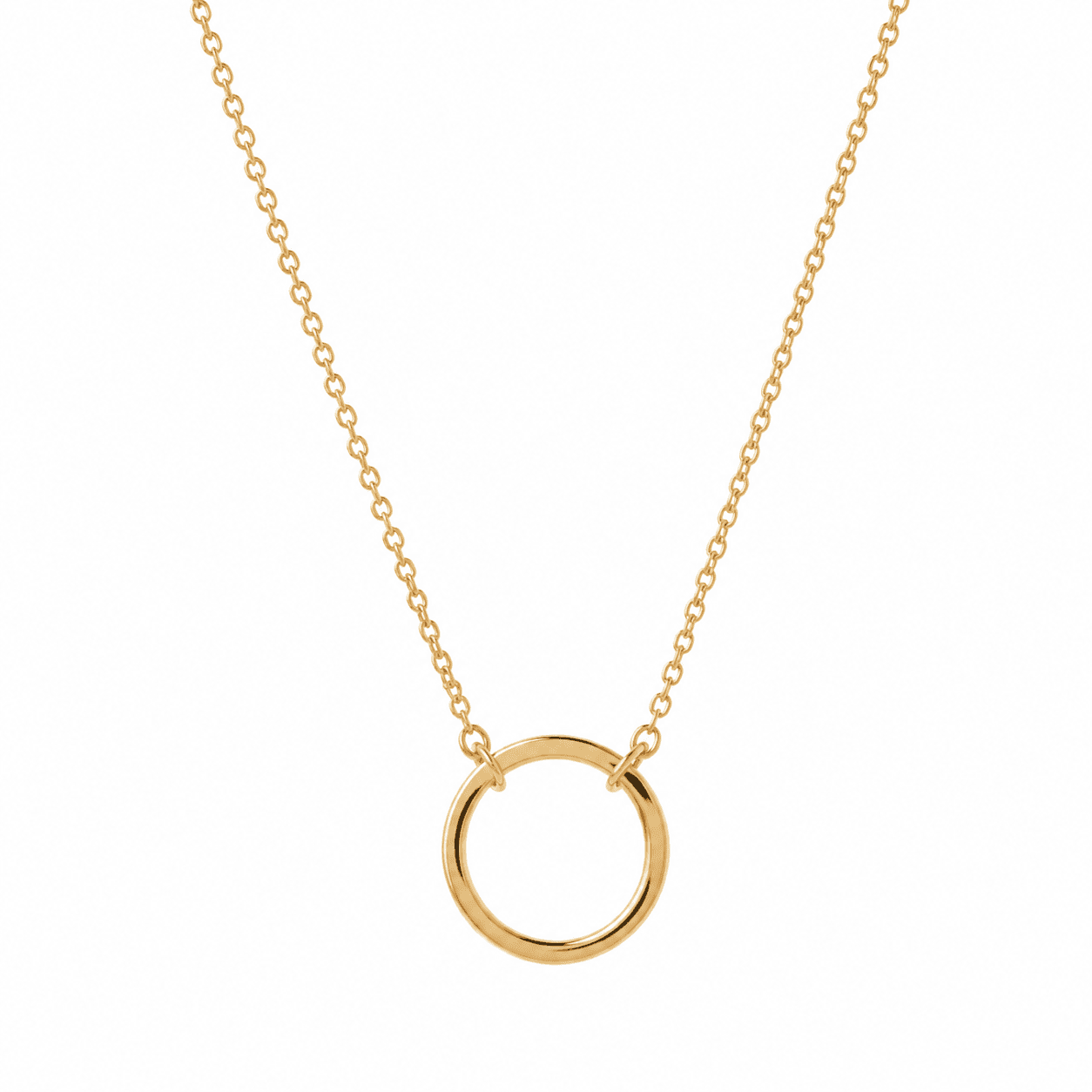
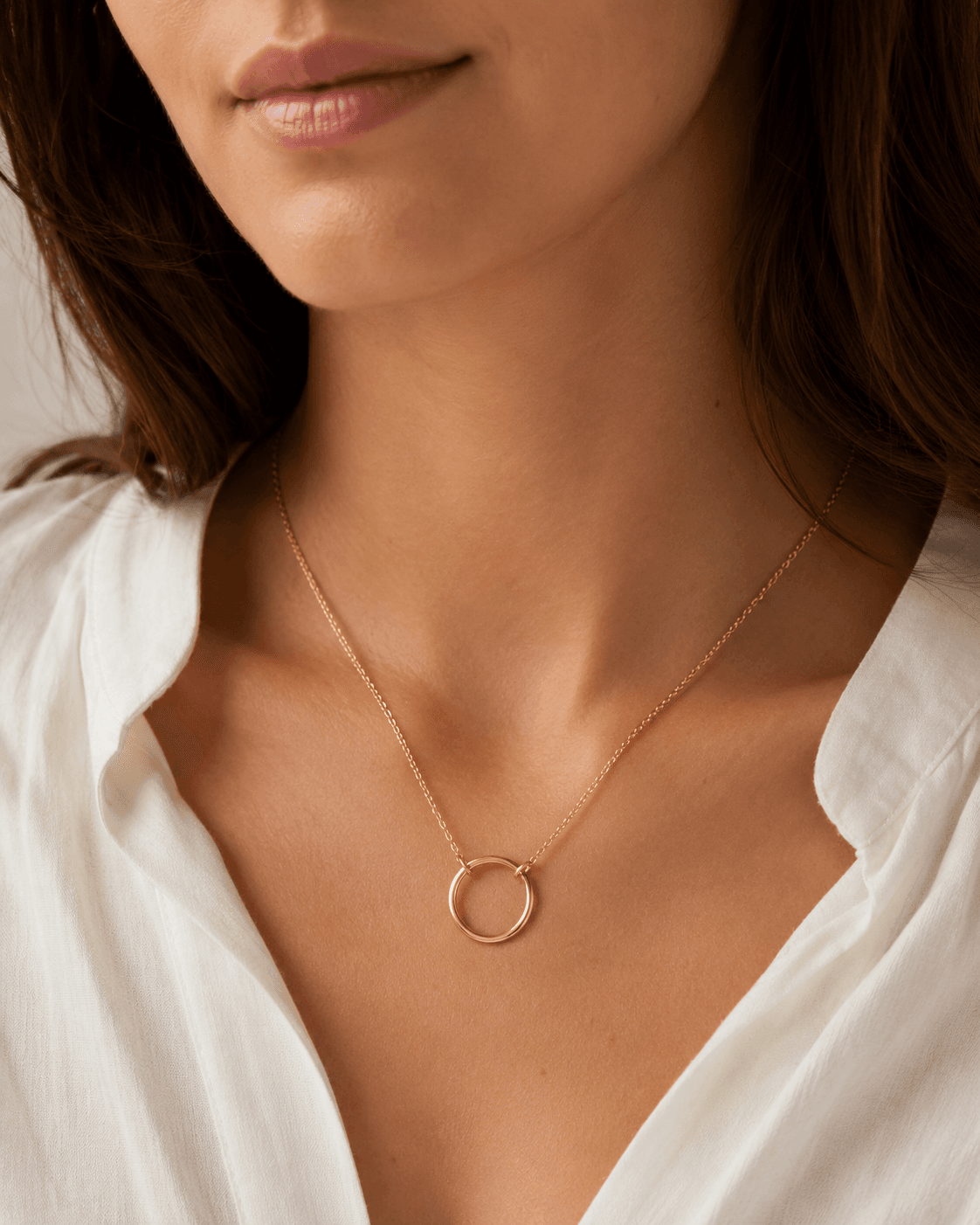
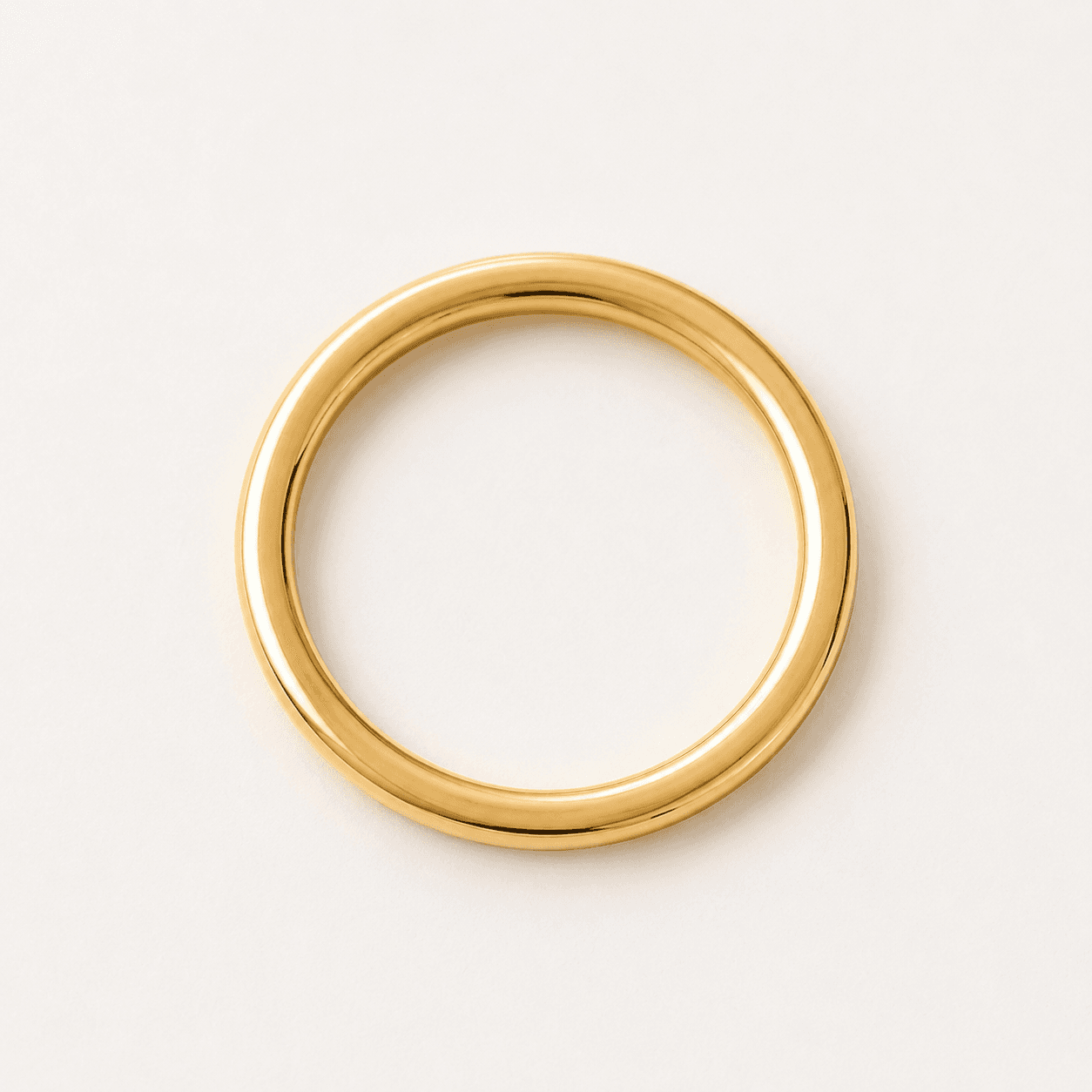
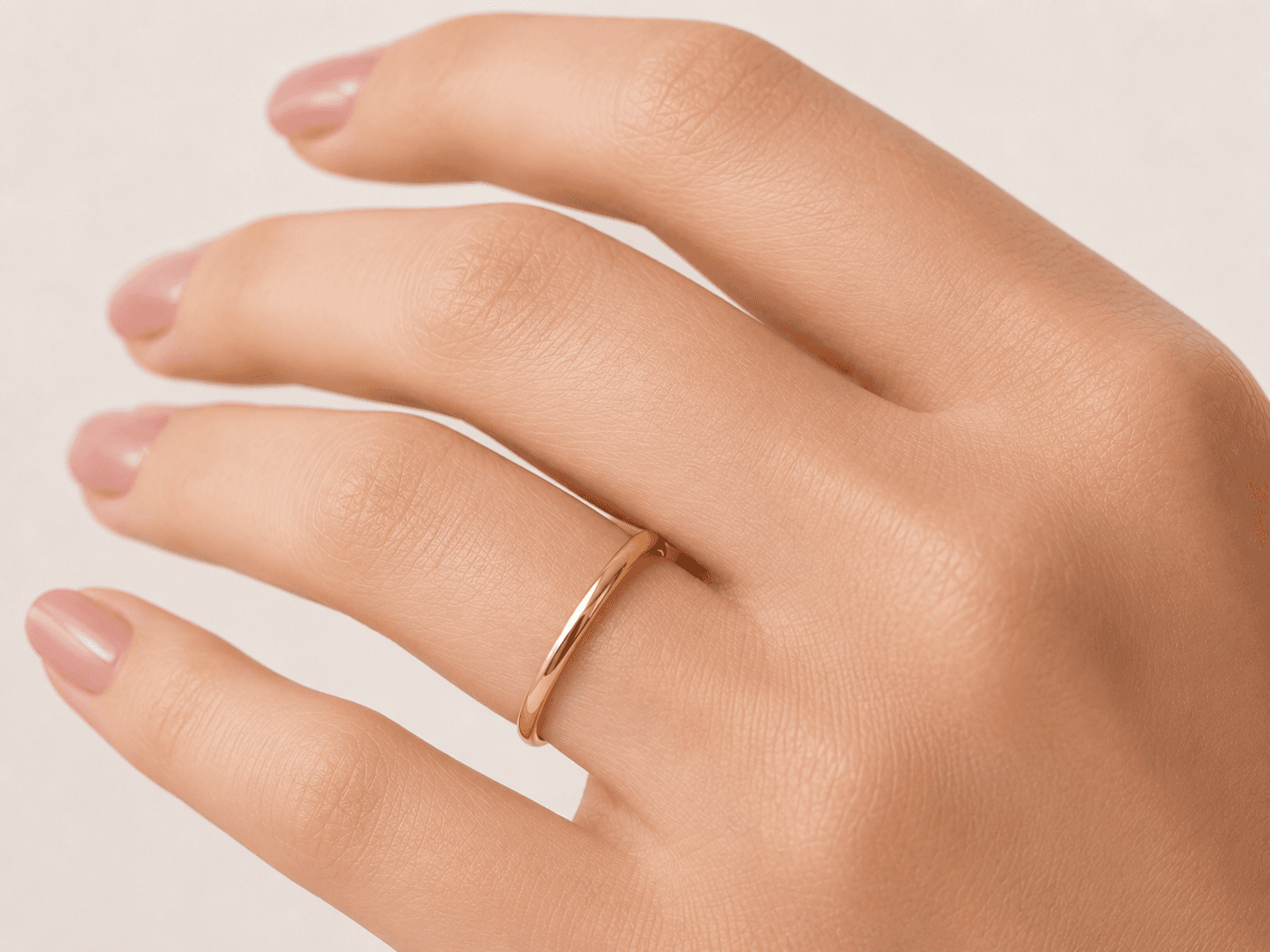
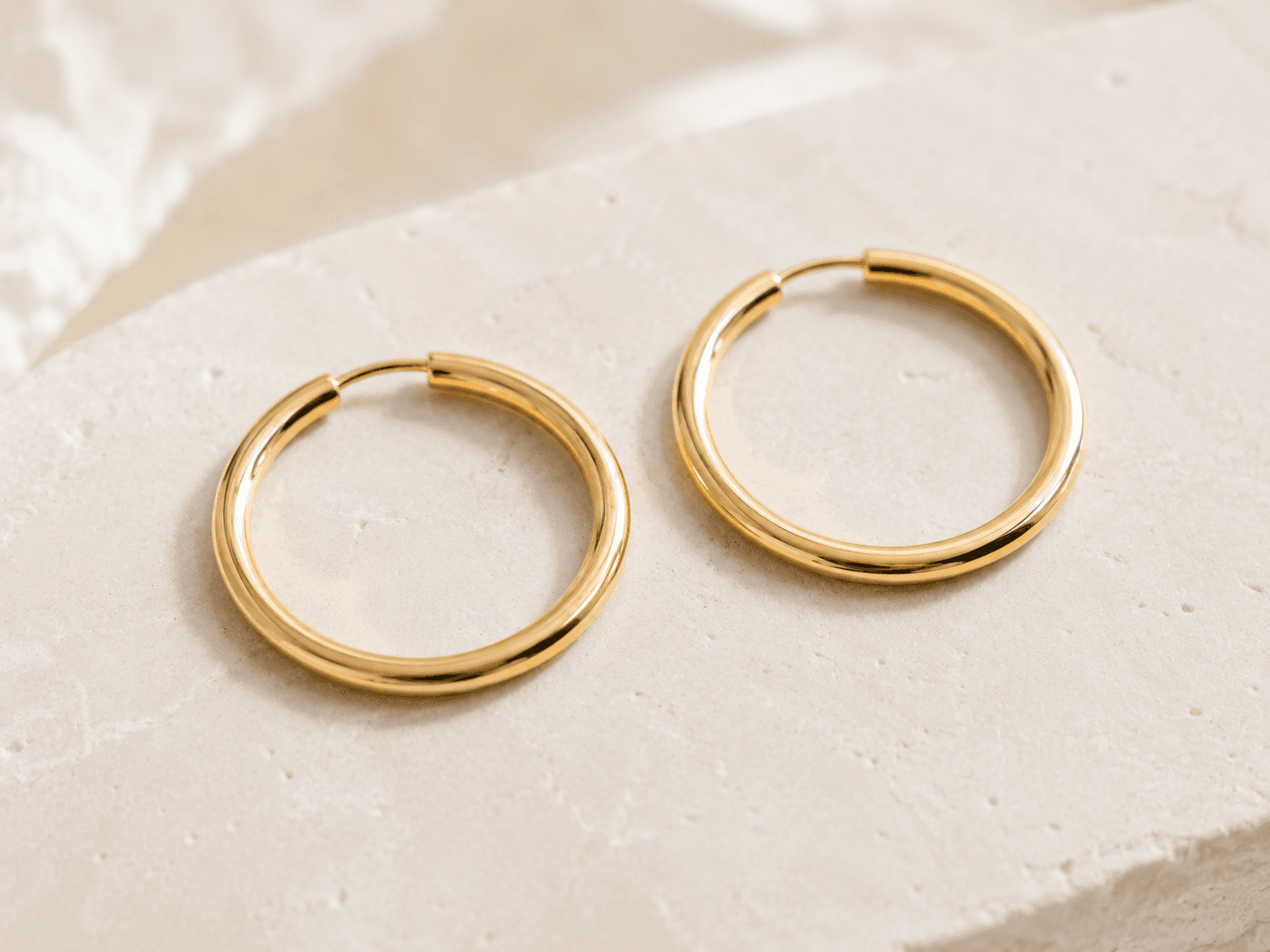
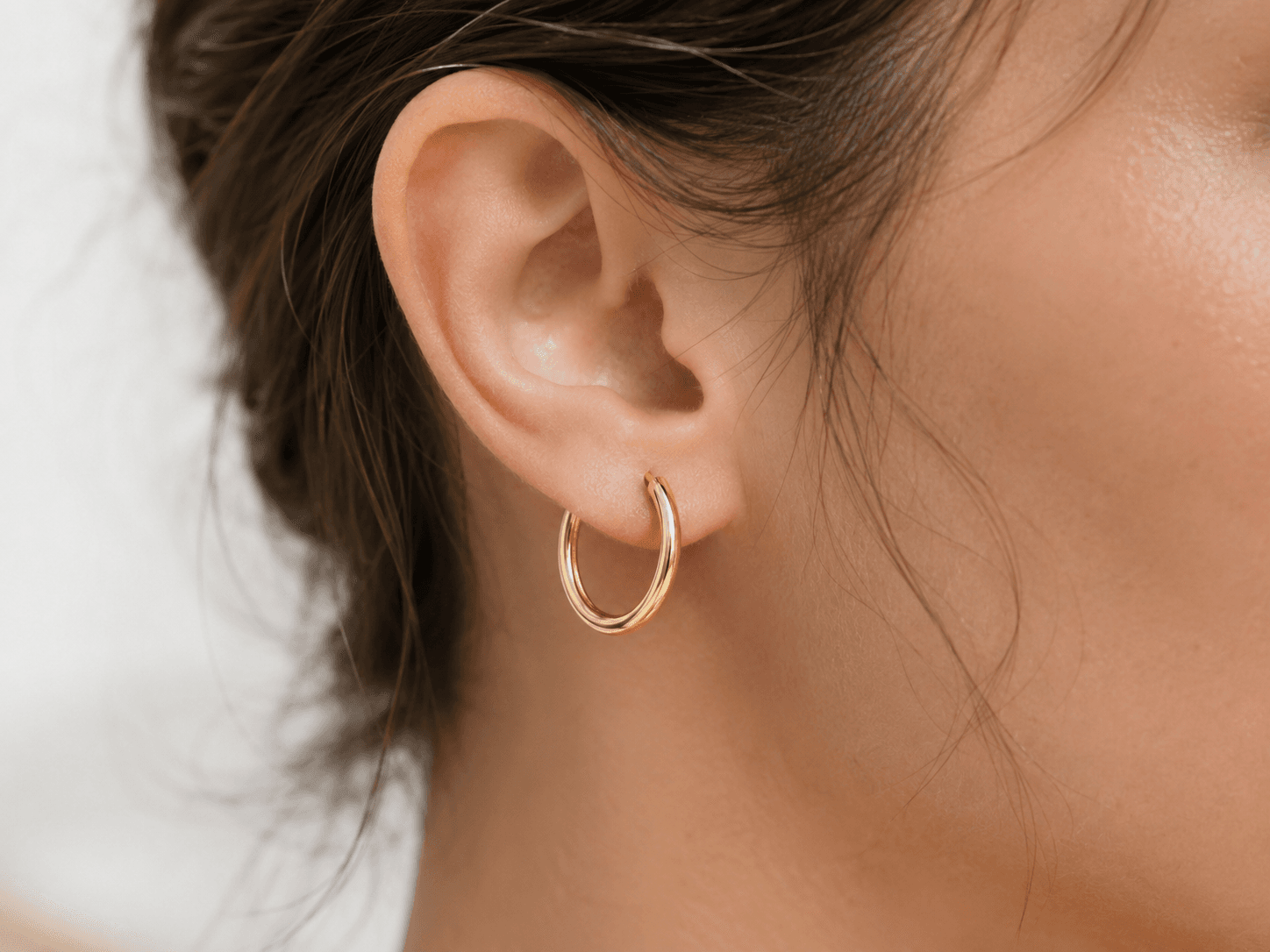
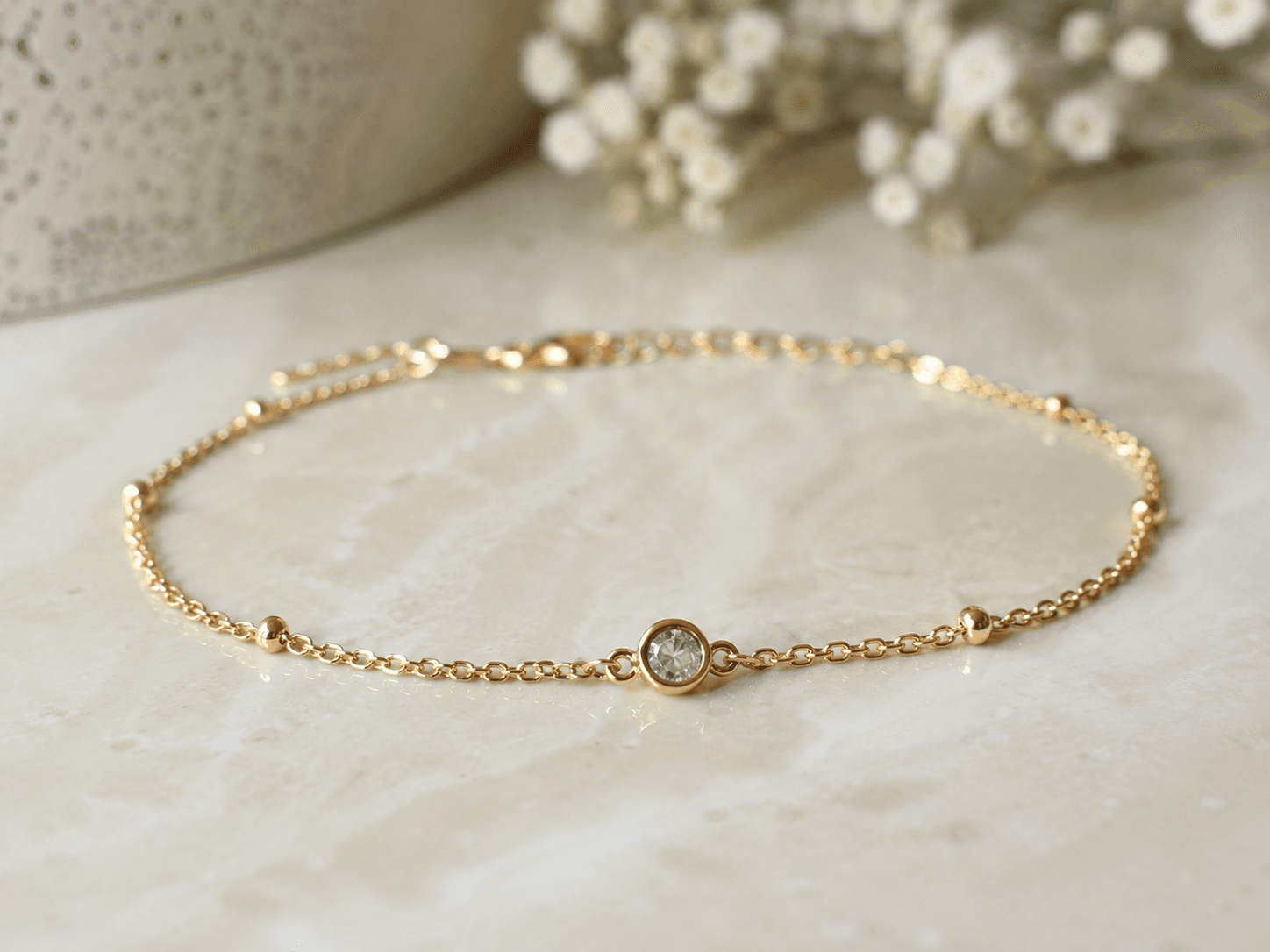
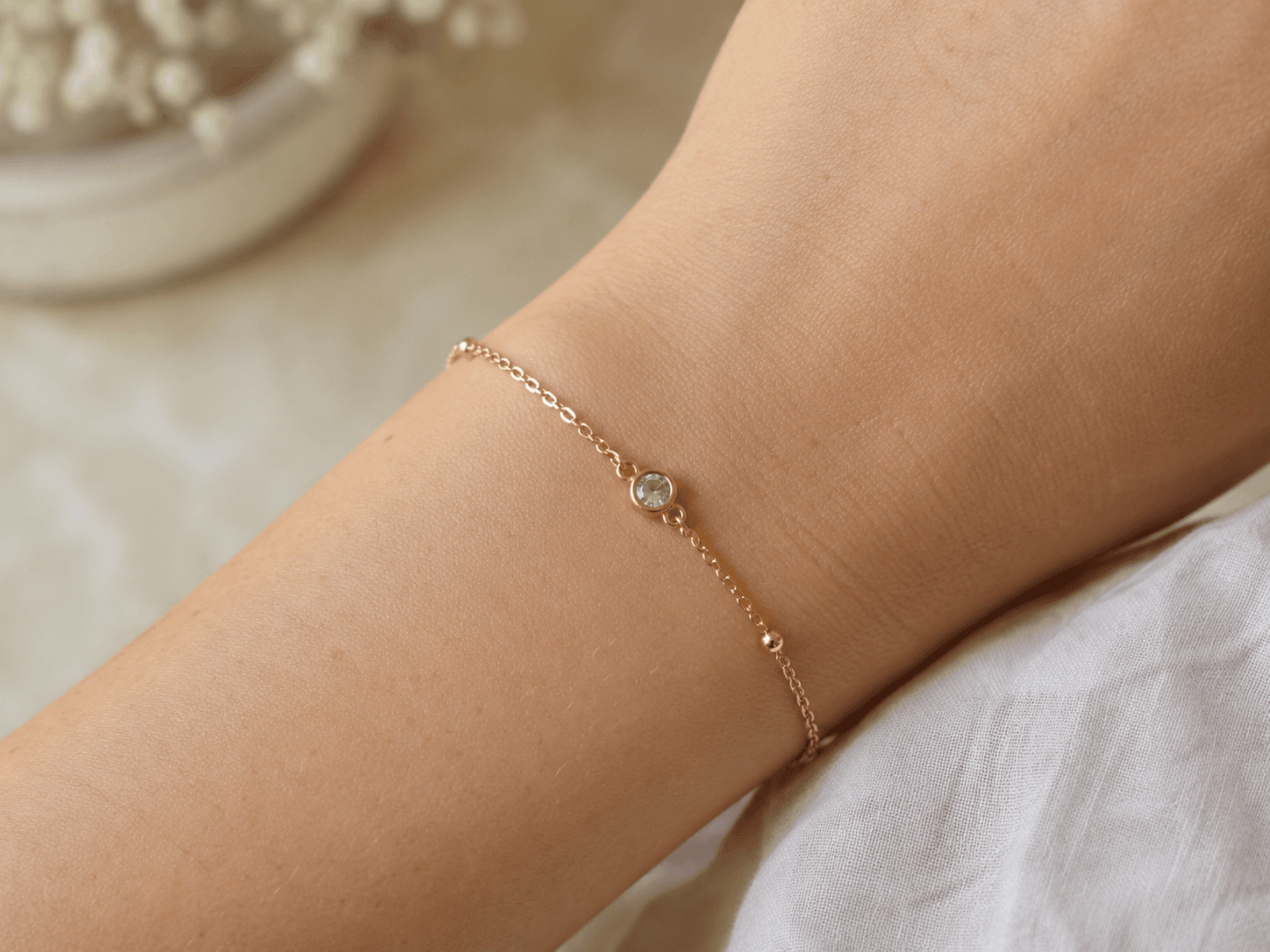
The failure mode is visible in every current implementation. A gold necklace rendered on a model's neck in a virtual try-on looks like a flat PNG with a golden color fill. Real gold necklaces catch light, reflect the skin and clothing beneath them, and shift in appearance as the ambient light changes. A solitaire diamond ring placed on a hand with a generic overlay has none of the light transmission that makes a diamond identifiable as a diamond. The result does not help a customer decide whether to buy. It often hurts conversion by making the product look cheaper than it is.
The technical gap is the absence of a physically-based rendering step. Standard diffusion models are trained on photographs and learn statistical correlations between visual elements. They do not model the physics of light interaction with metal surfaces or gemstone crystal structures. Generating a photorealistic jewelry try-on requires either a physics-based renderer integrated into the pipeline, or a diffusion model fine-tuned specifically on high-quality jewelry photography with enough coverage of metal types, stone cuts, and lighting conditions to approximate the physics correctly.
This is the gap. No dedicated API solves it. The brands and platforms that need it either build custom internal solutions (expensive, slow) or use the generic AR overlays that do not meet their quality bar. The window to build the first production-quality jewelry try-on API with physics-correct rendering is open.
The technical pipeline: reflection maps and physics-based compositing
The jewelry try-on pipeline has four stages. The first two are shared with other try-on applications. The third and fourth are specific to jewelry and are where the quality differentiation happens.
Stage 1 - Body landmark detection. A pose estimation model identifies the relevant anatomical landmarks for the jewelry type: wrist position for bracelets, finger joints for rings, neck and collarbone geometry for necklaces, earlobe position and orientation for earrings. The landmark detection must account for the photo angle and produce a 3D coordinate estimate, not just a 2D position.
Stage 2 - Skin tone and lighting extraction. A skin analysis node extracts the dominant skin tone from the body area and estimates the ambient lighting direction and intensity from the photo. These parameters feed the reflection map computation in Stage 3. Inaccurate lighting estimation is the most common source of quality failure in jewelry try-on.
Stage 3 - Physically-based reflection map generation. A reflection map is computed for the specific metal type (yellow gold, white gold, rose gold, silver, platinum) based on the extracted lighting parameters. For gemstones, a refraction and transmission model computes the light behavior based on the stone cut and clarity grade. This stage is the technical differentiator - it is what makes the rendered jewelry look like real jewelry in the photo context rather than a generic overlay.
Stage 4 - Compositing with shadow and depth integration. The jewelry asset is composited onto the body landmark with correct scaling, perspective foreshortening, and a shadow/contact shadow layer that grounds it physically in the scene. The final output includes a soft shadow under the piece and any skin occlusion from rings or bracelets that are partially hidden by the finger or wrist.
Total pipeline latency on a dedicated A100: 4-8 seconds per render depending on stone complexity. Simple metal pieces (plain bands, chain necklaces) process faster than multi-stone pieces with complex refraction. Both are fast enough for a synchronous checkout preview.
Unit economics: the jewelry e-commerce model
The pricing model for a jewelry try-on API is a per-render fee charged to the platform or brand, with the option to charge a session fee for multi-angle exploration. At $0.15-0.40 per render (your API price) and $200-2,000+ per product (typical jewelry price point), the API cost is a rounding error relative to the conversion value. A single incremental sale on a $500 ring more than covers hundreds of renders.
Full cost comparison - managed API vs self-hosted:
| Cost component | Runflow (managed) | fal.ai (managed) | Self-hosted (RunPod A100) |
|---|---|---|---|
| Inference per render | ~$0.08 | ~$0.08-0.12 | ~$0.05 (hardware only) |
| Cold start latency | None (warm) | 2-8s | 60-120s |
| Engineer overhead | $0/mo | $0/mo | $8,000-12,000/mo |
| Monthly cost at 20K renders | ~$1,600 | ~$1,800 | ~$9,500 (infra + 0.5 engineer) |
| Min. volume to break even | Any volume | Any volume | ~400,000 renders/mo |
Jewelry try-on volume per brand is lower than apparel try-on - a jewelry DTC brand with 500 SKUs and moderate traffic generates 5,000-20,000 renders per month. At that volume, the managed API wins on total cost by a factor of 5-6x versus self-hosted once engineer overhead is included. The break-even for self-hosting only makes sense for a platform aggregating try-on across many brands at high total volume.
The ICP: who pays and how distribution works
There are three distinct buyer types for a jewelry try-on API, each with different integration depth and commercial structure.
The first is the jewelry DTC brand. Brands selling direct at price points above $100 per piece have a strong conversion incentive. A try-on feature that is demonstrably better than existing AR overlays is a marketing differentiator and a conversion tool. Direct integration into their Shopify or custom e-commerce stack - upload photo, select piece, receive composite - is the standard flow. Charge per render or a monthly volume subscription.
The second is the jewelry e-commerce platform. Etsy, Not On The High Street, and specialty jewelry marketplaces serve thousands of independent jewelers simultaneously. An API integration at the platform level means one commercial agreement that covers the entire seller base. Platform integrations take longer to close but generate higher volume and more predictable revenue than individual brand deals.
The third is the jeweler software provider. POS and inventory software for physical jewelers (like Jewel360, Podium for jewelers, or custom ERP systems) often has a customer-facing consultation component. A try-on API embedded in the consultation flow - a customer sits with a sales associate, tries on pieces virtually - adds a product capability that independent jewelers cannot build themselves.
What this is not: the AR filter trap
Snapchat Lens Studio, Instagram AR effects, and mobile AR try-on are in the market and work reasonably well for consumer discovery. Building a competitive consumer AR filter is not the opportunity here. The market is not trying to beat Snapchat at consumer AR - it is trying to build the back-end API that powers production-quality try-on for brands that need better output than a mobile filter provides.
The B2B API route targets a different quality level and a different buyer. A brand using your API wants output they can put on their product page or in a campaign - not output that looks like a social media filter. That quality requirement is the moat. It requires the physics-based rendering step that no consumer AR tool invests in, and it is what justifies the $0.15-0.40 per render price point versus a free filter.
How to build it: the 30-day path to a working API
Week 1: Source or build the physically-based reflection model. The core technical component is the reflection map generator for metal surfaces. Research physically-based rendering (PBR) approaches and identify whether a fine-tuned diffusion model or a hybrid PBR-plus-diffusion approach better fits your quality target. Test against reference jewelry photography to establish a quality baseline before building the full pipeline.
Week 2: Build the body landmark detection and skin analysis nodes. Test accuracy across a diverse range of skin tones, hand orientations, and photo qualities. The landmark detection for ring placement must handle partially obscured fingers, nail polish, and different ring positions on the finger. Build the lighting estimation node and validate it against photos taken in different lighting conditions.
Week 3: Build the full compositing pipeline and quality scoring. Wire together the four stages. Build a quality scoring node that checks: reflection plausibility (does the metal look like metal), scale accuracy (is the jewelry the right size for the body landmark), and edge integration (are the contact points between jewelry and skin physically plausible). Define the rejection threshold by sampling 200 renders and identifying failures.
Week 4: First brand demo. Approach 3-5 jewelry DTC brands with a working demo using their actual product catalog. Render 10 pieces on different customer photo types. If 8 of 10 pass the brand's quality bar, the commercial conversation follows. Jewelry brands are highly quality-sensitive and will not integrate a tool that makes their products look worse than the product photography.
The technical constraints to know before you start
Three constraints that will slow you down if you do not account for them upfront:
Metal type coverage. Yellow gold, white gold, rose gold, silver, and platinum all have different reflectance properties. The reflection map model must be trained or parameterized separately for each metal type. Rose gold on warm skin tones requires different color balance than white gold. Building a single generic metal model will produce obviously wrong results for at least some metal types.
Gemstone complexity. Faceted stones (diamonds, sapphires, emeralds) require a refraction model to look photorealistic. Cabochon stones (opals, moonstones, turquoise) require a surface scattering model. Plain metal pieces without stones are the simplest starting point. Scope the stone types you support explicitly and build the refraction model for diamonds first - they are the highest-value category and the most demanding to render correctly.
Customer photo quality. Jewelry try-on requires the body landmark to be clearly visible, well-lit, and photographed against a relatively clean background. Heavily tattooed hands, elaborate nail art, very dark or very light skin in poor lighting, and cluttered backgrounds all degrade landmark detection and lighting estimation accuracy. Define the input quality requirements, build a photo quality scorer, and reject poor inputs with a clear error before spending GPU time on a render that will fail.
What the competitive landscape looks like today
As of May 2026, no company offers a dedicated REST API for physics-correct jewelry virtual try-on marketed to DTC brands or e-commerce platforms. Snapchat's Camera Kit and Meta's Spark AR have jewelry try-on templates but are consumer AR tools, not B2B APIs, and do not produce the render quality required for product pages. Several Shopify app vendors offer basic AR jewelry overlays, but all use flat-image compositing without reflection physics. The result quality is uniformly below what jewelry brands would use for conversion-optimized product pages.
The window is open but requires technical depth. The reflection physics component is the real barrier to entry - it requires either PBR expertise or substantial fine-tuning of a diffusion model on high-quality jewelry photography. That barrier is also the moat. A competitor that builds a flat-overlay jewelry try-on API is not competing with a physics-based one. Quality is the differentiator and the reason a brand will pay $0.30 per render instead of using a free filter.
Where to start
For most builders, Runflow is the right starting point. The platform runs full custom ComfyUI workflows natively, which means the multi-stage pipeline - landmark detection, reflection map, compositing, quality scoring - deploys without rewriting nodes for a proprietary system. Inference cost is approximately $0.08 per render on a dedicated A100, which makes the unit economics viable at jewelry DTC volumes.
Cold start latency matters here. Jewelry try-on is a synchronous checkout action - a customer waiting 90 seconds for a preview during checkout drops off. Warm instances eliminate that problem and are the operational requirement for any checkout-integrated try-on experience.
Self-hosting becomes economical at around 400,000 renders per month - a volume that typically requires aggregating try-on across multiple brand partners rather than a single DTC brand. Until you reach platform scale, the managed path keeps cost predictable and lets you focus on the technical differentiation (the reflection model) rather than GPU infrastructure operations.
Related resources
The per-render API model used in jewelry try-on follows the same structure as pet portrait generation and ghost mannequin photography. If you are evaluating multiple verticals, the unit economics and infrastructure decisions are comparable across all three - the pipelines differ but the hosting and pricing architecture is the same.
| Stack | Infra /mo | AI team | Total cost | Revenue | Margin |
|---|---|---|---|---|---|
Runflow 10% volume discount applied | $1.1K | $0 | $1.1K | $8.0K | 87% |
Cloud API + manual QA similar pricing · no auto-QA · part-time engineer needed | $1.2K | ~$5K | $6.2K | $8.0K | 23% |
Self-hosted GPU raw compute · full-time AI engineer required | $400 | $12K | $12K | $8.0K | loss |
Runflow Sentinel — built-in quality control layer that automatically detects and discards failed or low-quality outputs before delivery. You only pay for images that pass QA. No engineer needed to babysit the pipeline.
Pricing based on Runflow published rates (June 2026) with automatic volume discounts. Revenue column is illustrative — actual client pricing varies by vertical and contract size. GPU self-hosted estimate uses $0.04/img raw compute cost.
| Product | Model | API access | Render quality | Physics-based |
|---|---|---|---|---|
| Snapchat Camera Kit | Consumer AR SDK | SDK (not REST) | Filter quality | No |
| Meta Spark AR | Consumer AR SDK | SDK (not REST) | Filter quality | No |
| Shopify AR apps (various) | Flat-image overlay | Shopify app only | Overlay quality | No |
| Custom brand solutions | In-house build | Internal only | Variable | Some |
| B2B jewelry try-on API (gap) | Managed ComfyUI + PBR | REST API | Product-page quality | Yes |