Search for 'ai tattoo' and you get 49,500 results per month. Search for 'tattoo try on' and you get another 12,100. Together with related long-tails the cluster sits above 62,000 monthly searches. And yet there is no dominant B2B API player. Every current product in this space is a consumer app - a mobile tool where users upload a photo of themselves and see a design on their skin. None of them sells to the people who actually need it at volume: tattoo studios and the booking platforms they use.
This is a clean opportunity. The demand is validated by search intent data. The ICP is specific and reachable - Booksy, GlossGenius, Vagaro, and the independent studio booking software market. The technical pipeline is solvable today with off-the-shelf computer vision components plus a diffusion model for the blending step. And no existing API player has locked in the B2B distribution channel.




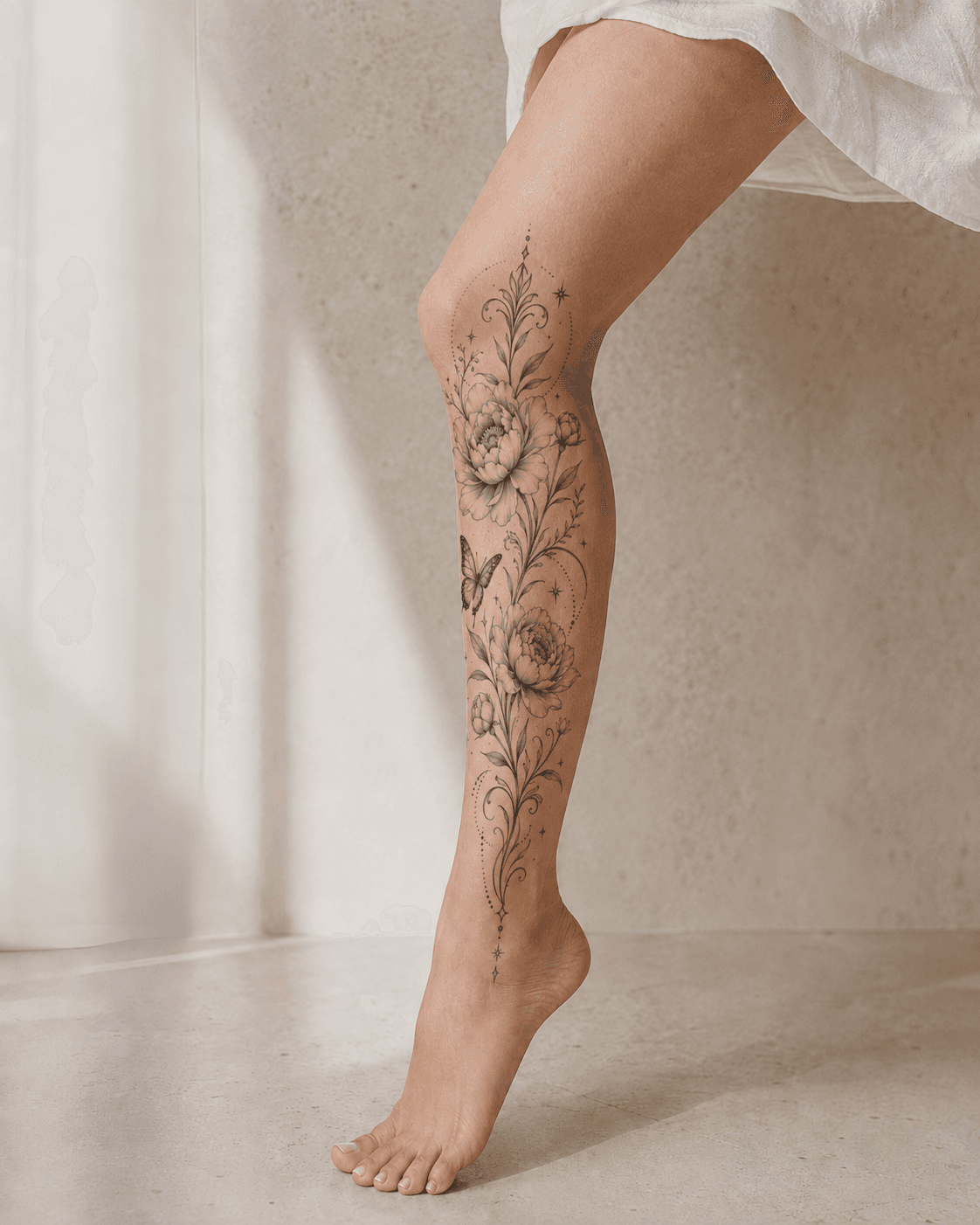
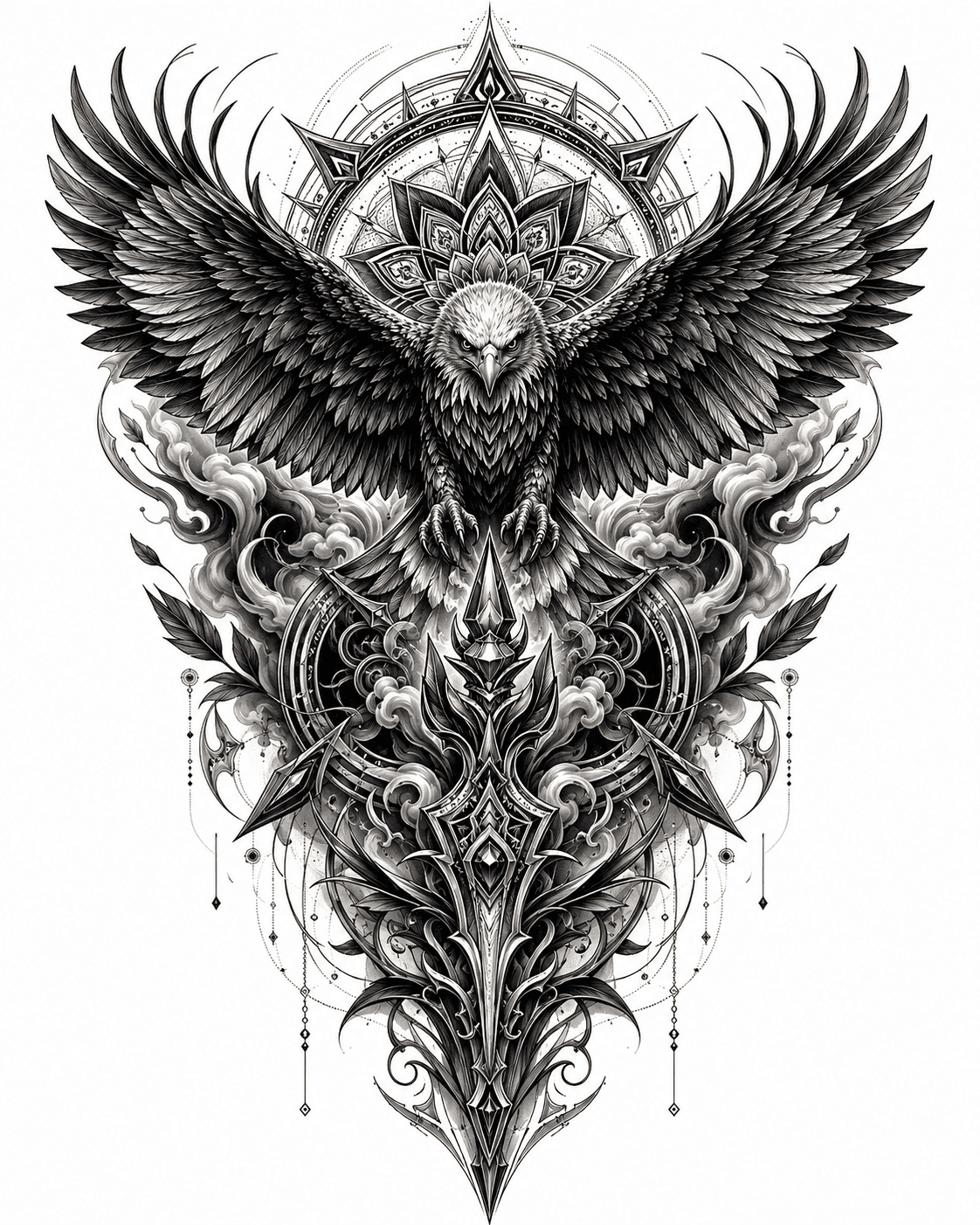

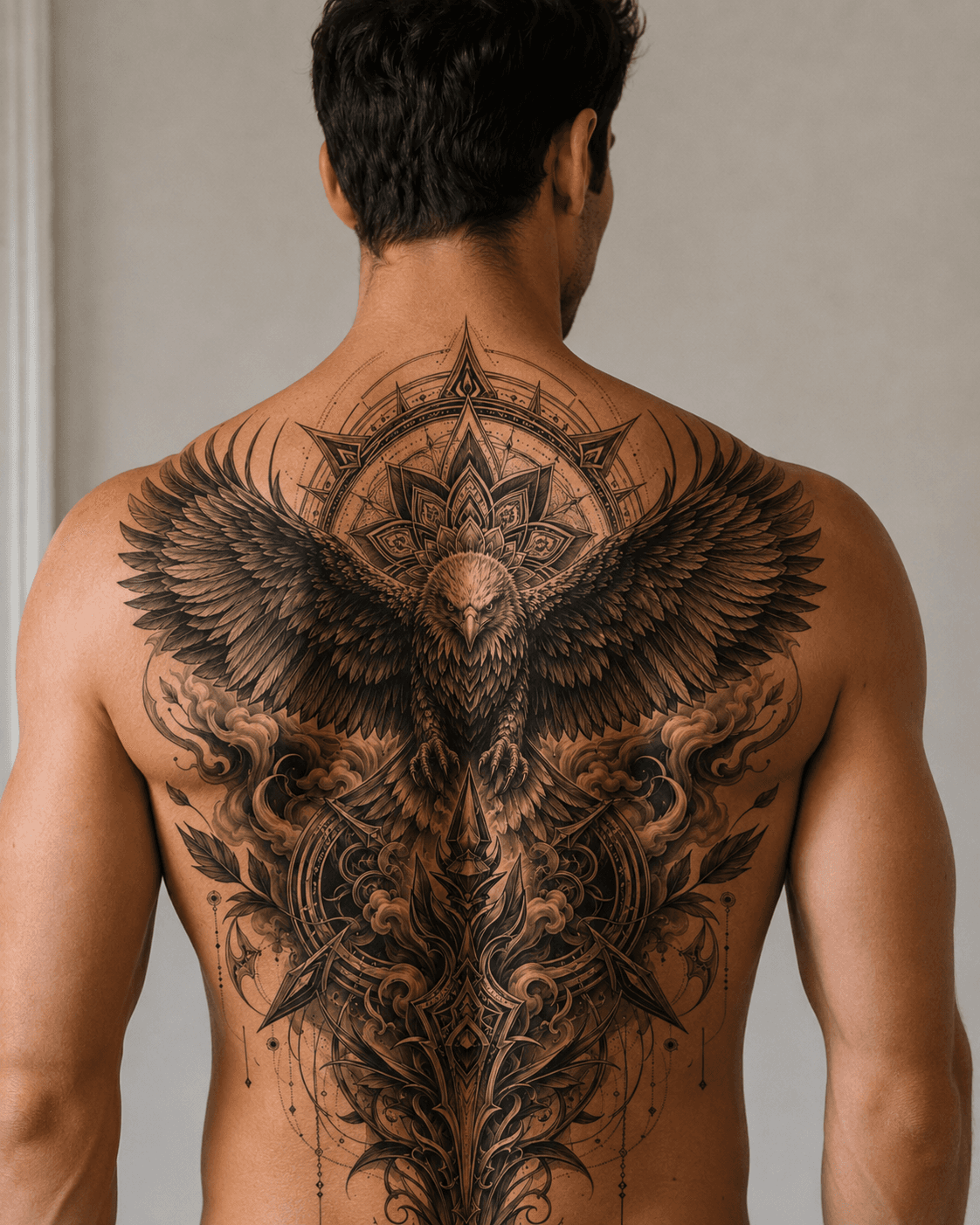
| Stack | Infra /mo | AI team | Total cost | Revenue | Margin |
|---|---|---|---|---|---|
Runflow pay-per-use · no commitment | $800 | $0 | $800 | $4.0K | 80% |
Cloud API + manual QA similar pricing · no auto-QA · part-time engineer needed | $800 | ~$5K | $5.8K | $4.0K | loss |
Self-hosted GPU raw compute · full-time AI engineer required | $400 | $12K | $12K | $4.0K | loss |
Runflow Sentinel — built-in quality control layer that automatically detects and discards failed or low-quality outputs before delivery. You only pay for images that pass QA. No engineer needed to babysit the pipeline.
Pricing based on Runflow published rates (June 2026) with automatic volume discounts. Revenue column is illustrative — actual client pricing varies by vertical and contract size. GPU self-hosted estimate uses $0.04/img raw compute cost.
Why the consumer apps do not solve the B2B problem
The current tattoo try-on market is fragmented into consumer mobile apps. InkHunter, Tattoo My Photo, and a handful of newer AI-powered tools all share the same model: a user downloads an app, uploads a selfie, browses designs, and sees them overlaid on their skin. The experience is B2C and built around the individual decision to get a tattoo. It is useful for consumers in the discovery phase. It does not solve anything for a tattoo studio.
A tattoo studio's actual problem is different: a client books a consultation, describes what they want, and the artist needs to communicate what the design will look like on that person's specific body placement before committing to the session. Studios that can do this reduce no-shows, reduce revision sessions, and close higher-value bookings. The tool they need is not an app their clients download - it is a feature embedded in the booking workflow they already use.
That is the gap. Booksy has over 150,000 service providers on its platform. GlossGenius serves 70,000+ independent beauty professionals. Vagaro is used by over 90,000 businesses. None of these platforms offer tattoo try-on as a native feature today. The business that builds a clean REST API - upload client photo, upload design, receive a blended result in under 10 seconds - can license it to any of these platforms without competing with them.
The technical pipeline: what it actually takes to build this
A tattoo placement pipeline has four stages. Each stage maps to a ComfyUI node or node group, and none requires custom model training from scratch.
- Stage 1 - Pose detection and body landmark extraction. MediaPipe Pose or DWPose (the ComfyUI-native implementation) identifies 33 body landmarks and produces a skeleton overlay. This tells the pipeline where the forearm, shoulder, wrist, or neck are relative to the image frame. The output is a pose keypoints JSON that subsequent nodes consume.
- Stage 2 - Skin segmentation. A segmentation model (SAM 2 or a lightweight ONNX alternative) generates a binary mask of the target placement zone. For forearm placements this is the forearm skin region only - the mask excludes clothing, background, and other body parts. Mask precision here is what separates a result that looks like a sticker from one that looks like a real tattoo.
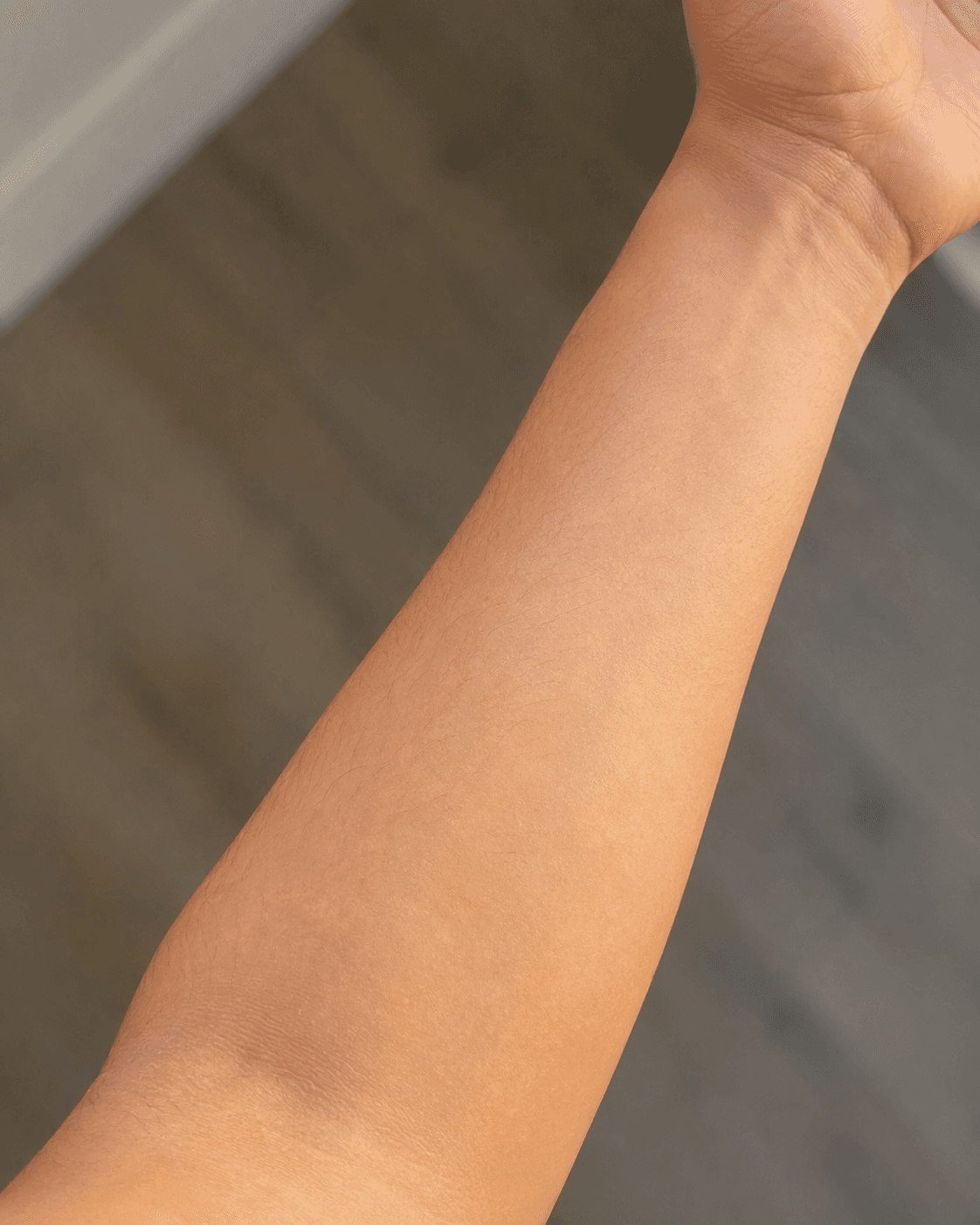
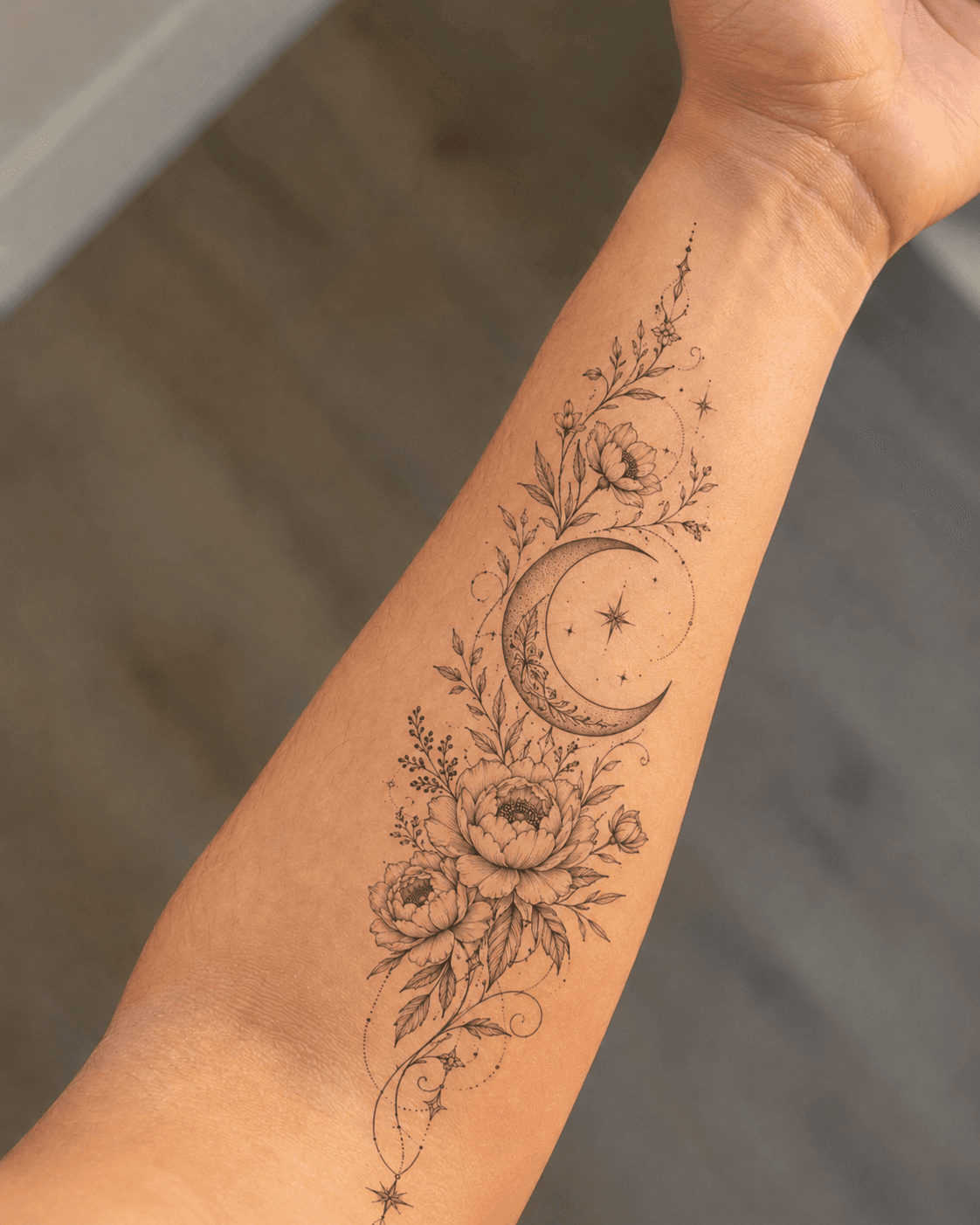
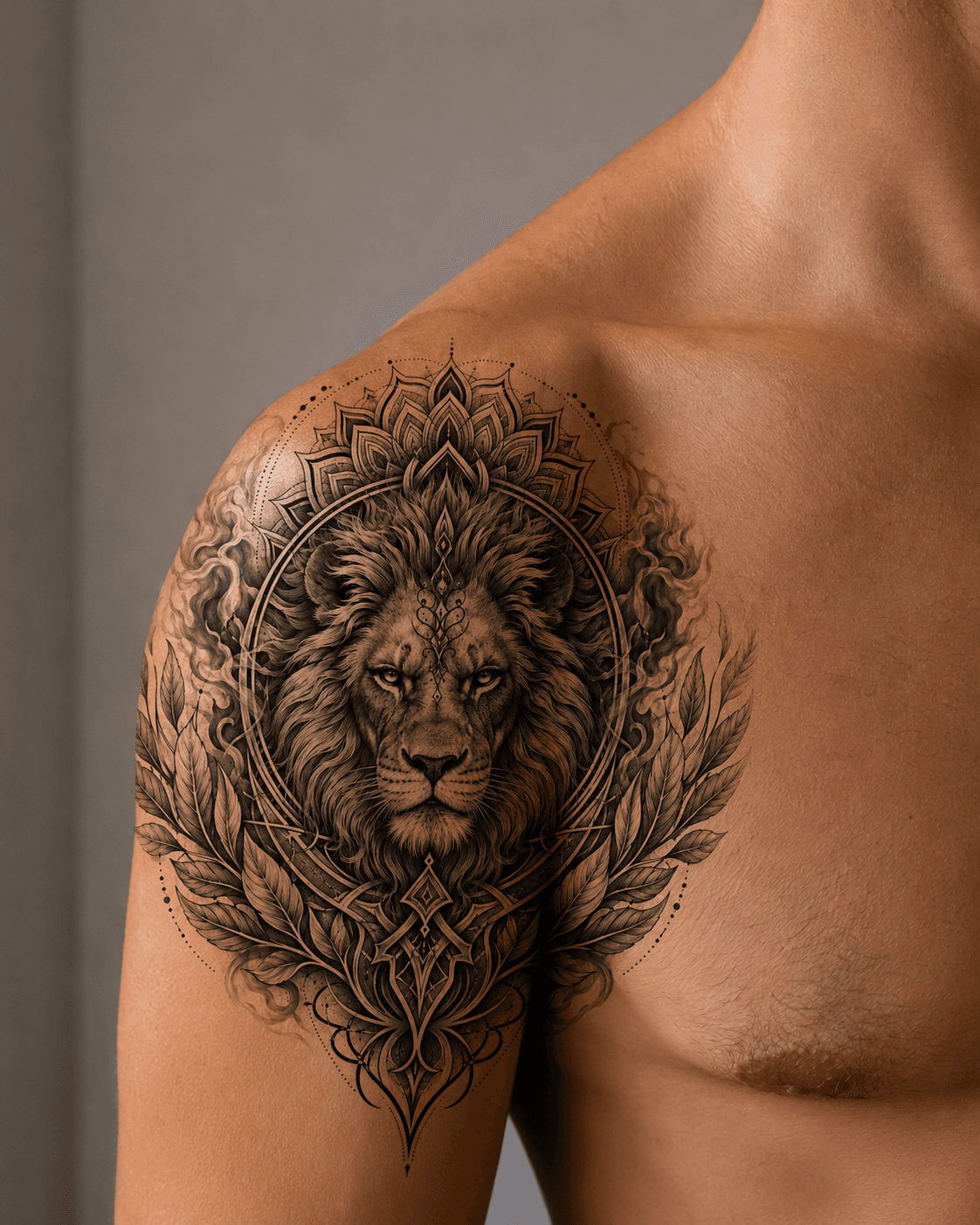
- Stage 3 - Design warping. The client-supplied tattoo design (PNG with transparency) is warped to match the curvature of the target skin surface. This is where most consumer apps fail - they paste the design flat, which looks wrong on curved surfaces like a forearm or shoulder. A proper warp uses a thin-plate spline transformation driven by the pose landmarks to bend the design realistically around the body's geometry.
- Stage 4 - Diffusion blend. A ControlNet inpainting pass (Flux or SDXL-based) blends the warped design into the skin texture with realistic lighting, skin-tone interaction, and edge softening. This is what produces the result that looks like a real tattoo rather than a photo composite. The prompt drives the ink color, style, and depth effect. Input: original photo + warped design mask. Output: final blended image.
Total pipeline latency on a dedicated A100: 4-8 seconds per image. On a shared GPU (RunPod Community, Salad): 8-15 seconds. Either is fast enough for a booking workflow where the client is in the room or on a call.
Unit economics: what the business looks like at scale
The pricing model for a B2B tattoo placement API follows the same per-render pattern as virtual staging: charge platforms per successful render, priced at $0.25-0.75 per image. The infrastructure cost at A100 GPU rates (Runflow or equivalent managed API) is roughly $0.04-0.08 per render depending on the diffusion steps. That leaves a gross margin of 80-85% before any other costs.
Full cost comparison - managed API vs self-hosted:
| Cost component | Runflow (managed) | fal.ai (serverless) | Replicate (serverless) | Self-hosted A100 (RunPod) |
|---|---|---|---|---|
| GPU inference cost | ~$0.05/render | ~$0.05-0.08/render | ~$0.08-0.15/render | ~$0.02-0.04/render |
| Cold start penalty | None (warm instances) | 5-15 sec | 30-120 sec | None (persistent) |
| Custom ComfyUI workflow | Yes (native) | Limited | Via Docker deploy | Yes (full control) |
| Team cost (ML engineer) | $0 | $0 | $0 | $8,000-12,000/mo |
| Time to first API call | < 1 day | < 1 day | 1-3 days | 3-6 weeks |
| Min. volume to break even | Any volume | Any volume | Any volume | ~250,000 renders/mo |
At volumes below 250K renders/month, any managed API wins on total cost of ownership - the engineering cost of running self-hosted infrastructure exceeds the per-render savings. Runflow and fal.ai have similar inference costs; the practical differences are cold start behavior (Runflow keeps instances warm, Replicate does not) and workflow flexibility (Runflow is the only option that supports full custom ComfyUI workflows natively).
The ICP and distribution channel that matters
The individual tattoo studio is not the target customer. A single studio might do 5-10 consultations per week. At $0.50/render that is $2.50-5.00/week - not a meaningful SaaS account. The right target is the booking platform or studio management software that serves thousands of studios simultaneously.
Distribution approach: build the API, price it at $0.25-0.75 per render for platform partners, and approach the product teams at Booksy, GlossGenius, Vagaro, and regional competitors. The pitch is simple - add a 'Preview tattoo placement' button to the consultation booking flow, powered by your API. Platforms pay per render, mark it up to their studio users (or absorb it as a premium feature), and you never talk to individual studios.
- Booksy: 150,000+ providers, global (US, EU, LATAM). Has a developer platform. Tattoo studios are a named segment in their marketing.
- GlossGenius: 70,000+ independent beauty professionals, US-focused. Strong brand among independent studios and artists.
- Vagaro: 90,000+ businesses including tattoo parlors. Established feature marketplace for third-party integrations.
- Regional booking software: Timely (NZ/AU), Treatwell (EU), Fresha (UK/global). Smaller platforms, less competition for integration deals.
What this is not: the consumer app trap
The temptation when you see the search data is to build a B2C app that captures some of that traffic directly. Resist it. Consumer apps in this space face a brutal dynamic: users are not repeat customers (you get one tattoo, maybe two per year), app store discovery is competitive, and the conversion from 'trying a tattoo virtually' to 'booking with a specific studio' is a broken funnel you do not control.
The B2B API route avoids all of this. You build once, integrate with a platform that already has the studio relationships and consumer trust, and collect per-render fees on every consultation that platform processes. The 62,000 searches validate that demand exists - they are not your distribution channel.
How to build it: the 30-day path to a working API
Week 1: Build the ComfyUI workflow. Start with a DWPose node for landmark detection, add SAM 2 for skin segmentation, implement the thin-plate spline warp in a custom Python node, and close with a ControlNet inpainting pass. Test with 20-30 diverse reference photos covering different skin tones, body positions, and design styles. Document the failure modes (high-contrast clothing confuses segmentation; very dark skin tones need prompt adjustments for the blend step).
Week 2: Wrap the workflow in an API. Use Runflow's workflow import to convert the ComfyUI JSON to a REST endpoint in a day. The endpoint accepts two inputs - client_photo (URL or base64) and design_image (URL or base64, PNG with transparency required) - and returns a result_url. Add optional parameters: placement_hint (forearm/shoulder/wrist/back/neck), design_scale (0.5-2.0x relative to default), ink_opacity (0.6-1.0).
Week 3: Build the studio demo. A simple web page where you upload a client photo, upload a design PNG, choose a placement, and receive the result. This is your sales tool for platform conversations - not a product you ship to end users. Run it with 10 real consultations from a friendly studio to validate the latency and output quality under real conditions.
Week 4: First platform conversations. Contact the developer relations or product partnerships teams at two platforms - Booksy and one regional competitor. Present the demo. The conversation is: 'We have a working API, 8-second latency, $0.50 per render at volume. We want to be the tattoo placement feature in your booking flow.' Most platforms can test a new API integration in 2-4 weeks if you have clean documentation and reliable uptime.
The technical constraints you need to know before you start
Three things that will slow you down if you do not account for them upfront:
- Skin tone calibration. The diffusion model's inpainting behavior changes significantly across different skin tones. You need explicit test coverage across the Fitzpatrick scale (types I-VI) and may need separate prompt templates or LoRA adaptations for accurate ink blending on darker skin tones. This is a 3-5 day effort to get right, and skipping it will produce visible bias in your outputs.
- Design format standardization. Tattoo designs come in many formats - raster PNG, vector SVG, photos of existing tattoos, hand-drawn sketches. You need to specify which input formats you accept and provide a design prep guide for studios. The pipeline works best with high-contrast PNG designs on transparent backgrounds. Photos of existing tattoos require an additional extraction step.
- NSFW boundary enforcement. Booking platforms will require a content policy. You need an input filter that rejects designs with explicit content and a client photo filter that rejects images with nudity. NSFW classifiers (NudeNet, OpenNSFW2) add ~200ms to the pipeline but are non-negotiable for B2B platform deals. Make this part of the API contract from day one, not a retrofit.
What the competitive landscape looks like today
As of May 2026, no company offers a public REST API specifically for tattoo placement try-on marketed to booking platforms. InkHunter is the best-known consumer app in the space but has no API product and is focused on the iOS/Android consumer market. A handful of Replicate models exist for tattoo-related tasks (style transfer, design generation) but none implements the full placement pipeline with pose detection and skin-aware blending.
The window here is genuine, but it is not permanent. Platforms like Booksy have internal product teams that could build this. The advantage you have is that you can ship a working API in 30 days, which is faster than any platform's internal roadmap. The first company to have a production-quality API and an active platform conversation wins the distribution deal.
Where to start
For most builders, Runflow is the right starting point. The numbers from the table above make the case clearly: inference cost is on par with the cheapest serverless options (~$0.05/render), there are no cold starts, and ComfyUI workflows run natively without a Docker deploy step. At the volume where a tattoo booking platform is commercially interesting - say, 10,000 renders per month - your total infrastructure cost is around $500/mo with zero engineer overhead. That is a viable unit economics story before you have signed your first studio customer.
Cold start latency matters more here than in most pipelines. Tattoo try-on is a synchronous, user-facing action - a studio receptionist clicks a button and a client is watching. A 30-120 second cold start (Replicate's range) turns a product demo into an awkward silence. Warm instances eliminate that problem entirely.
Self-hosting only makes sense at around 250,000 renders per month, which is the point where the GPU hardware cost (~$2,000-3,000/mo on RunPod) plus engineer cost ($8,000-12,000/mo) starts to undercut managed API pricing. At that scale you also have the operational experience to run it safely. Until then, the managed path gets you to market faster and keeps your cost structure predictable.
Related resources
If you are building this pipeline, you will need to make hosting decisions. ComfyUI as a Production API covers the architecture of exposing a ComfyUI workflow as a REST endpoint. GPU Provider Cost Comparison 2026 has the current pricing for the GPU options you will compare. And ComfyUI Hosting 2026 covers the managed vs DIY hosting decision end to end.
| Stack | Infra /mo | AI team | Total cost | Revenue | Margin |
|---|---|---|---|---|---|
Runflow pay-per-use · no commitment | $800 | $0 | $800 | $4.0K | 80% |
Cloud API + manual QA similar pricing · no auto-QA · part-time engineer needed | $800 | ~$5K | $5.8K | $4.0K | loss |
Self-hosted GPU raw compute · full-time AI engineer required | $400 | $12K | $12K | $4.0K | loss |
Runflow Sentinel — built-in quality control layer that automatically detects and discards failed or low-quality outputs before delivery. You only pay for images that pass QA. No engineer needed to babysit the pipeline.
Pricing based on Runflow published rates (June 2026) with automatic volume discounts. Revenue column is illustrative — actual client pricing varies by vertical and contract size. GPU self-hosted estimate uses $0.04/img raw compute cost.
| Product | Type | API Available | Target | Price per Use |
|---|---|---|---|---|
| InkHunter | Consumer mobile app | No | End consumers | Free (ad-supported) |
| Tattoo My Photo | Consumer app | No | End consumers | $0.99 in-app |
| Adobe Express tattoo filter | Consumer tool | No | General consumers | Free / CC subscription |
| Replicate models (various) | Developer API | Yes (model-only) | Individual devs | $0.05-0.15/run |
| Your B2B API | Platform API | Yes (full pipeline) | Booking platforms | $0.25-0.75/render |