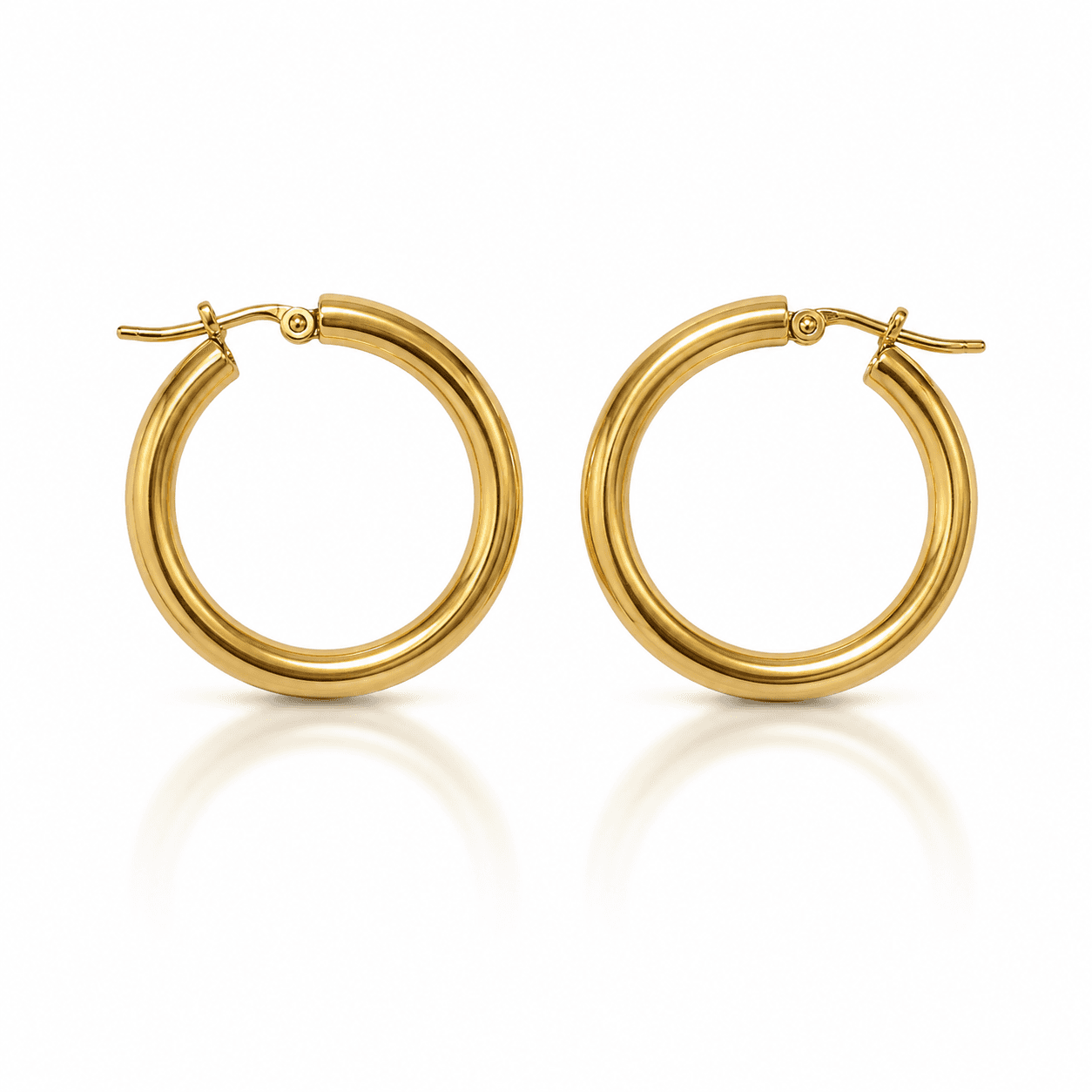
A jewelry DTC brand with 200 SKUs spends $5,000-16,000 per catalog shoot. That is the lightbox fee, the photographer, the retoucher, and the logistics of moving physical stock through a studio. The cost is accepted because there is no alternative - jewelry photography has specific requirements that consumer photo apps cannot meet. The background must be pure white, the metal must render with correct specular highlights, and the composition must match marketplace compliance standards for Amazon, Etsy, and the brand's own product pages.
There is an alternative now. A ComfyUI pipeline with the right nodes handles subject extraction, background replacement, lighting correction, and shadow synthesis in 4 seconds per image. The output meets the same quality bar as a lightbox studio shot for most jewelry categories. No photographer, no studio booking, no batch logistics. The brand uploads the raw photo from any camera, the API returns a catalog-ready image.
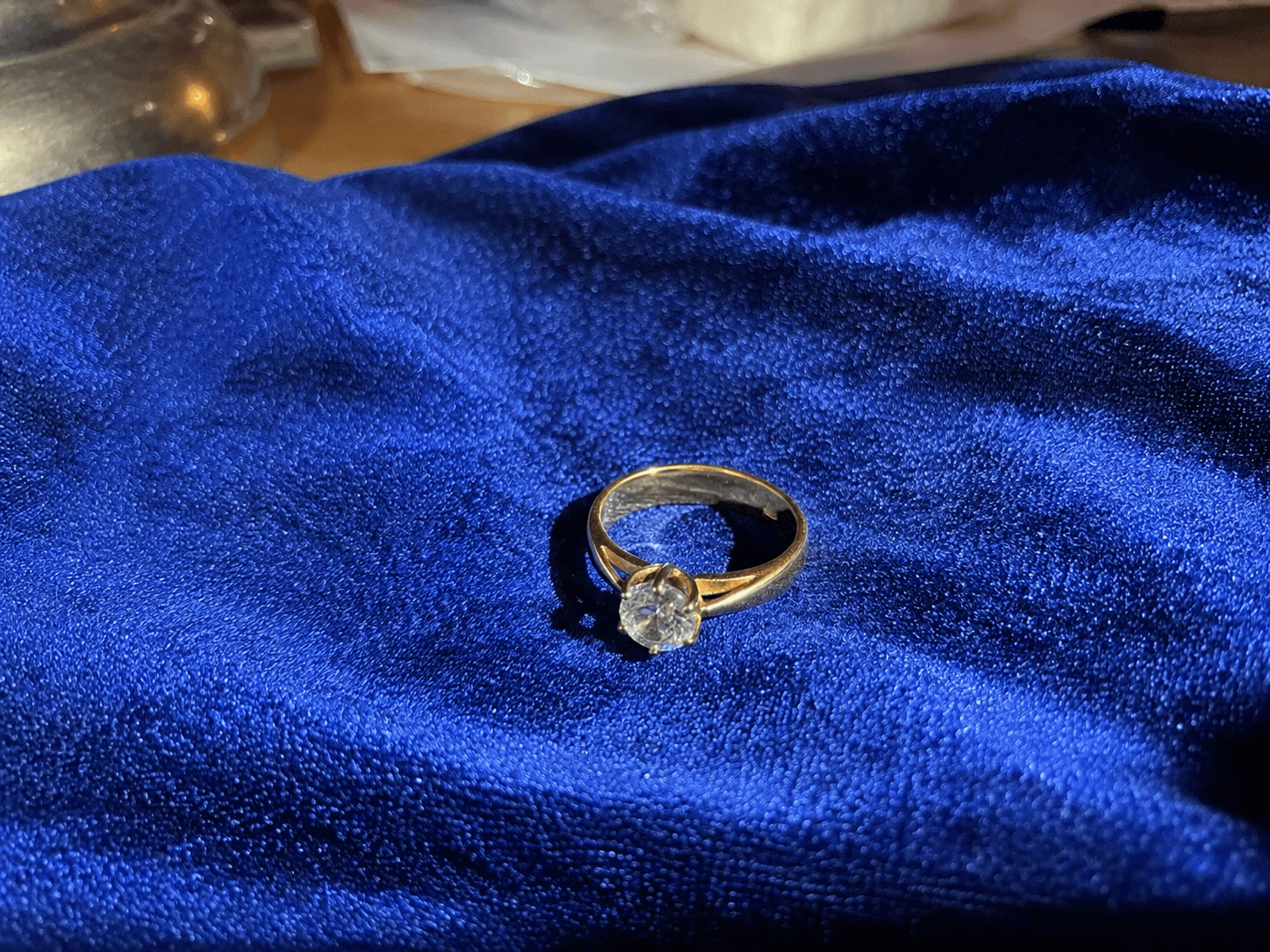
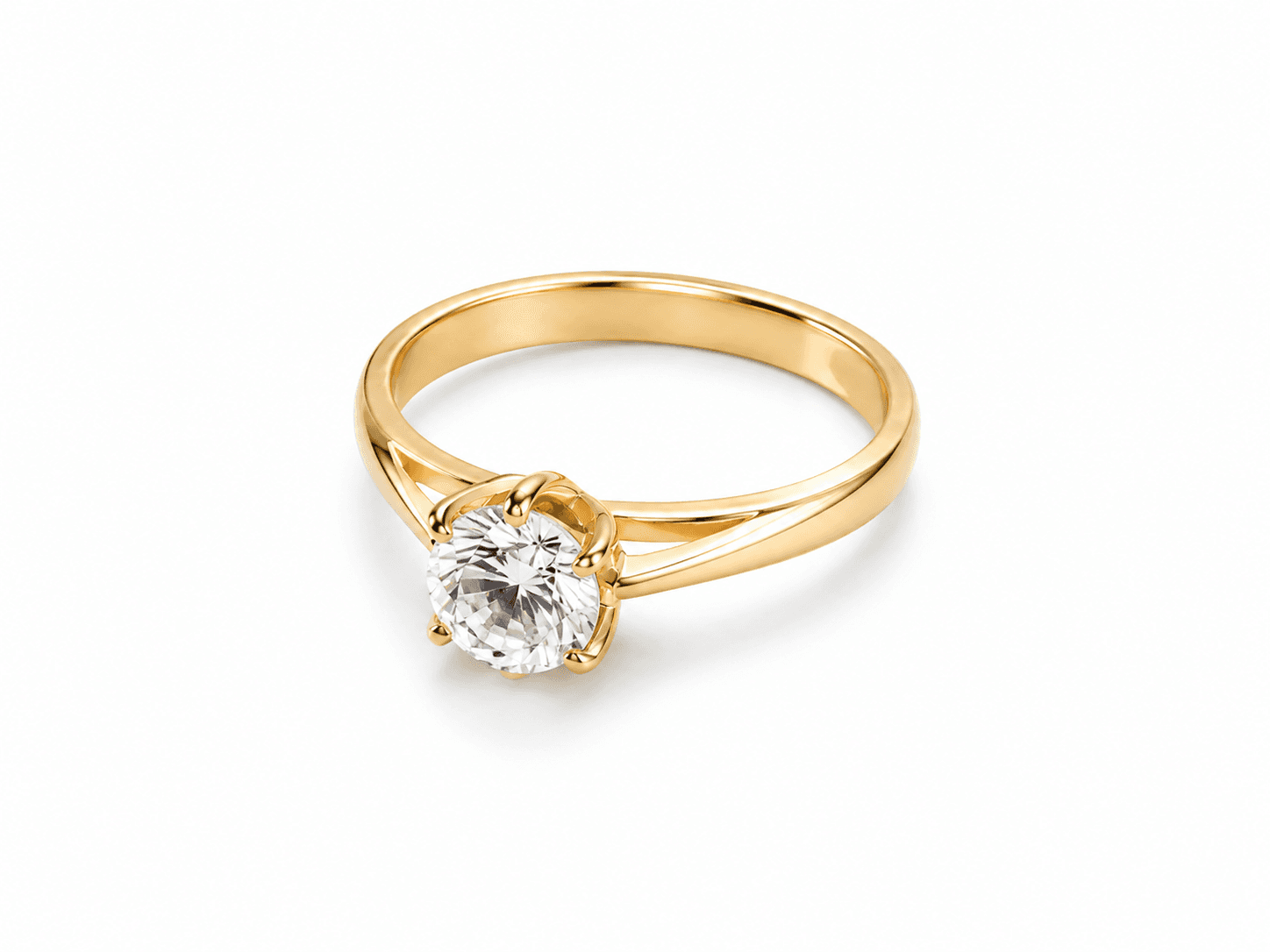
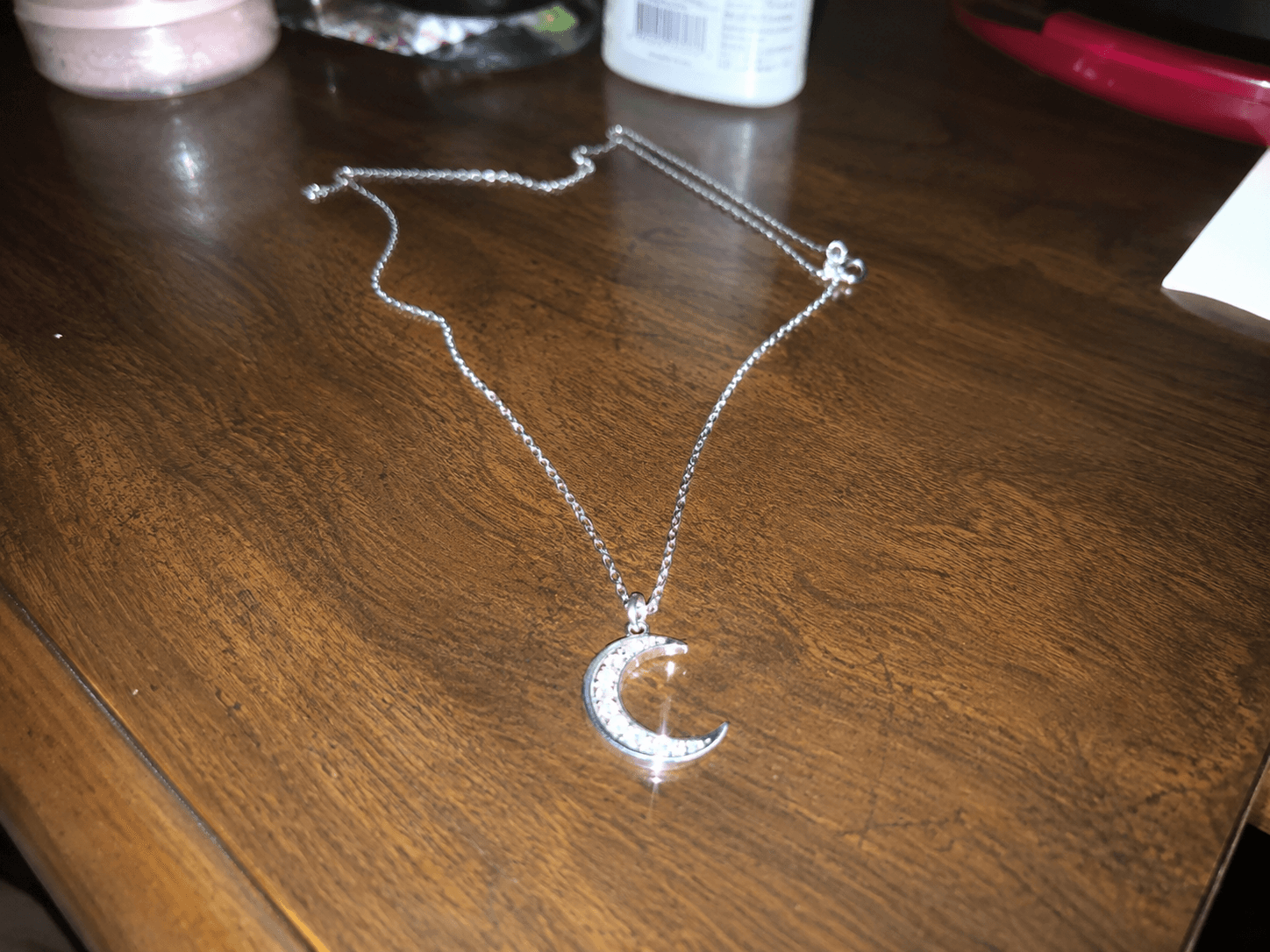
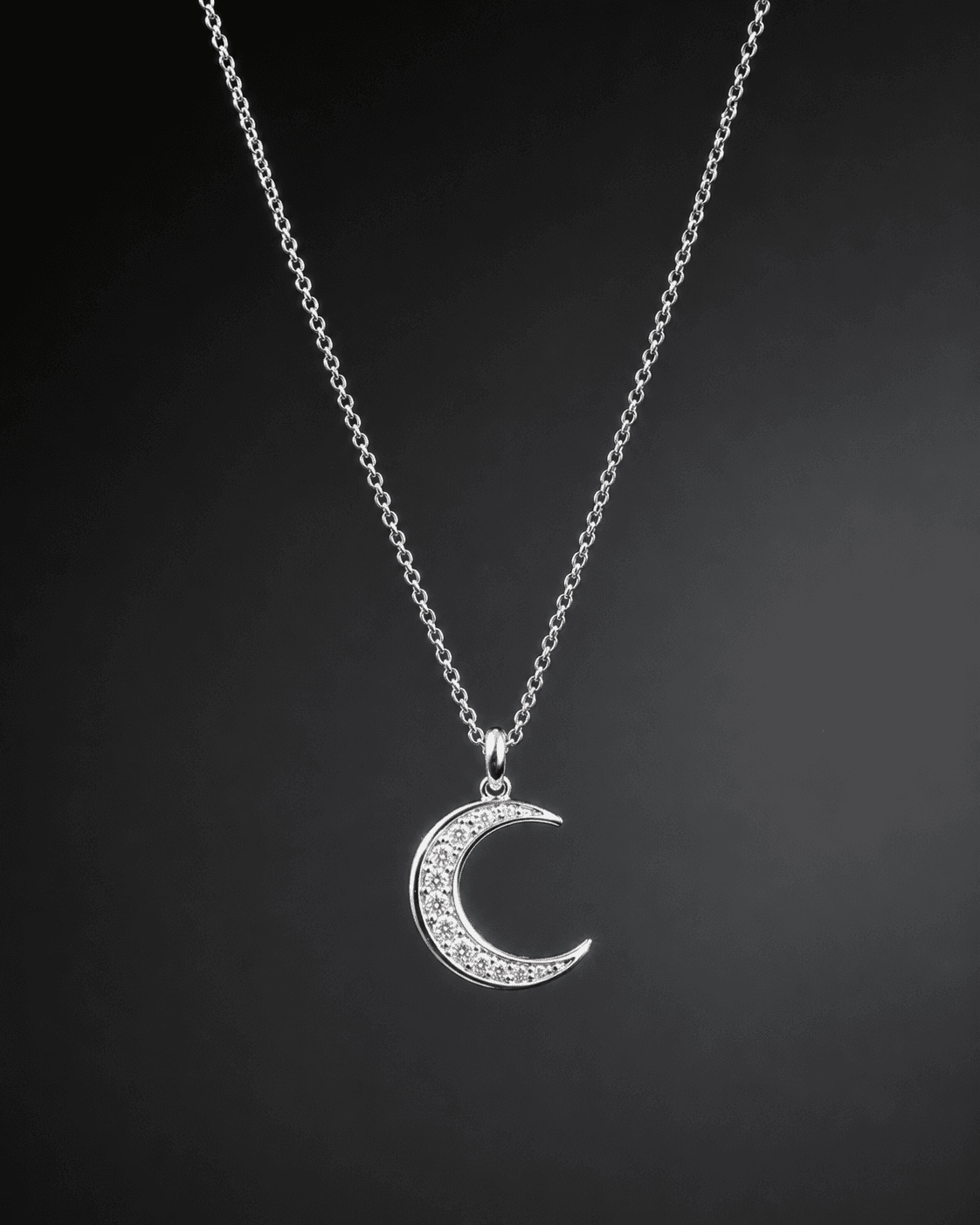
| Stack | Infra /mo | AI team | Total cost | Revenue | Margin |
|---|---|---|---|---|---|
Runflow 10% volume discount applied | $900 | $0 | $900 | $8.0K | 89% |
Cloud API + manual QA similar pricing · no auto-QA · part-time engineer needed | $1.0K | ~$5K | $6.0K | $8.0K | 25% |
Self-hosted GPU raw compute · full-time AI engineer required | $400 | $12K | $12K | $8.0K | loss |
Runflow Sentinel — built-in quality control layer that automatically detects and discards failed or low-quality outputs before delivery. You only pay for images that pass QA. No engineer needed to babysit the pipeline.
Pricing based on Runflow published rates (June 2026) with automatic volume discounts. Revenue column is illustrative — actual client pricing varies by vertical and contract size. GPU self-hosted estimate uses $0.04/img raw compute cost.
The problem with jewelry photography today
Jewelry photography has a cost structure that does not scale with catalog size. A brand launching 50 new SKUs per season needs 50 hero shots plus variant shots for different metal colors and stone options. At a minimum studio rate of $25 per finished image (photographer plus retouching), that is $1,250 for a small launch. At a quality studio in a major market, $50-80 per finished image is typical, putting the same 50-SKU launch at $2,500-4,000. For brands running multiple collections per year, the annual photography budget is a meaningful operational cost - one that scales linearly with catalog growth.
The alternative - shooting in-house with consumer cameras - produces images that fail marketplace quality checks and do not convert at the same rate as professional shots. Amazon's main image requirements alone (pure white background, no props, correct fill ratio, no text overlays) disqualify most in-house photography attempts. The result is that small and mid-size jewelry brands either overspend on studio photography or list with non-compliant images that suppress their search placement.
The gap is the middle layer: a pipeline that takes the in-house photo (any camera, any background, reasonable lighting) and returns a studio-quality output that passes marketplace compliance and converts as well as a professional shot. That pipeline exists now and no B2B API has packaged it for the jewelry market specifically.
What the pipeline does and does not do
The jewelry photography pipeline handles four operations in sequence. Each has a specific technical requirement driven by the properties of jewelry as a photographic subject.
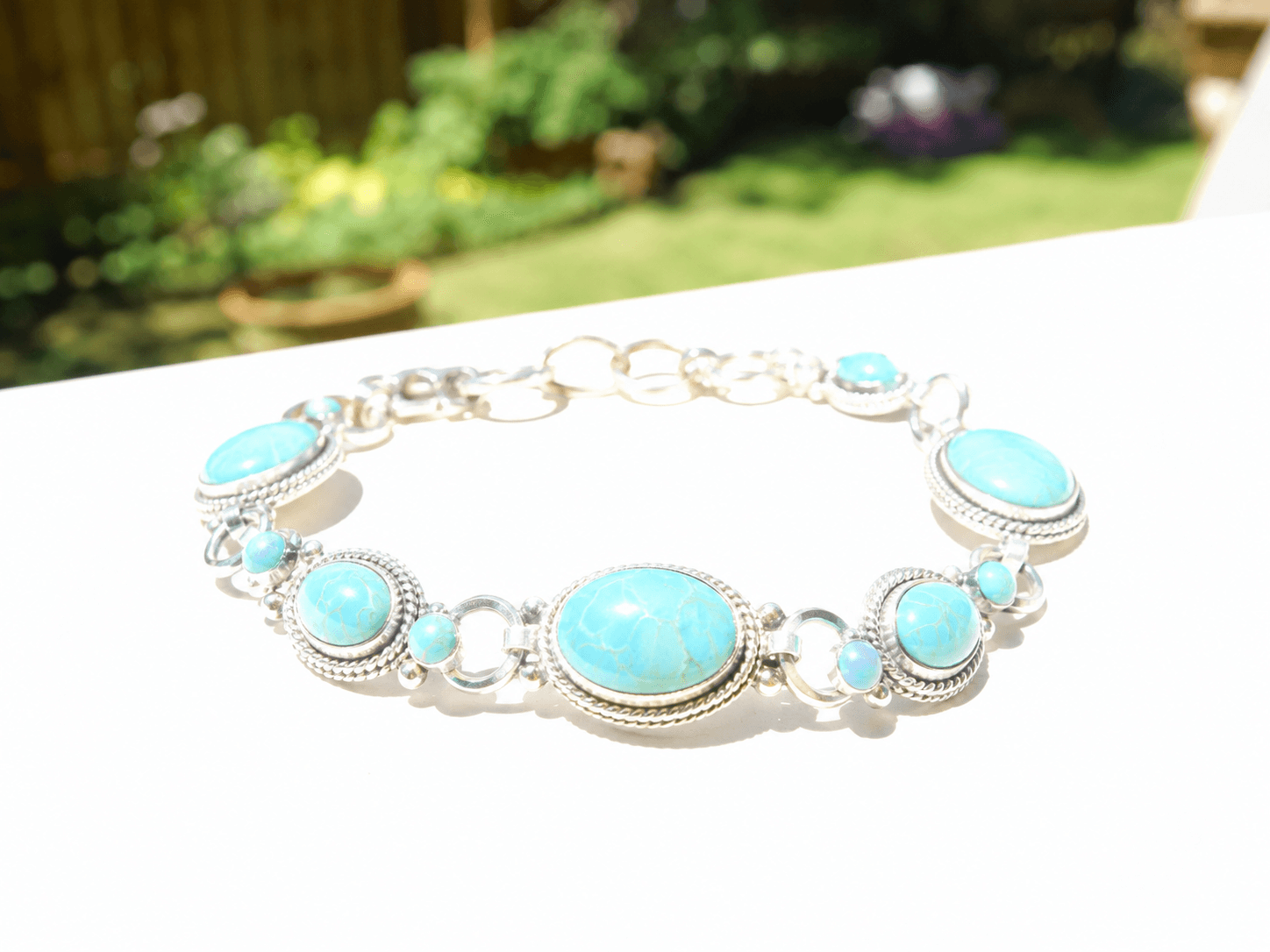
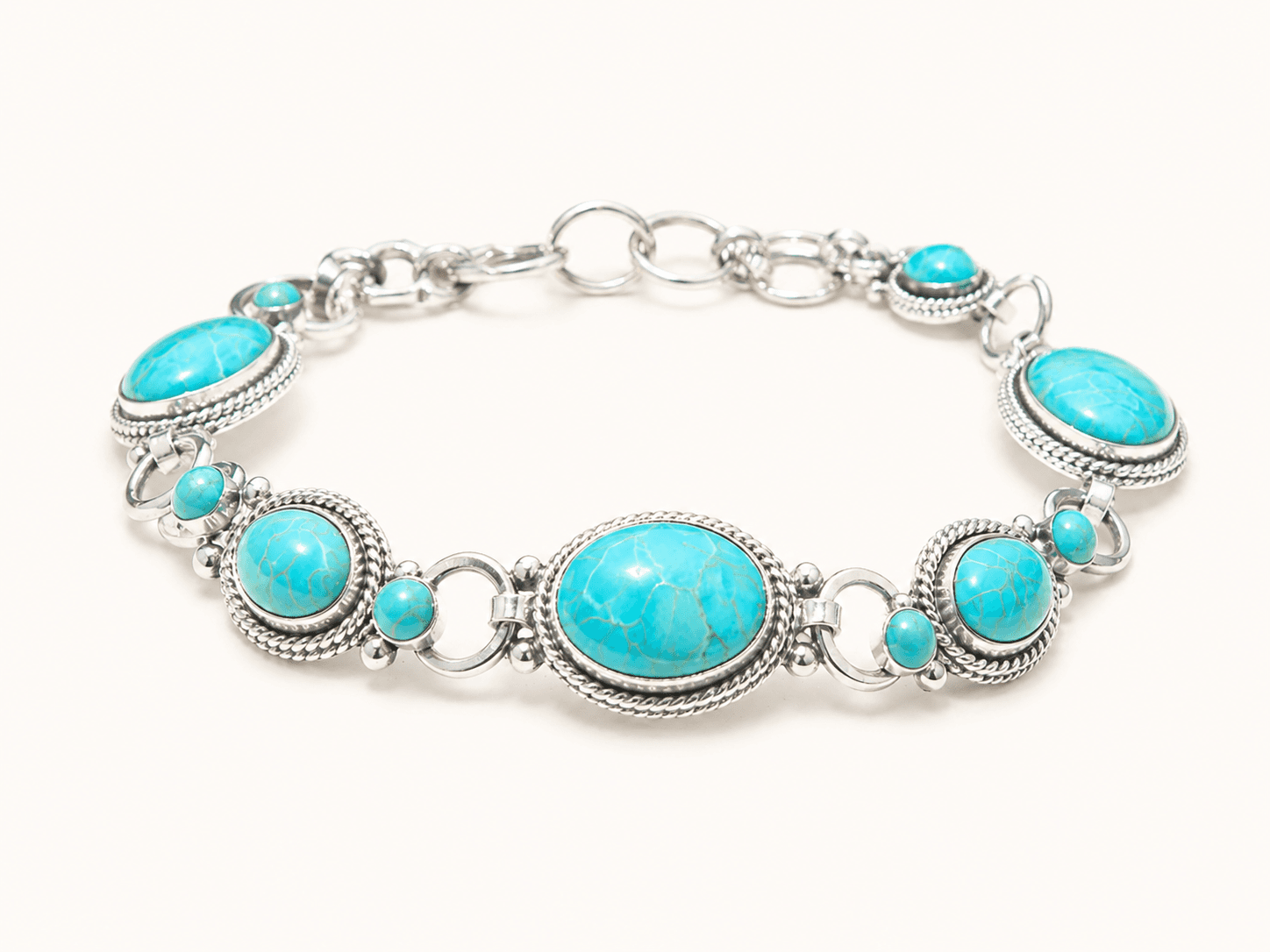
Subject extraction: jewelry is a small, high-detail subject with specular surfaces. Generic background removal tools (remove.bg, Clipdrop) produce acceptable results for apparel and simple objects but struggle with thin chains, pavé settings, and jewelry pieces against similar-colored backgrounds. The extraction node must use a jewelry-specific segmentation model that handles these edge cases. Thin chains with gaps between links require pixel-level accuracy that generic tools do not provide.
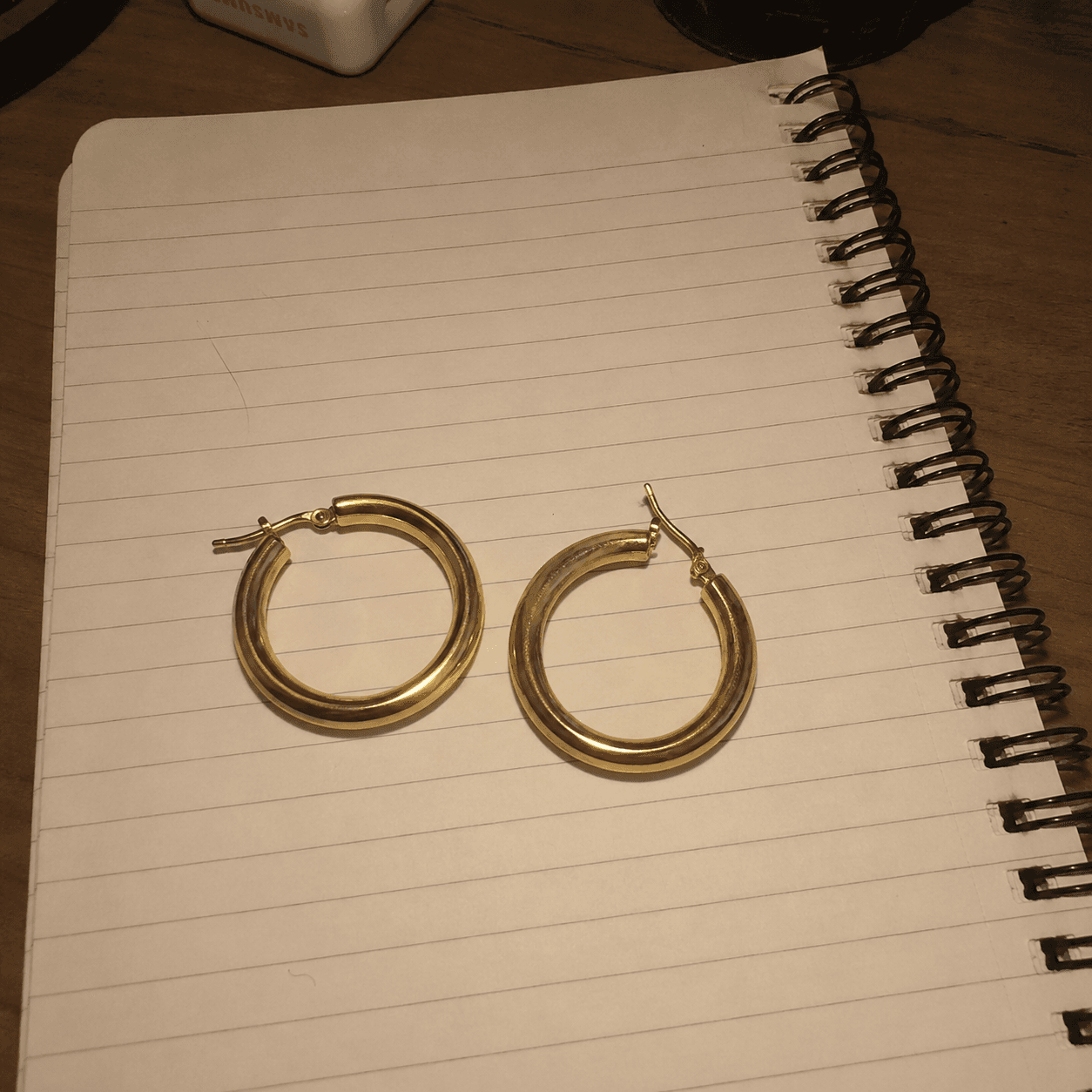
Background synthesis: pure white (#FFFFFF) for marketplace compliance is not the same as replacing the background with a white fill. A filled white background looks flat and fails to produce the soft gradients and subtle shadows that make a product page image look professional. The background synthesis node generates a contextually correct white lightbox background with appropriate depth and edge softness that matches the original lighting direction.
Lighting correction: the extracted subject carries the lighting from the original photo. If the original was shot under warm tungsten light, the gold will have a yellow cast that differs from how it looks under neutral studio lighting. A color temperature normalization step corrects the metal tones to match standard lightbox lighting conditions. For silver and platinum pieces shot under warm lighting, this step is the difference between a piece that looks white-gold and one that looks silver.
Shadow synthesis: a jewelry piece floating on a white background with no shadow looks as if it is suspended in air. The shadow node generates a soft contact shadow underneath the piece that grounds it physically and adds the depth cue that a real lightbox shot provides. The shadow must match the lighting direction inferred from the original photo to look physically correct.
What the pipeline cannot handle
Three categories of jewelry photography fall outside this pipeline and require different approaches. Knowing them upfront prevents scope creep.
Lifestyle and editorial shots: placing a ring on a model's hand, styling a necklace on a mannequin, or compositing jewelry into a lifestyle scene requires a different pipeline - body landmark detection and compositing, not background replacement. The lightbox pipeline handles catalog and hero shots only. Lifestyle shot generation is a separate use case.
360-degree spin sets: generating multiple angles from a single source image is not what the lightbox pipeline does. It processes one image and returns one output. Generating a consistent 12-image spin set from a single source requires a 3D reconstruction or multi-view generation step that is architecturally different from the lightbox pipeline.
High-complexity gemstone pieces: pavé settings with hundreds of small diamonds, pieces with multiple mixed stone types, or complex multi-layer designs sometimes produce segmentation artifacts that require manual review. For a first-version API, defining the input quality floor (minimum megapixels, acceptable lighting conditions, piece complexity ceiling) prevents these cases from degrading the average output quality.
Unit economics: the cost per image at every volume tier
Full cost breakdown across volume tiers and infrastructure options:
| Volume / month | Runflow (managed) | fal.ai (managed) | Self-hosted RunPod A100 | Studio (traditional) |
|---|---|---|---|---|
| 100 images | ~$8 | ~$9-12 | Not viable | $2,500-8,000 |
| 1,000 images | ~$80 | ~$90-120 | ~$900 (infra + engineer) | $25,000-80,000 |
| 10K images | ~$700 | ~$800-1,000 | ~$1,800 | N/A - unrealistic |
| 100K images | ~$6,000 | ~$7,000 | ~$4,500 | N/A |
| Engineer cost | $0/mo | $0/mo | $8,000-12,000/mo | N/A |
Self-hosting reaches cost parity with managed APIs at approximately 80,000-100,000 images per month, which requires engineer overhead to be included in the comparison. Below that volume threshold, the managed API wins on total cost. For a jewelry brand API, the realistic volume per brand customer is 500-5,000 images per month (catalog shoots and new SKU launches), which means managed infrastructure is the correct choice for most customers.
The ICP: who buys a jewelry photography API
Three buyer types exist for this use case, with different integration models and commercial structures.
The jewelry DTC brand is the most direct buyer. Brands selling direct at price points above $50 per piece have a clear ROI calculation: the API costs $0.06-0.10 per image versus $25-80 per image at a studio. Any brand with more than 5 new SKUs per month recovers the API cost within the first batch. The integration is straightforward: brand uploads raw photo, API returns lightbox-quality output. Direct selling cycle is 1-3 weeks, no enterprise procurement.
The jewelry marketplace is a higher-leverage buyer. Etsy has over 500,000 active jewelry sellers. Not On The High Street, Notonthehighstreet, and specialty jewelry platforms each have tens of thousands. A platform-level integration means one commercial agreement that provides the photo quality upgrade to the entire seller base. The platform charges sellers for the service (or bundles it into a premium tier), and your API runs as the back-end. Platform sales cycles are longer (3-6 months) but generate predictable volume.
The e-commerce agency is the third buyer. Agencies managing jewelry brand accounts on Amazon and marketplaces know that image quality is the primary conversion lever for the category. An agency offering photography automation as a service - your API behind their white-label dashboard - is a strong reseller. They handle the brand relationship, you provide the processing. Revenue share or wholesale API pricing works here.
What the competitive landscape looks like today
As of May 2026, no dedicated REST API targets jewelry product photography specifically. The adjacent tools that exist are either general-purpose or targeted at different problems.
| Tool | Approach | Jewelry-specific | API access | Lightbox quality |
|---|---|---|---|---|
| remove.bg | Generic BG removal | No | Yes | Partial - no shadow synthesis |
| Claid.ai | E-commerce image optimization | No | Yes | Partial - generic, not jewelry-tuned |
| Adobe Firefly | Generative fill | No | Limited | Variable - not reliable for compliance |
| Photoroom | Background removal + bg gen | No | Yes | Partial - no lighting correction |
| Jewelry-specific API (gap) | Full lightbox pipeline | Yes | REST API | Yes |
The common gap across all existing tools is the lack of jewelry-specific tuning. Generic background removal tools produce visible artifacts on thin chains and pavé settings. Generic background synthesis produces flat white fills rather than lightbox-quality backgrounds with depth. No existing API includes the metal tone correction step that handles color temperature normalization for gold and silver pieces. The specific combination of requirements - extraction accuracy, background quality, lighting correction, shadow synthesis - has not been packaged as a jewelry-focused API.
How to build it: the 30-day path to a working API
Week 1: Build and validate the extraction node. Source or fine-tune a segmentation model on jewelry photography specifically. Test accuracy on ring, necklace, earring, and bracelet categories across a range of backgrounds and lighting conditions. Define the input quality floor: minimum resolution (recommend 1024px on the short edge), acceptable lighting conditions, and piece complexity ceiling. Build the quality scorer that rejects inputs below the floor before spending GPU time on a render that will fail.
Week 2: Build the background synthesis and shadow nodes. The lightbox background generator must produce outputs that pass a visual quality check across different piece sizes and shapes. A small stud earring against a large white background requires different depth and vignette handling than a statement necklace. The shadow node must infer the lighting direction from the original photo and synthesize a shadow that matches. Test across 100 inputs and define the rejection threshold.
Week 3: Add the lighting correction and color normalization nodes. Build a color temperature classifier that identifies warm, neutral, and cool source lighting. Apply the correction transform for each metal type (gold responds differently to color temperature correction than silver). Validate against reference photography: take a set of jewelry pieces shot in a professional lightbox and verify that the pipeline output matches the reference quality for each metal type.
Week 4: First brand pilot. Approach 3-5 jewelry DTC brands with a working demo using their actual catalog photos. Process 20 SKUs from each brand. If the output passes their visual quality check and the marketplace compliance check (white background, no props, correct fill ratio), the commercial conversation follows. Offer a 30-day pilot at cost in exchange for a case study. The case study opens the next brand and the platform conversations.
| Stack | Infra /mo | AI team | Total cost | Revenue | Margin |
|---|---|---|---|---|---|
Runflow 10% volume discount applied | $900 | $0 | $900 | $8.0K | 89% |
Cloud API + manual QA similar pricing · no auto-QA · part-time engineer needed | $1.0K | ~$5K | $6.0K | $8.0K | 25% |
Self-hosted GPU raw compute · full-time AI engineer required | $400 | $12K | $12K | $8.0K | loss |
Runflow Sentinel — built-in quality control layer that automatically detects and discards failed or low-quality outputs before delivery. You only pay for images that pass QA. No engineer needed to babysit the pipeline.
Pricing based on Runflow published rates (June 2026) with automatic volume discounts. Revenue column is illustrative — actual client pricing varies by vertical and contract size. GPU self-hosted estimate uses $0.04/img raw compute cost.
Infrastructure: why managed beats self-hosted at jewelry volumes
The jewelry photography pipeline is not compute-intensive by AI standards. Subject extraction on a jewelry image takes approximately 0.8 seconds on an A100. Background synthesis adds 1.2 seconds. Lighting correction and shadow synthesis together add 2 seconds. Total pipeline latency is 4-5 seconds per image on a dedicated A100 at standard precision.
At jewelry brand volumes (500-5,000 images per month), a single GPU instance handles the load without bursting. The argument for managed infrastructure is not compute scale - it is operational simplicity. Running your own GPU infrastructure for a pipeline that processes a few thousand images per month costs $8,000-12,000 per month in engineer overhead. The managed API costs $30-300 per month at the same volume. Runflow's per-image pricing at jewelry brand volumes runs $0.06-0.10 per image including API access and warm instance allocation.
Cold start latency does not apply to synchronous jewelry photography pipelines in the same way it applies to checkout-integrated try-on. Brands upload batches of photos, not real-time single images. A 60-second cold start on the first image of a 50-image batch is acceptable. Warm instances are still preferable but not the operational requirement they are for interactive try-on experiences.
For the GPU selection decision across providers, the GPU provider selection matrix covers the full cost and latency comparison.
Related build opportunities
The lightbox pipeline is the catalog layer. The conversion layer is jewelry virtual try-on - showing the piece on the customer's hand or neck. The two pipelines serve different buyer needs and can be sold together or separately. A brand that uses the lightbox API for catalog shots is a natural candidate for the try-on API for their product pages.
The same background replacement and shadow synthesis nodes used in the jewelry pipeline apply directly to real estate photo enhancement and ghost mannequin photography. If you are building multiple vertical APIs, the core nodes are shared and the vertical tuning is the differentiator.