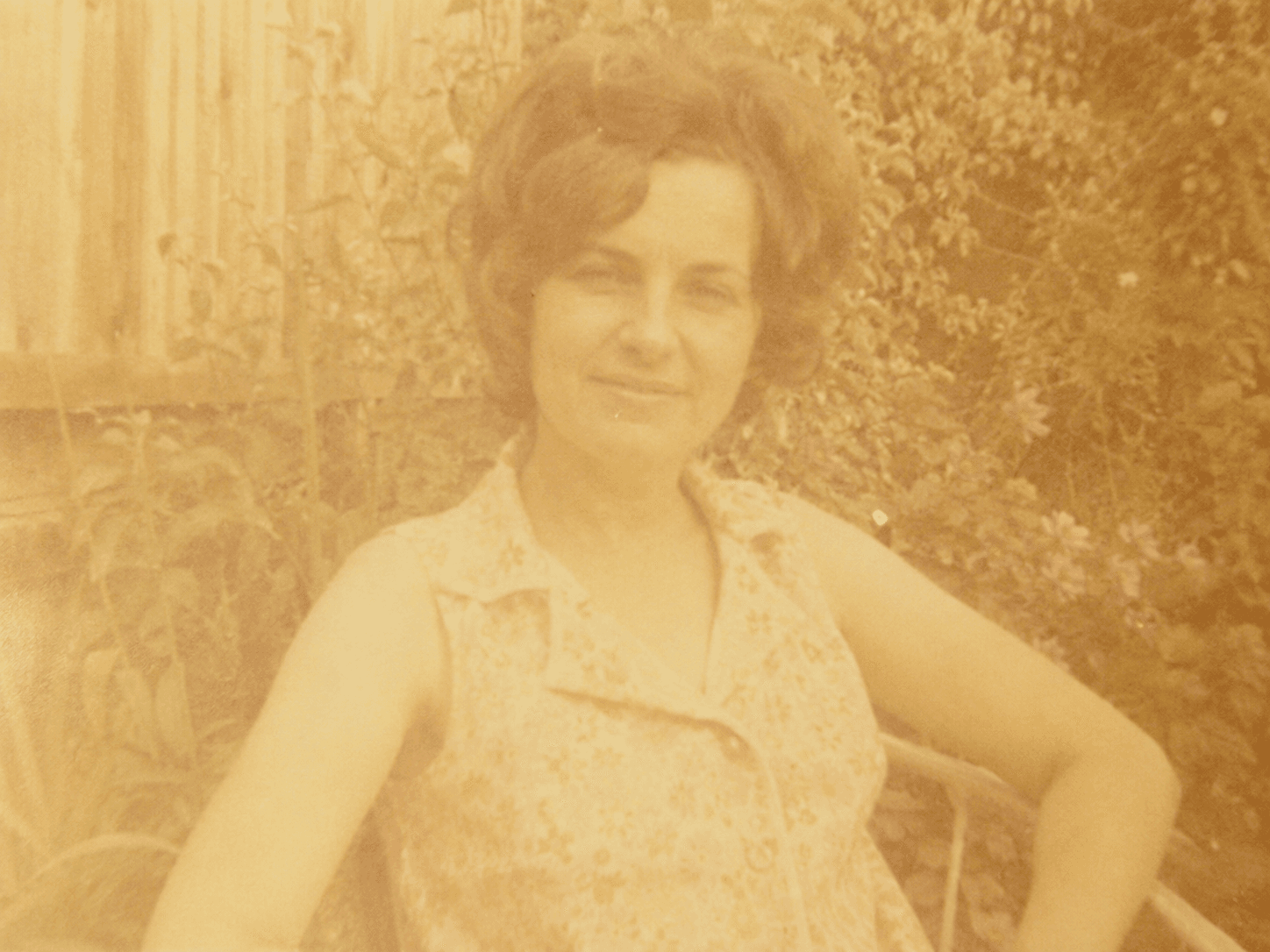
Every family has a box of old photographs. Faded color prints from the 1970s where the faces are washed out in yellow. Black and white portraits from the 1950s that are torn or creased from decades of handling. Sepia images from the early 1900s where the subjects are barely visible through foxing and emulsion loss. The photos exist. The memories are in them. But the images are no longer accessible.
Professional photo restoration costs $50 to $150 per image and takes days. Most families have dozens of photos that need work. The economics do not support professional restoration for everyday family archives. The images stay damaged, or they get discarded.
A photo restoration API changes the economics entirely. The same pipeline that a professional restorer runs manually runs automatically in 3 seconds. Color recovery, damage inpainting, noise reduction, and sharpness restoration all execute in a single call. The output quality is not identical to hand restoration, but it is good enough to recover a family memory that would otherwise stay damaged forever. At $0.018 per image, any platform can offer this at a price point families will actually pay.
TL;DR: A DamageDetect + InpaintNet + ColorModel pipeline restores damaged photographs in 3.2 seconds at $0.018 per image. Runflow includes Sentinel, a built-in quality assurance layer that validates restoration results before delivery. No manual review. No defective outputs reaching users.
| Stack | Infra /mo | AI team | Total cost | Revenue | Margin |
|---|---|---|---|---|---|
Runflow pay-per-use · no commitment | $180 | $0 | $180 | $30K | 99% |
Cloud API + manual QA similar pricing · no auto-QA · part-time engineer needed | $200 | ~$5K | $5.2K | $30K | 83% |
Self-hosted GPU raw compute · full-time AI engineer required | $400 | $12K | $12K | $30K | 59% |
Runflow Sentinel — built-in quality control layer that automatically detects and discards failed or low-quality outputs before delivery. You only pay for images that pass QA. No engineer needed to babysit the pipeline.
Pricing based on Runflow published rates (June 2026) with automatic volume discounts. Revenue column is illustrative — actual client pricing varies by vertical and contract size. GPU self-hosted estimate uses $0.04/img raw compute cost.
The market: platforms that have the photos
The strongest buyers are platforms that already have custody of old photos. Family history platforms such as Ancestry, MyHeritage, and Findmypast have billions of user-uploaded historical photographs. A restoration feature is a natural extension of what they already do. Users are already uploading photos to these platforms to preserve them. Offering to restore them is a conversion event, not a new workflow.
Print-on-demand and photo gifting platforms (Artifact Uprising, Chatbooks, Shutterfly) are the second tier. Their customers are already paying for physical products from digital photos. A restoration step before printing is a premium add-on that improves the final product. The customer uploads a damaged photo, the platform restores it, and the restored version goes to print. The platform captures $3-10 of additional margin on a restoration step that costs $0.018.
Photo scanning services that digitize physical prints from mailed-in boxes are a third category. ScanMyPhotos, ScanCafe, and similar services handle millions of physical photos per year. They already have the digitization workflow. Restoration is the value-add step that moves them from commodity scanning to premium archival service.
How the pipeline works
The restoration pipeline runs six nodes. LoadImage accepts the damaged photograph in any format. DamageDetect classifies the damage type: color fade, physical tears, foxing spots, scratched emulsion, water staining, or combinations. This classification routes the image to the appropriate repair model and sets the processing parameters. InpaintNet handles structural damage: tears, scratches, missing areas, and physical defects are inpainted using surrounding image context. ColorModel handles tonal and color damage: faded colors are recovered, yellowing is corrected, and black-and-white images can have their tonal range fully restored. Sentinel validates the output quality before delivery. SaveImage returns the restored file.
The damage classification step is the key architectural decision. Different damage types require fundamentally different processing. A faded color print needs color model correction but minimal inpainting. A torn black-and-white print needs aggressive inpainting but no color work. Running both on every image wastes compute and degrades results. DamageDetect routes each image to the minimal effective processing path.
Sentinel: why quality control matters here more than anywhere
Photo restoration has a unique failure mode: a bad output is worse than no output. If the API hallucinates facial features, creates artifacts where tears were, or applies incorrect color to a historical portrait, the user receives something that looks wrong in a way they can immediately detect. They know what their grandmother looked like. They will notice if the restoration adds features that were not there.
Sentinel scores each restoration against quality criteria: facial coherence (no hallucinated features), inpainting consistency (repaired areas blend with surrounding image content), color accuracy (tonal range within expected bounds for the image era), and overall sharpness. Outputs that fail any criterion return a rejection signal rather than a defective image.
For a family history platform processing thousands of restorations per day, this matters operationally. Without Sentinel, defective outputs reach users and generate support tickets, refund requests, and trust damage. With Sentinel, defective outputs are caught at the API layer. The platform never sees them. Users only receive restorations that passed quality validation.
| Stack | Infra /mo | AI team | Total cost | Revenue | Margin |
|---|---|---|---|---|---|
Runflow pay-per-use · no commitment | $180 | $0 | $180 | $30K | 99% |
Cloud API + manual QA similar pricing · no auto-QA · part-time engineer needed | $200 | ~$5K | $5.2K | $30K | 83% |
Self-hosted GPU raw compute · full-time AI engineer required | $400 | $12K | $12K | $30K | 59% |
Runflow Sentinel — built-in quality control layer that automatically detects and discards failed or low-quality outputs before delivery. You only pay for images that pass QA. No engineer needed to babysit the pipeline.
Pricing based on Runflow published rates (June 2026) with automatic volume discounts. Revenue column is illustrative — actual client pricing varies by vertical and contract size. GPU self-hosted estimate uses $0.04/img raw compute cost.
Cost, pricing, and margin at every scale
The API costs $0.018 per restoration. The question is what price point the market supports and what the resulting margin looks like at different volumes. The interactive table in the demo above calculates this dynamically. Here are the key reference points.
| Volume | Runflow API cost | Self-built (full-time AI eng) | Cloud API + manual QA |
|---|---|---|---|
| Under 1,000 imgs/mo | $18 | $12,200+ | $1,520+ |
| 10,000 imgs/mo | $180 | $12,200+ | $5,200+ |
| 100,000 imgs/mo | $1,800 (with volume discount) | $16,000+ | $14,000+ |
Self-build costs include a full-time AI engineer at $12,000 per month plus GPU infrastructure. That cost is fixed regardless of volume: a team capable of building and maintaining a restoration pipeline at 1,000 images per month costs the same as one running 100,000 images per month. The API cost scales linearly. The crossover point where self-build becomes cheaper is roughly 700,000 images per month, a volume that only large platforms approach.
The selling price to end users depends heavily on the positioning. Direct-to-consumer AI restoration apps (like the existing market players) charge $0.99 to $5 per photo. Premium white-label services integrated into family history platforms can charge $3 to $10 per restoration as an add-on. Print platforms can bundle it at $2 to $5 per print order that includes restoration. At any of these price points, the gross margin on the API cost is above 99%.
A realistic scenario: a photo scanning service charges $0.39 per scanned photo. They add a restoration option at $3.00 per photo. The API cost is $0.018. The margin on the restoration add-on is 99.4%. Even at a more conservative $1.50 selling price, the margin is 98.8%. The restoration feature has the highest unit economics of any add-on a scanning service can offer.
What the API returns
The response includes the restored image URL, the Sentinel quality score, damage classification metadata, and processing details. The damage_types array tells the platform exactly what the pipeline detected and repaired, which is useful for showing users what happened to their photo.
{
  "restored_url": "https://cdn.runflow.io/out/abc123.jpg",
  "sentinel_score": 0.94,
  "sentinel_passed": true,
  "damage_types": ["color_fade", "yellowing"],
  "repairs_applied": ["color_recovery", "tonal_correction", "grain_reduction"],
  "confidence": 0.91,
  "processing_ms": 3180
}
Implementation: one call, any photo
import requests, base64

with open("old_photo.jpg", "rb") as f:
    image_b64 = base64.b64encode(f.read()).decode()

response = requests.post(
    "https://api.runflow.io/v1/workflows/photo-restoration",
    headers={"Authorization": "Bearer YOUR_API_KEY"},
    json={
        "image": image_b64,
        "mode": "auto"   # auto-detects damage type
    }
)

result = response.json()
if result["sentinel_passed"]:
    print(result["restored_url"])
else:
    print("Restoration quality below threshold -- prompt user to rescan")
The mode parameter accepts auto (default, detects damage type automatically), color (force color restoration pipeline for clearly faded photos), structural (force inpainting pipeline for torn or physically damaged photos), or combined (run both pipelines in sequence for heavily damaged images). Auto mode handles the majority of real-world cases without configuration.
Limitations and what not to promise users
AI restoration fills in missing information using context from the surrounding image. For small tears and localized damage, this is highly accurate. For large missing areas where 30% or more of the image is gone, the model is reconstructing content it cannot verify. The output will look plausible but may not reflect the actual original. Be clear with users that severely damaged images get reconstruction, not recovery.
Color recovery on very old monochrome images (pre-1920s) involves estimation rather than recovery. The original had no color information to recover. Any color the model applies is inferred from context, era, and training data. Some platforms offer AI colorization as a separate, clearly labeled feature. Do not conflate restoration (recovering existing information) with colorization (adding new information). Users understand the distinction once it is explained, and conflating the two erodes trust when colorized results look different from family memories.
Input resolution matters significantly. Photos scanned at 300 DPI or higher produce the best restoration results. Photographs of photographs (a phone camera aimed at a print) lose detail in the capture step that no downstream model can recover. If the platform accepts physical mail-in scanning, specify minimum scan resolution in the workflow. If users are uploading digital captures, provide guidance on scan quality before they submit.
The business case in one paragraph
A family history platform or photo scanning service that adds restoration at $3 per photo, paying $0.018 per API call, and processing 10,000 photos per month generates $30,000 in monthly revenue from the restoration feature alone. The API cost is $180. The engineering time to integrate is two days. There is no ongoing maintenance, no model hosting cost, no QA team. The margin is 99.4% before platform overhead. Sentinel handles quality control automatically. The feature ships in a sprint and pays for itself within hours of launch.