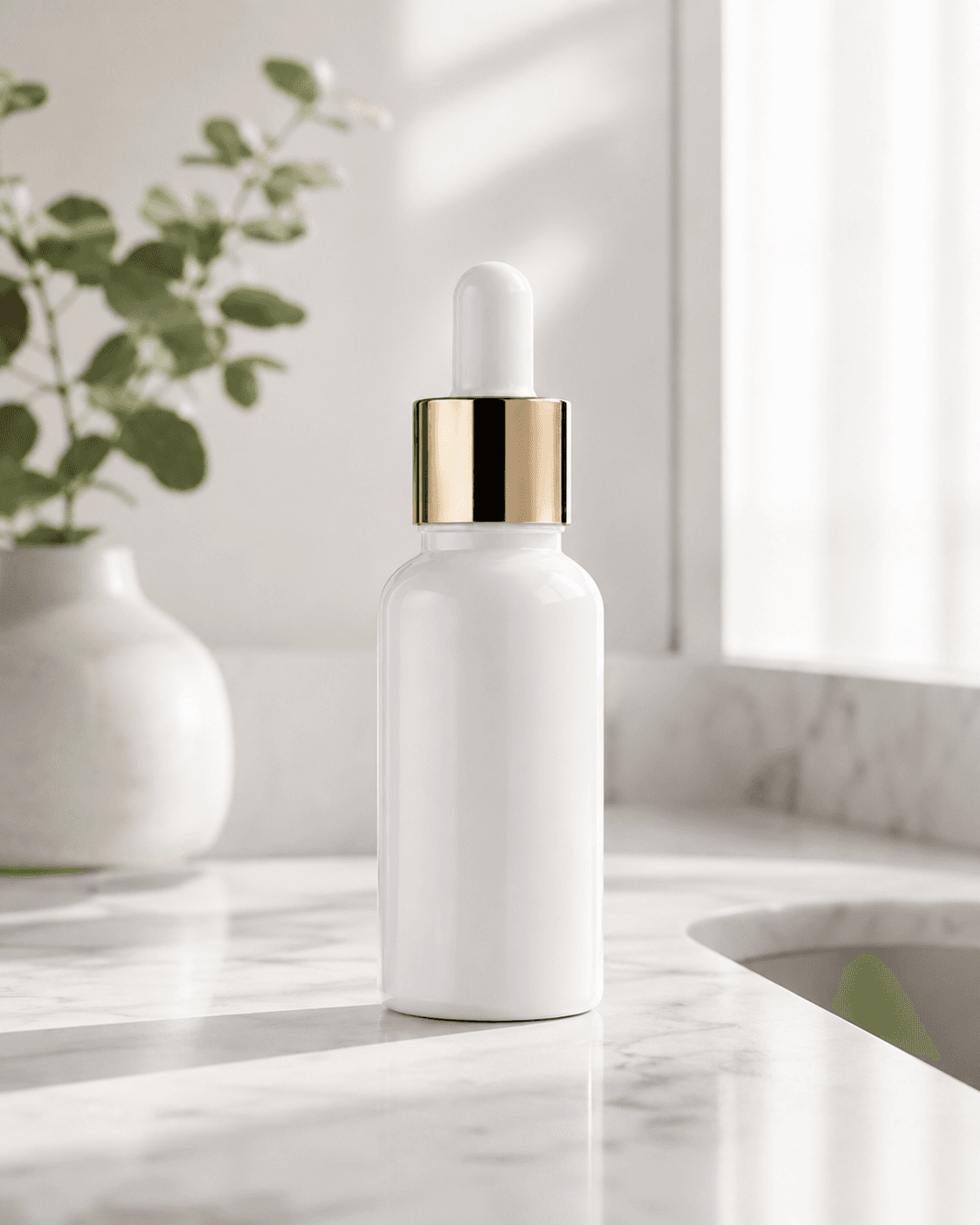
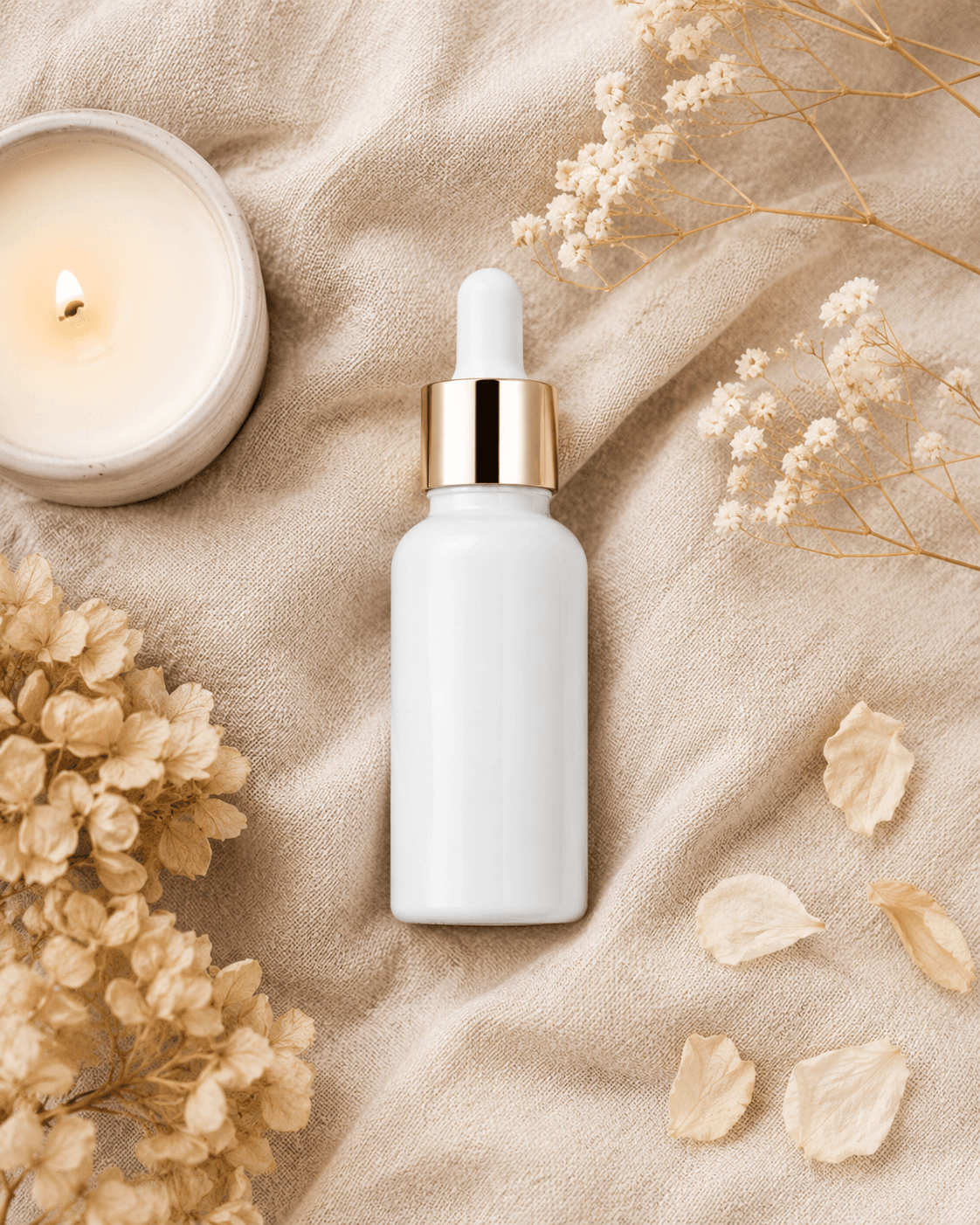
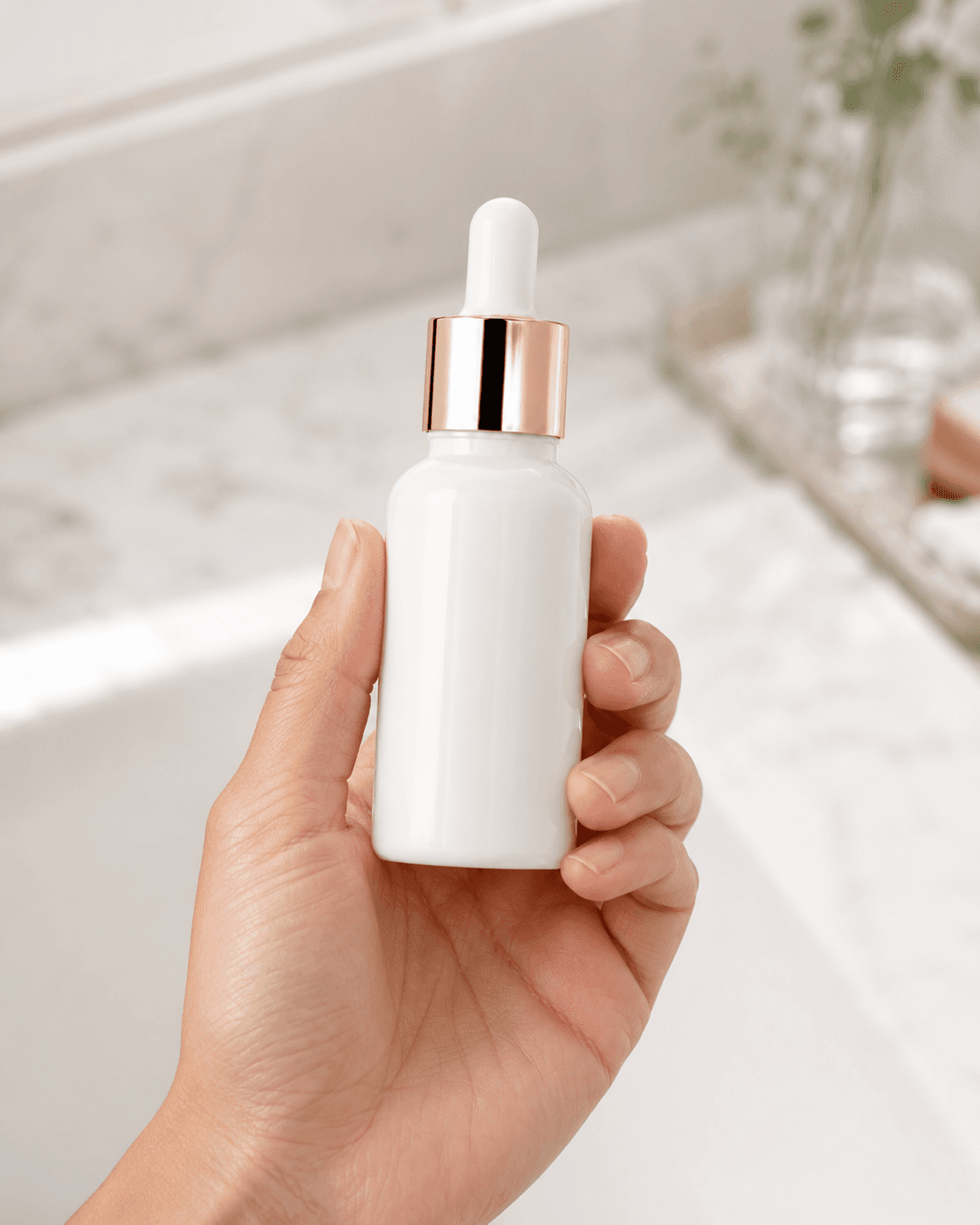
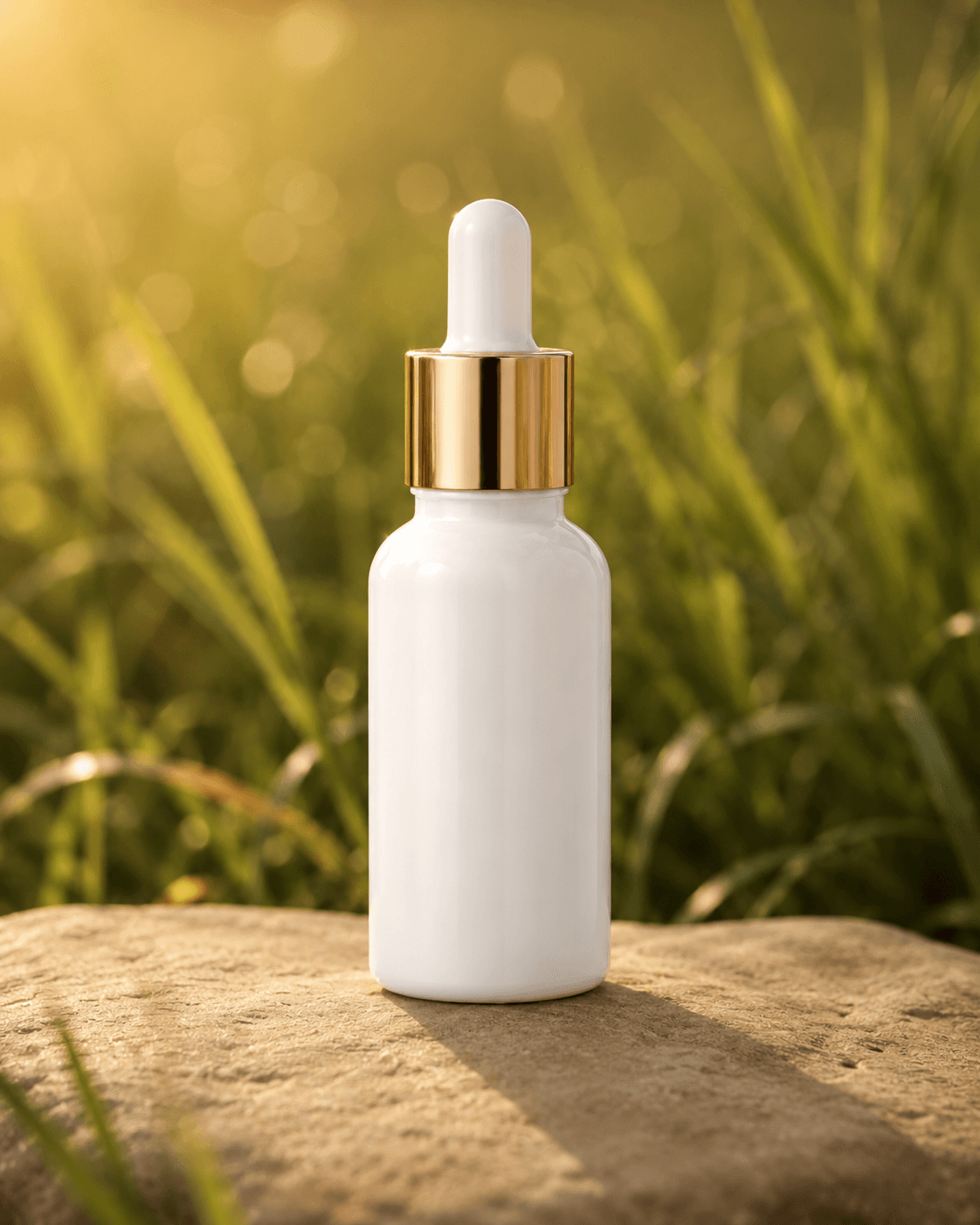
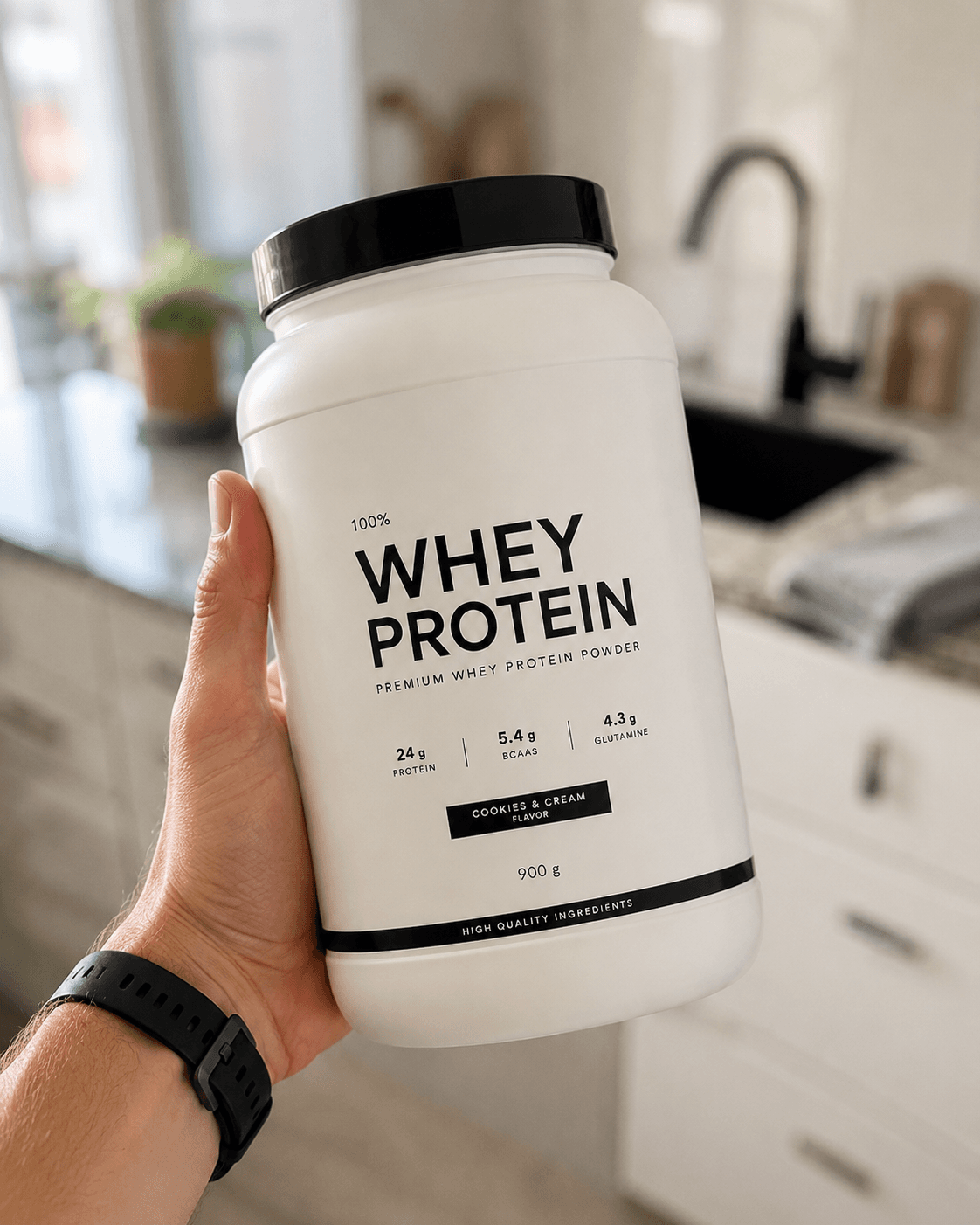
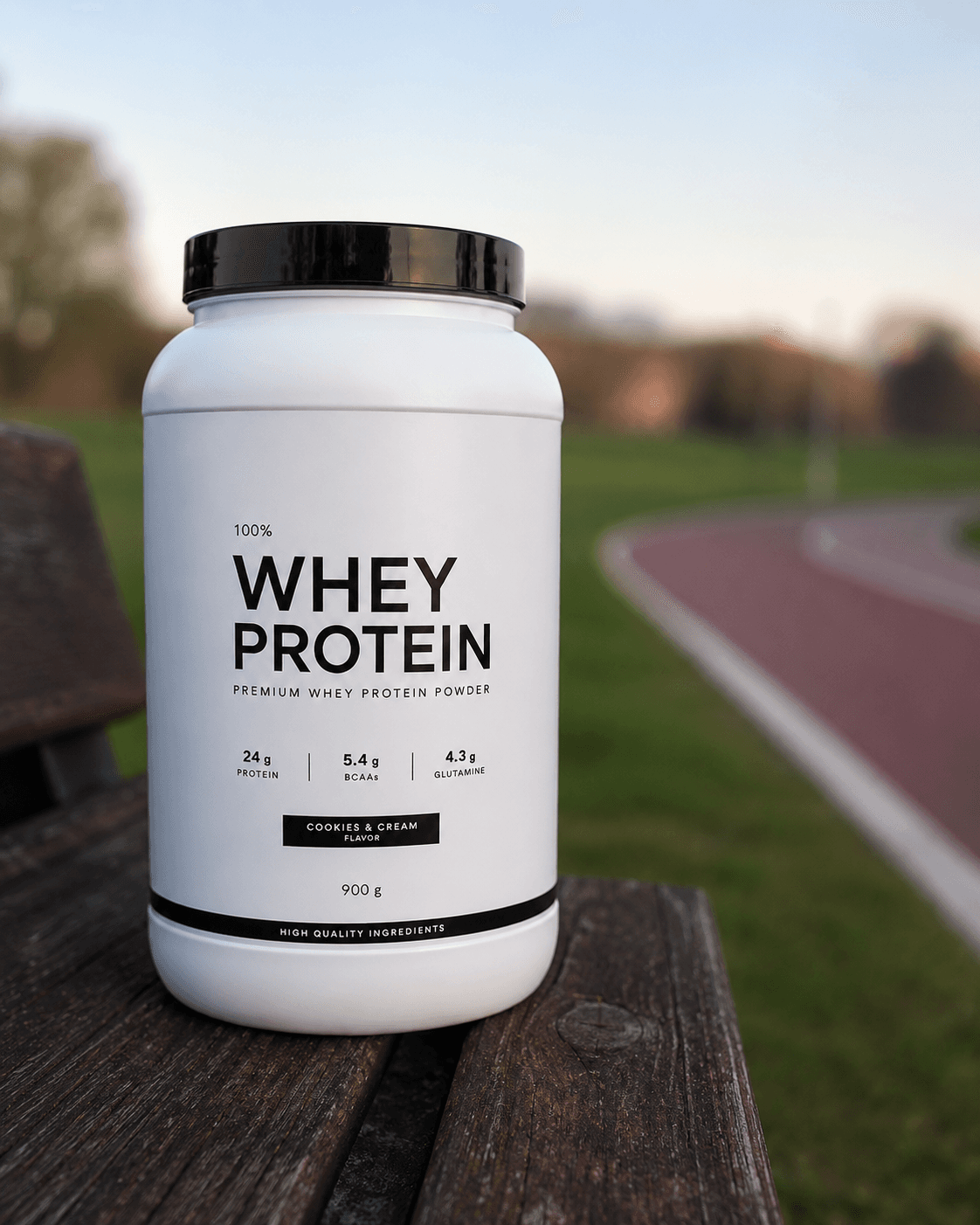
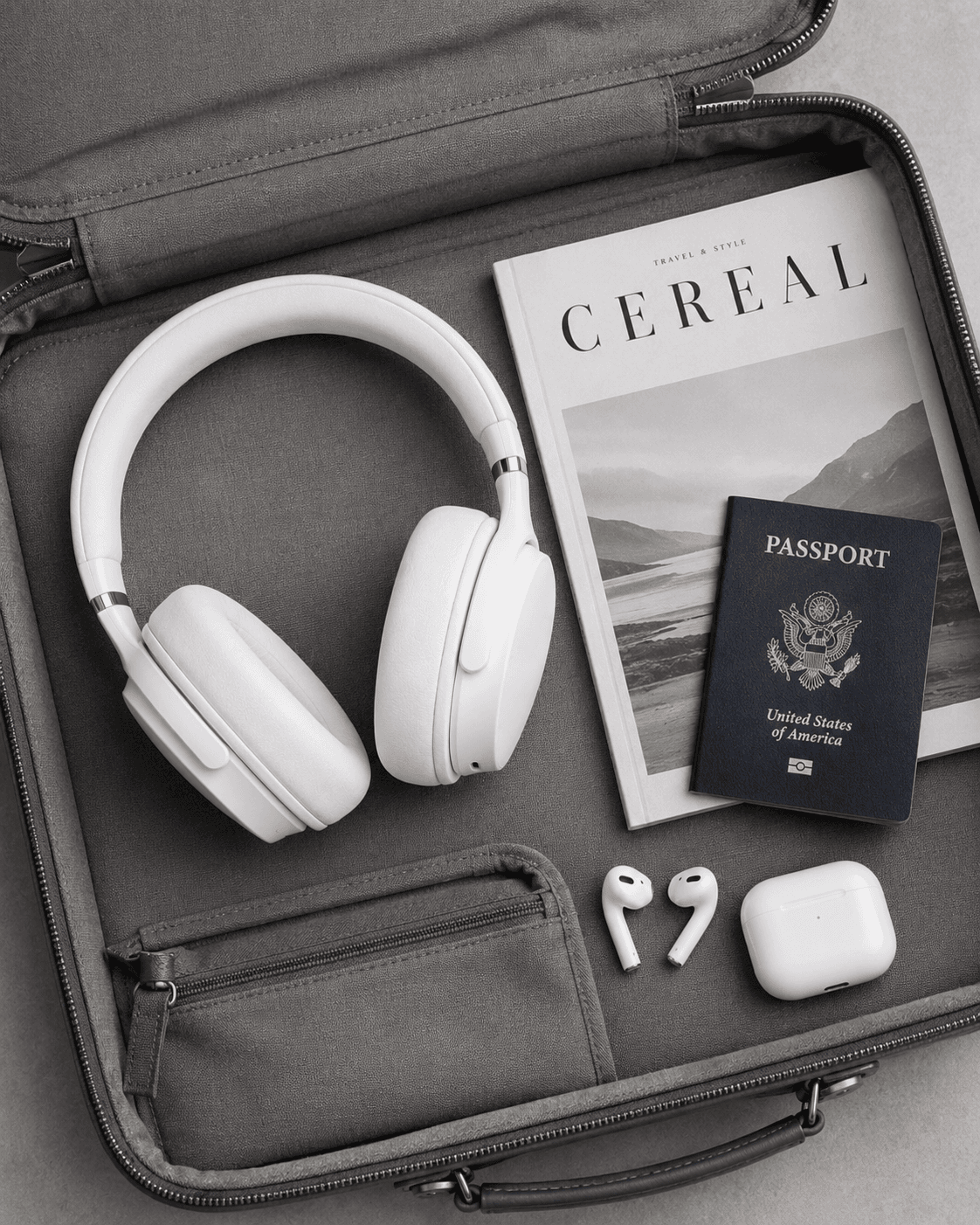
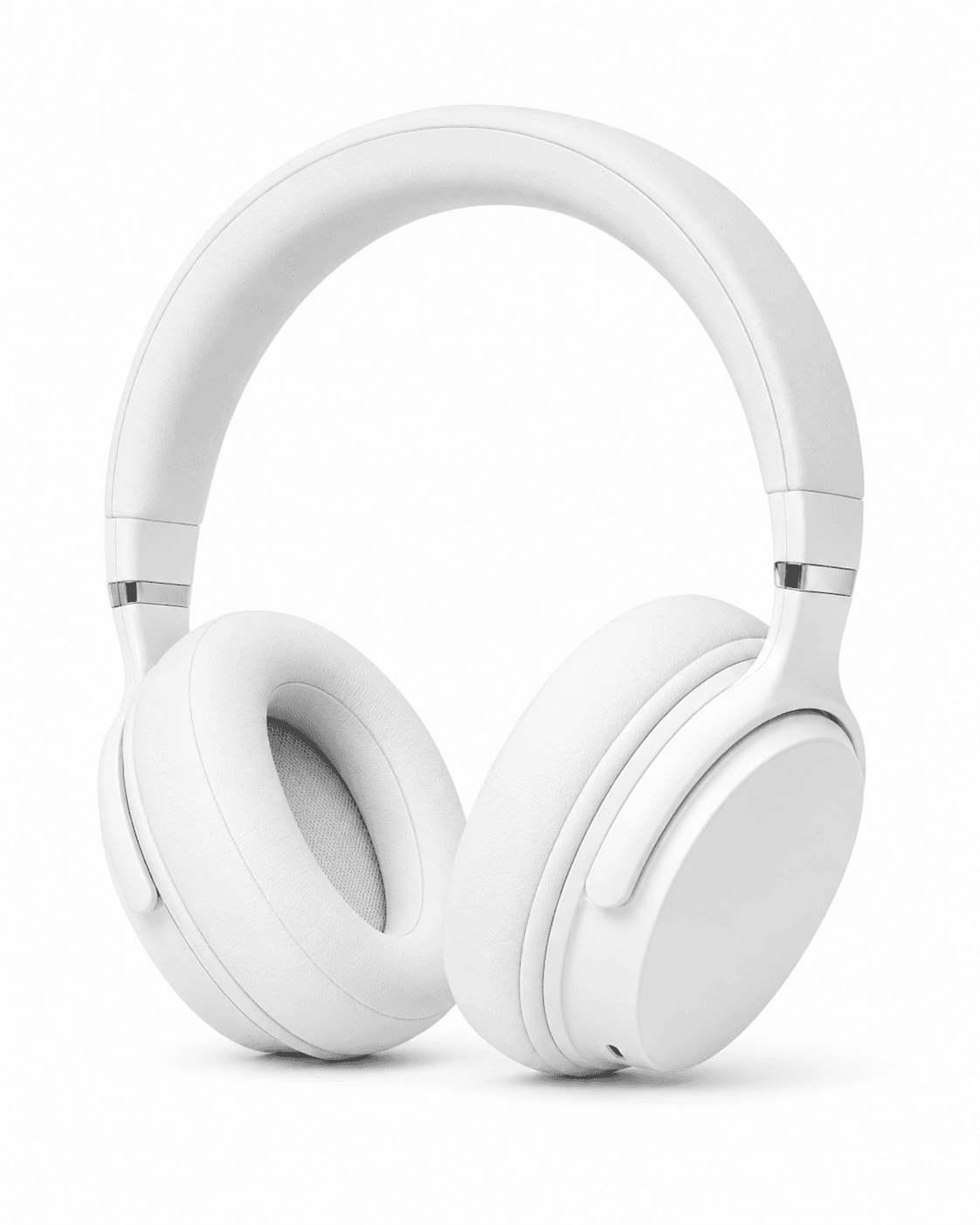
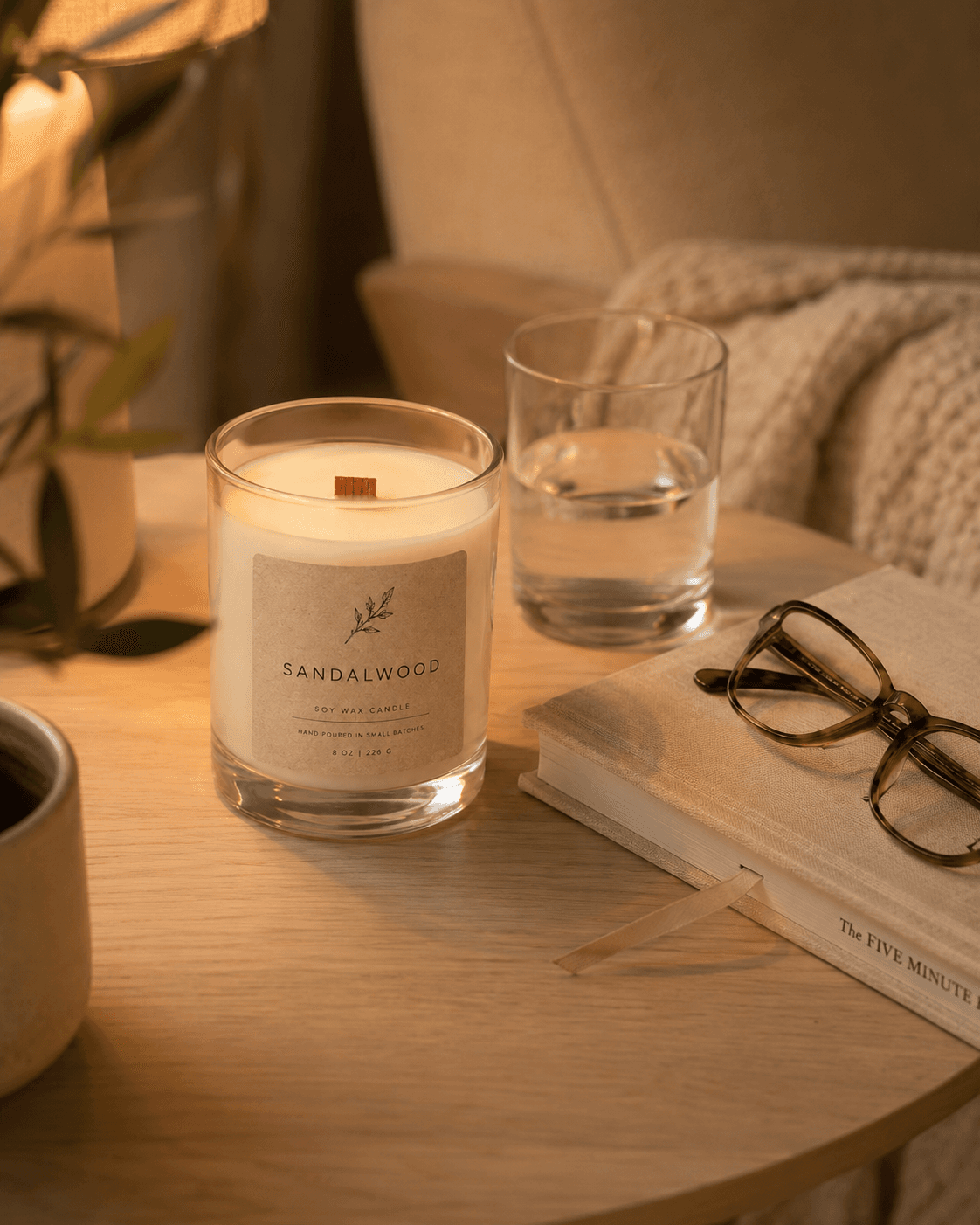
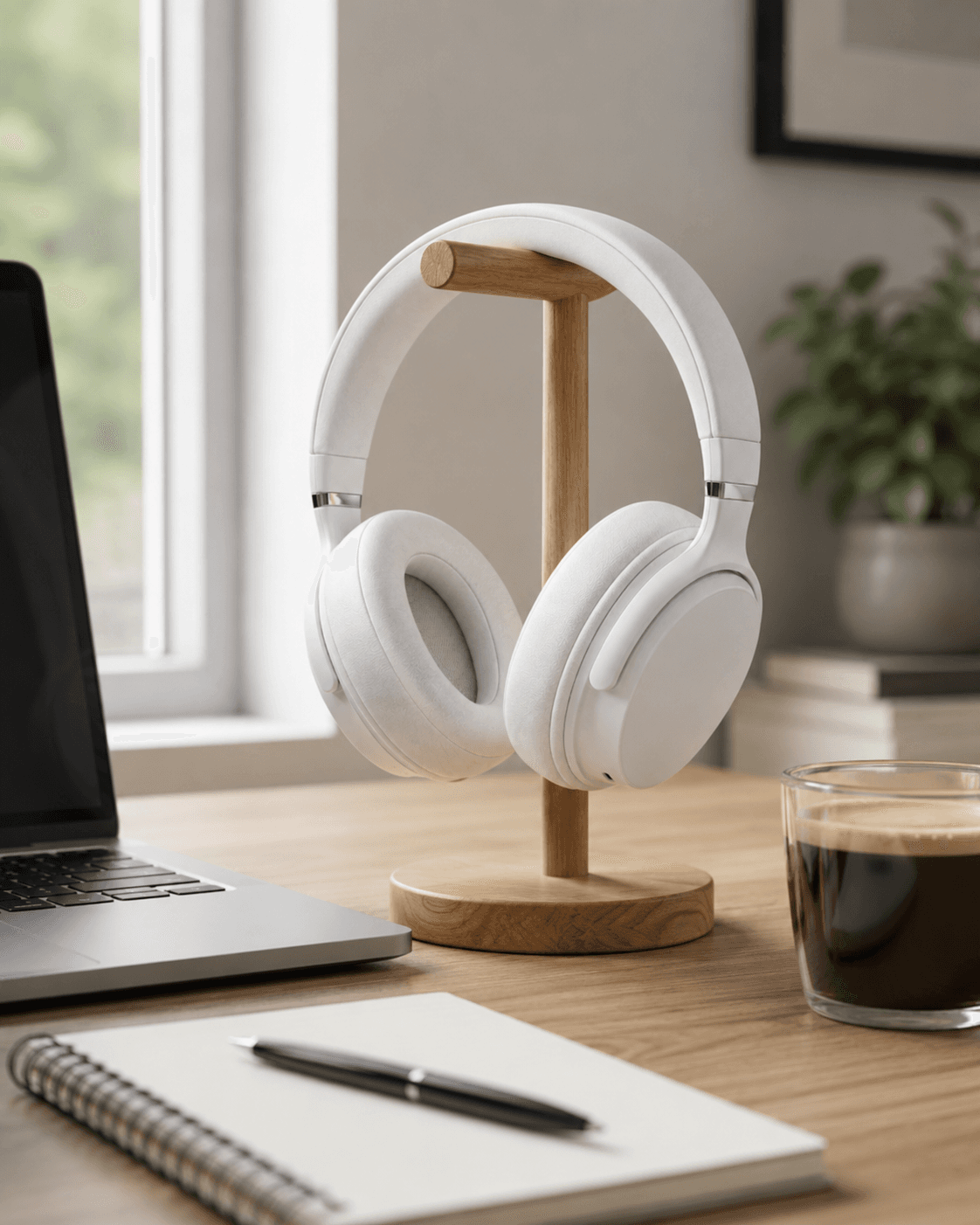
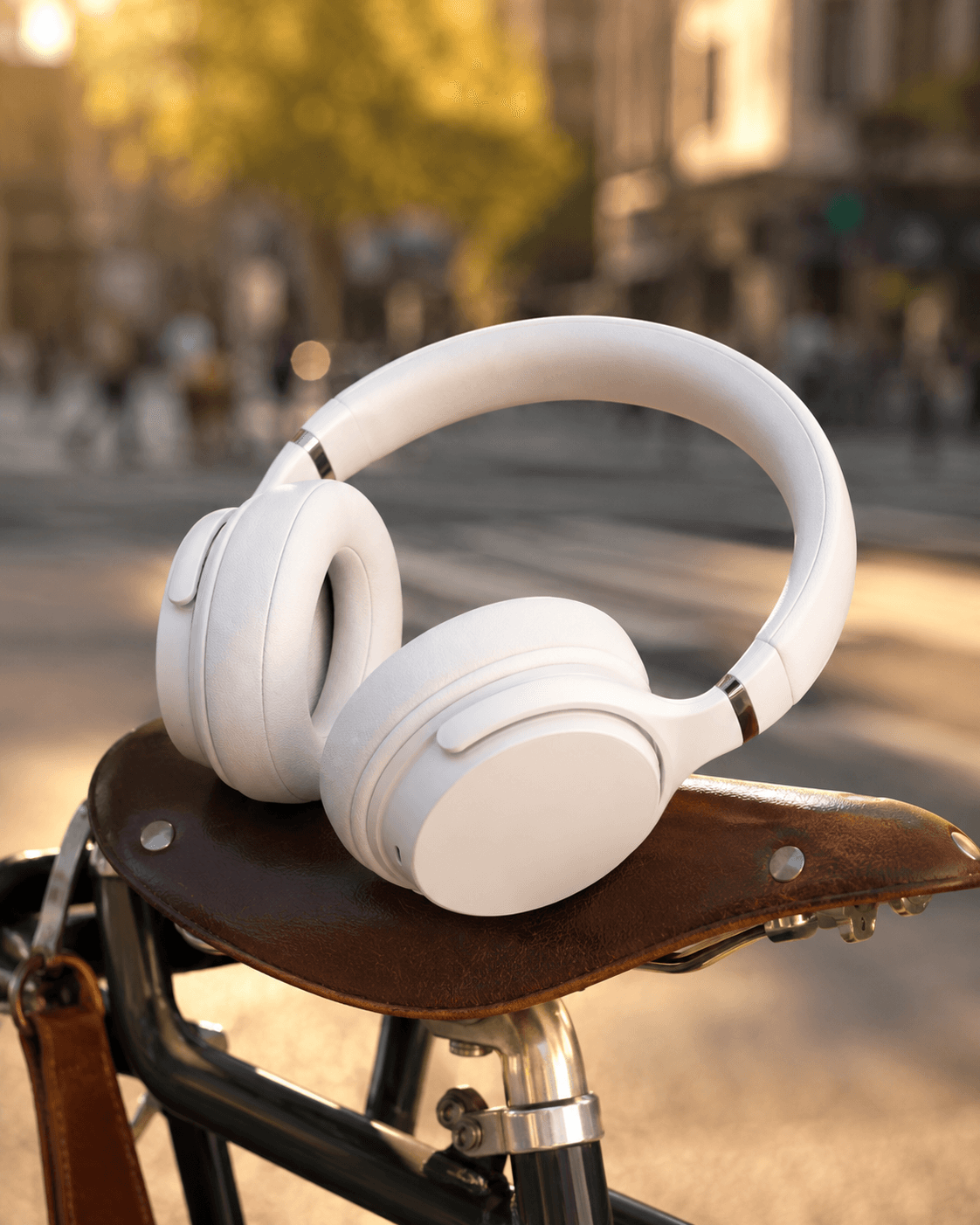
A DTC brand launching a serum needs the product on a marble bathroom counter, in a golden-hour flatlay, held in a hand, and sitting on a stone outdoors. Those are four separate shoot concepts - four studio days, four sets of props, four lighting setups, and four rounds of retouching. At $500-1,500 per shoot day, producing four lifestyle contexts for one product costs more than most early-stage DTC brands spend on their entire photography budget for a launch.
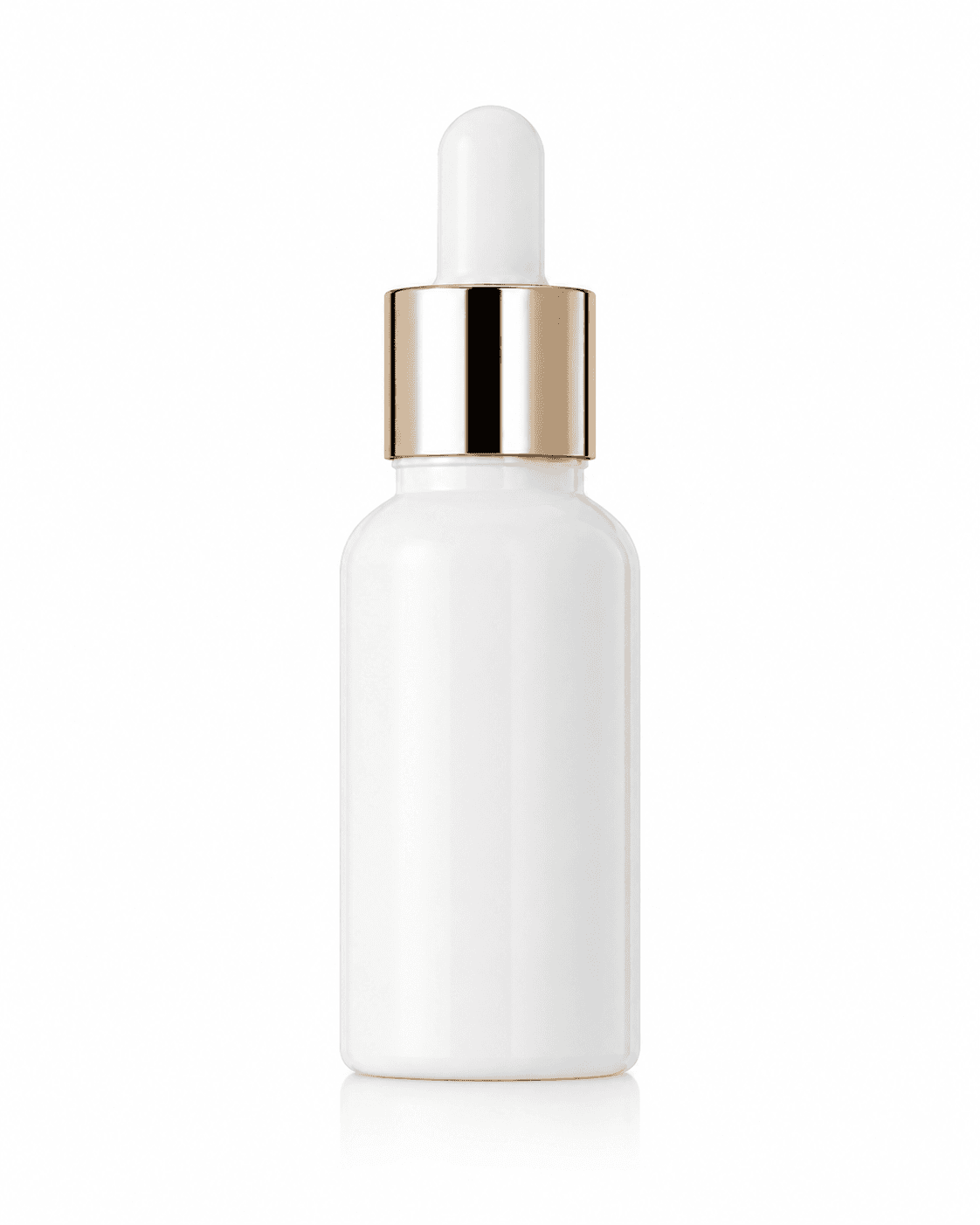
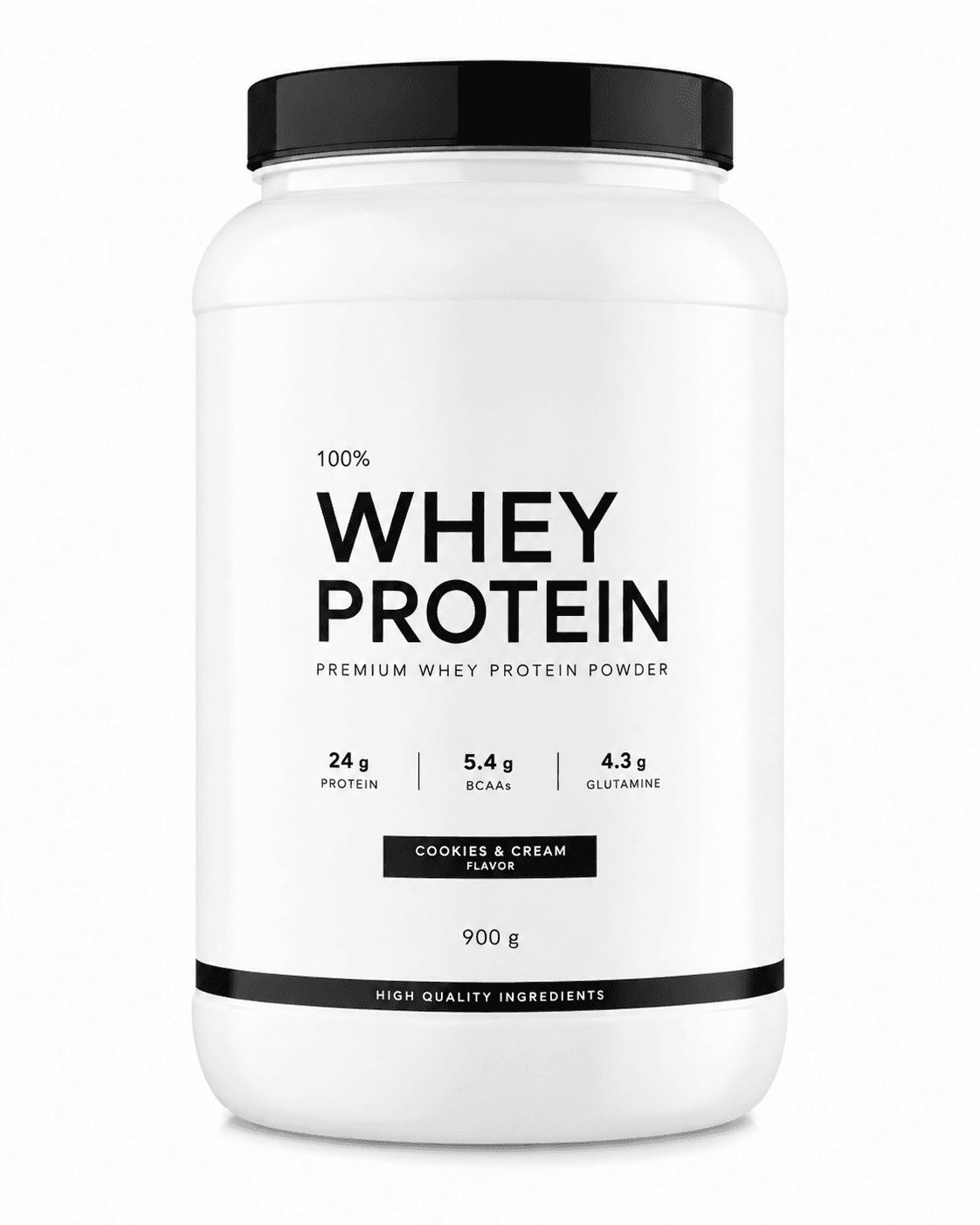
The alternative: a catalog photo on white background goes into the pipeline, and the four contexts come out automatically. The pipeline segments the product, generates the scene, places the product with correct lighting, and applies color grading matched to the scene aesthetic. No studio, no props, no travel. The brand uploads one photo and gets back however many lifestyle contexts they need for their channel mix.



| Stack | Infra /mo | AI team | Total cost | Revenue | Margin |
|---|---|---|---|---|---|
Runflow 10% volume discount applied | $900 | $0 | $900 | $8.0K | 89% |
Cloud API + manual QA similar pricing · no auto-QA · part-time engineer needed | $1.0K | ~$5K | $6.0K | $8.0K | 25% |
Self-hosted GPU raw compute · full-time AI engineer required | $400 | $12K | $12K | $8.0K | loss |
Runflow Sentinel — built-in quality control layer that automatically detects and discards failed or low-quality outputs before delivery. You only pay for images that pass QA. No engineer needed to babysit the pipeline.
Pricing based on Runflow published rates (June 2026) with automatic volume discounts. Revenue column is illustrative — actual client pricing varies by vertical and contract size. GPU self-hosted estimate uses $0.04/img raw compute cost.
Why DTC brands need lifestyle photography
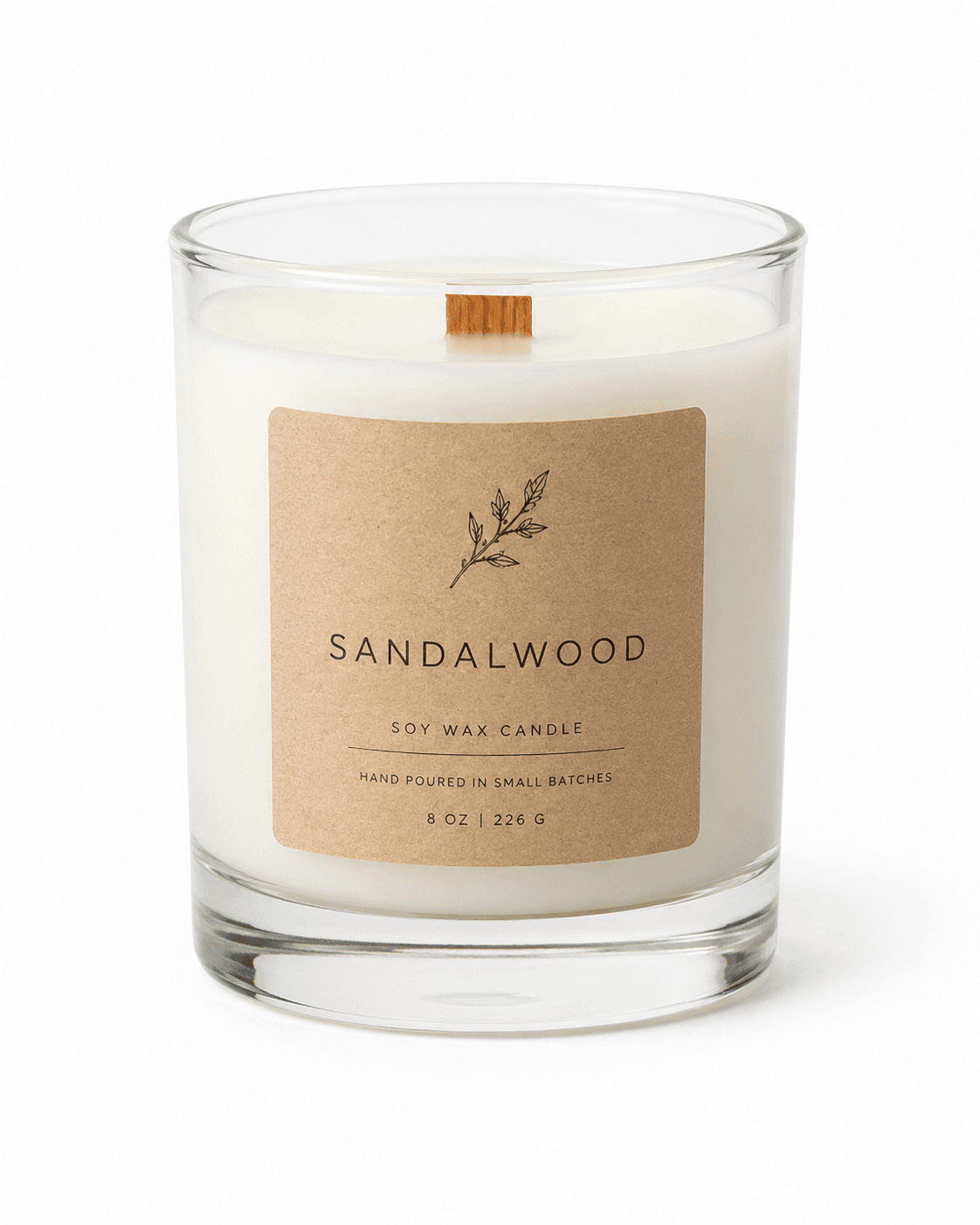
Catalog photography - white background, centered product, no context - is necessary but not sufficient. It satisfies Amazon and marketplace main image requirements. It does not drive performance on Meta ads, TikTok, Pinterest, or email. Those channels respond to lifestyle imagery that shows the product in a recognizable context - a beauty product in a clean bathroom, a supplement on a gym counter, a candle in a cozy living room, a tech product at a coffee shop.
The channel mix for a typical DTC brand in 2026 requires the same product photographed in 4-8 different lifestyle contexts per season. A brand running Meta ads needs 3-5 creative variants to test. Their email campaigns use different hero images than their product pages. Their Instagram feed follows an aesthetic that differs from their TikTok content. The result is a photography demand that grows with channel expansion and cannot be met by one studio day per product.
The math is simple: a brand with 20 active SKUs, each needing 6 lifestyle contexts, requires 120 separate lifestyle images per season. At $50-150 per image from a photography studio, that is $6,000-18,000 per season in photography costs alone - before retouching. Most DTC brands at the $500K-$5M revenue stage cannot sustain that cost at scale. They either shoot less than they need or compromise on quality by using generic stock that does not show their actual product.
The four contexts that cover 80% of DTC channel needs
Four lifestyle context categories cover the majority of placement needs for DTC brands across categories:
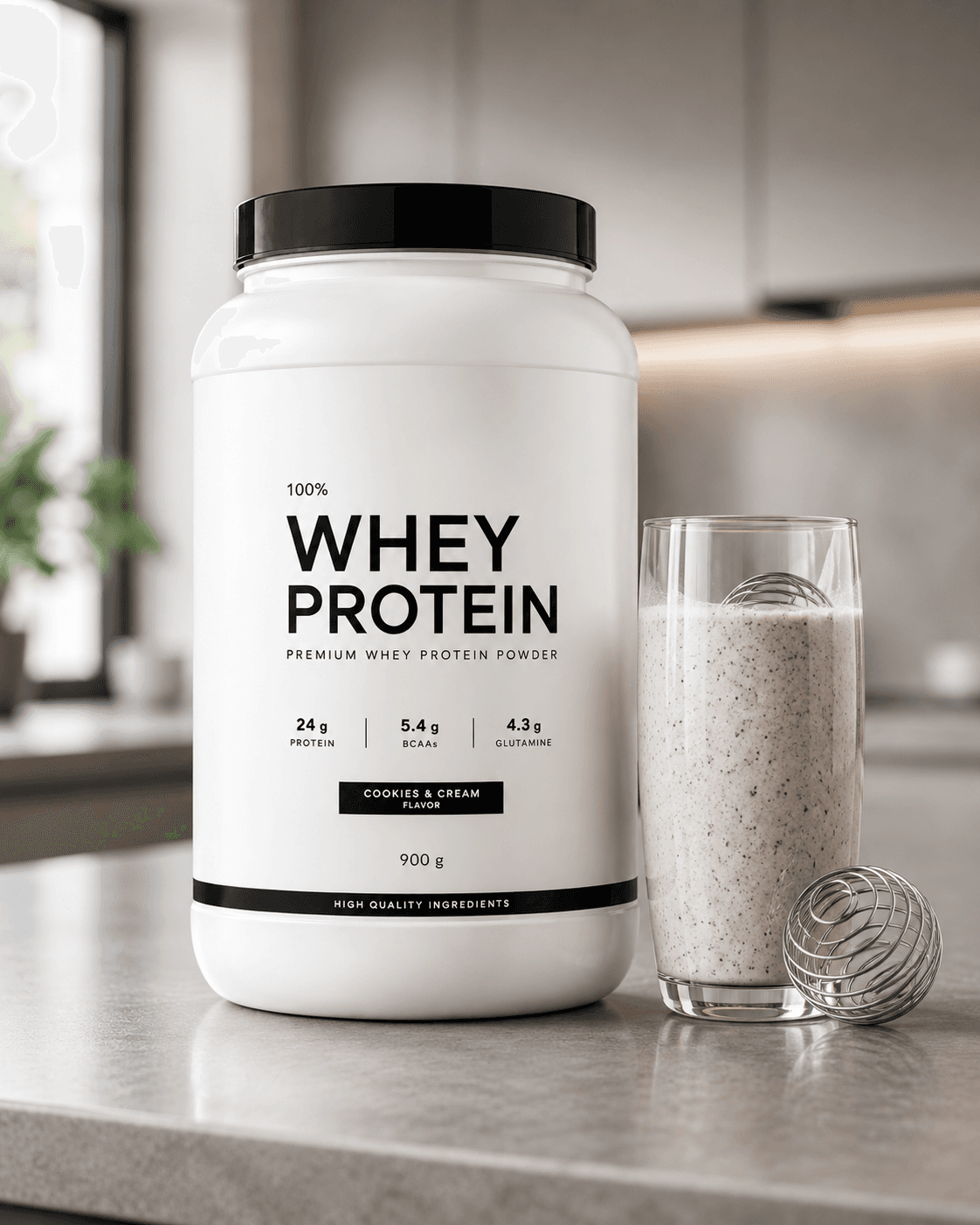
Editorial placement: the product in a clean, aspirational setting that communicates brand positioning. For beauty, that is a marble bathroom counter or vanity tray. For supplements, a modern kitchen with a shake in progress. For home goods, a styled shelf or nightstand. For tech, a minimalist desk setup. This context performs on Pinterest, editorial email campaigns, and brand website hero images.
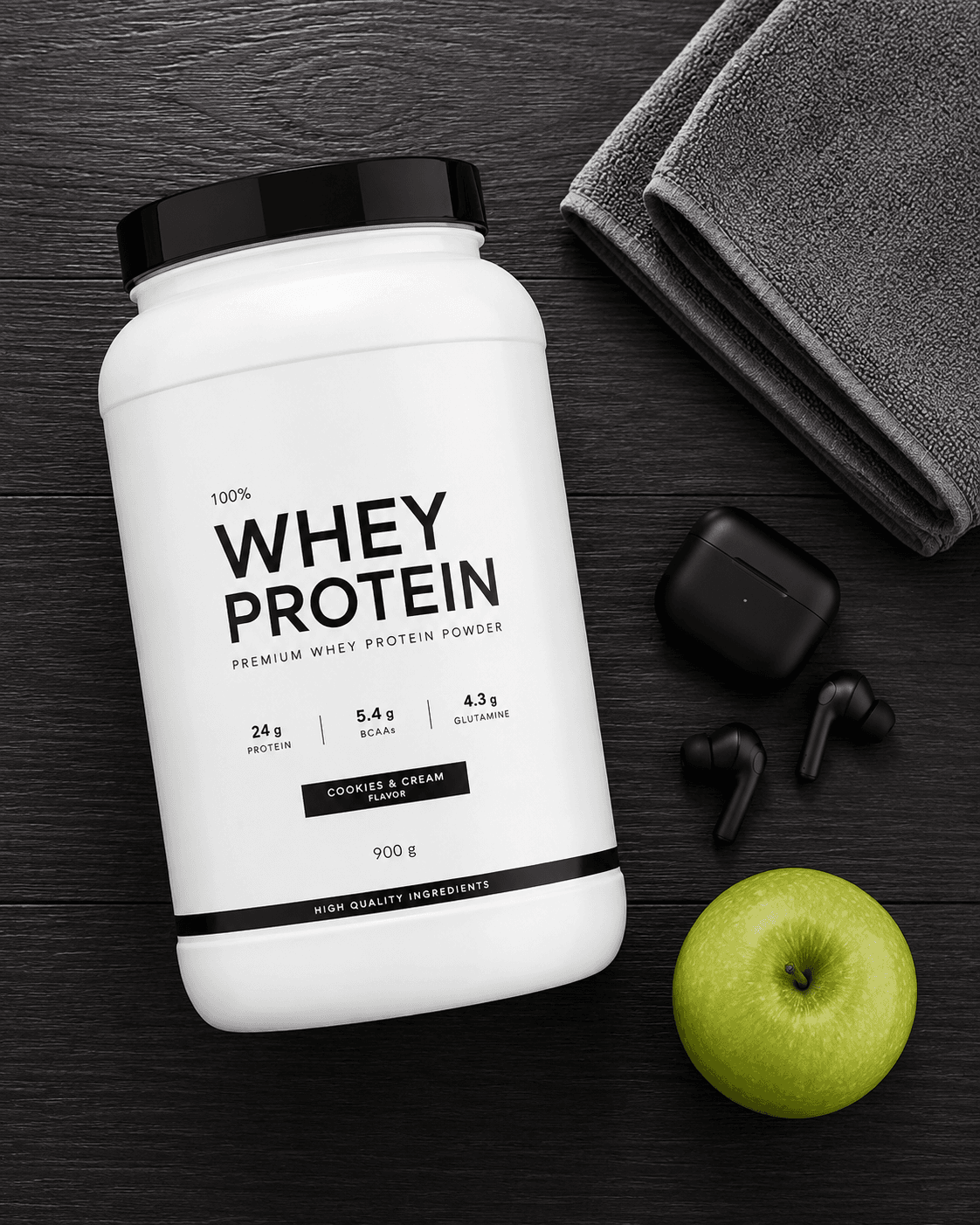
Flatlay: the product photographed from above with complementary props arranged around it. This format is native to Instagram grid content and email headers. It communicates the brand aesthetic and positions the product within a lifestyle cluster - a beauty brand flatlay includes linen fabric, dried flowers, and candles; a fitness brand flatlay includes a gym towel, earbuds, and a green apple. The flatlay context is the most time-consuming to style manually and the easiest to automate from a composition standpoint.
Hand or in-use: the product held or in use, with only the hand and wrist visible. This is the UGC format that performs on TikTok and Instagram Stories. It communicates scale, usability, and human connection without requiring a model booking. The hand-hold context converts well in performance ad creative because it mirrors the format of organic creator content.
Outdoor or environmental: the product in a natural setting - on a stone surface with grass, at a café table, on a park bench. This context is particularly effective for wellness and lifestyle brands whose identity is tied to an active or outdoor lifestyle. The golden-hour outdoor shot is one of the highest-performing creative formats for Meta ads in the health and beauty categories.
The technical pipeline
The lifestyle photography pipeline runs five stages for each context type. The first stage is shared across all context types; the middle stages vary by context.
Stage 1 - Product extraction: the catalog photo is segmented to isolate the product with a clean mask. This step is the same as the lightbox photography pipeline - the product is extracted from the white background to produce a masked asset that can be composited into any generated scene. Extraction quality determines the final output quality; a sloppy mask produces a product with obvious artificial edges in the lifestyle context.
Stage 2 - Scene generation: a scene is generated or assembled to match the target context type. For editorial placement, a diffusion model generates a photorealistic scene in the target aesthetic (marble bathroom, modern kitchen, etc.). For flatlay, a composition engine assembles the target product with contextually appropriate props. For outdoor, a scene is generated or selected from a library of reference environments. Scene generation is the most creative and most variable step in the pipeline.
Stage 3 - Product placement and scaling: the extracted product is placed into the generated scene with correct perspective, scale, and position. This step requires knowing the relative size of the product (a 50ml bottle placed next to a glass of water must be roughly the right size relative to the glass) and placing it in a position consistent with the scene geometry.
Stage 4 - Lighting correction: the product extracted from the catalog photo carries the lighting characteristics of the original studio shot. The lifestyle scene has different ambient light. A lighting correction node estimates the dominant light direction and color temperature of the generated scene and applies a correction transform to the product so its shading is consistent with the scene lighting. Without this step, the product looks pasted rather than placed.
Stage 5 - Color grading and output: a scene-specific color grade is applied to the composite to produce a unified aesthetic. Each context type has a characteristic color palette: editorial bathroom shots lean cool and clean, flatlay images use warm neutrals, outdoor golden-hour shots are warm and saturated. The grading step ties the product and scene into a coherent image.
Unit economics: shoot day versus API
Full cost comparison across volume tiers:
| Scenario | Traditional studio | Runflow API | Saving |
|---|---|---|---|
| 1 product, 4 contexts | $2,000-6,000 | $3-6 | 99%+ |
| 10 products, 4 contexts | $20,000-60,000 | $30-60 | 99%+ |
| 50 products, 6 contexts | $150,000+ | $120-180 | 99%+ |
| Turnaround time | 1-3 weeks | Minutes | N/A |
| Engineer overhead | $0 | $0 | N/A |
The economics are not competitive - they are categorically different. The API does not make lifestyle photography cheaper; it makes the volume of lifestyle photography that was previously unaffordable accessible to brands at any revenue stage. A brand generating $200K per year can now produce the same volume of lifestyle imagery as a brand spending $150K on photography. The creative quality ceiling is different (a skilled photographer and art director produce campaign-level work the API does not replace), but for the performance channel use case, the API output is commercially sufficient.
The ICP: who pays and why
Three buyer types exist for a lifestyle product photography API, with meaningfully different purchase behaviors.
The DTC brand is the direct buyer. Brands at the $500K-$10M revenue stage are the primary audience. They have enough SKUs and enough channels to feel the photography volume problem acutely, but they do not have the budgets of larger brands to throw studio days at it. They are comfortable with self-serve tools and make fast purchasing decisions. The integration is a dashboard where they upload a catalog photo and select the context types they want. Charge per image or a monthly subscription based on volume.
The ad creative agency is the highest-leverage buyer. An agency managing performance accounts for 20-50 DTC brands needs lifestyle creative at scale for every client. A single API integration gives them a production capability they can offer to clients as a service - faster creative production, more variants to test, lower cost per creative. The agency does not pay per image for their own use; they charge clients and use the API as cost of goods. Agency deals are larger but take longer to close and require a white-label or reseller structure.
The e-commerce platform is the third buyer. Platforms like Shopify, Etsy, or BigCommerce serve hundreds of thousands of merchants who all need lifestyle photography. A platform-level integration - a native app or feature that lets any merchant upload a product photo and generate lifestyle contexts - reaches the entire seller base through one commercial agreement. Platform deals take 6-12 months to close but generate predictable high-volume revenue.
What the competitive landscape looks like
| Tool | Approach | Lifestyle contexts | API access | Product-accurate |
|---|---|---|---|---|
| Glorify | Template-based design tool | Limited templates | No | Partial |
| Flair.ai | AI background generation | Backgrounds only | No | Partial |
| Pebblely | AI lifestyle backgrounds | Backgrounds only | Yes | Partial |
| Adobe Firefly | Generative fill | Manual only | Limited | Variable |
| Full pipeline API (gap) | Scene gen + placement + lighting | All context types | REST API | Yes |
The common limitation across existing tools is that they generate backgrounds but do not handle the full placement pipeline. Dropping a product onto a generated background without lighting correction and perspective matching produces an obviously artificial result. The gap is the complete pipeline - extraction, scene generation, product placement with correct perspective and scale, lighting correction, and color grading - packaged as a REST API that can be integrated into a brand's existing workflow. No current tool ships all five steps as a single API call.
How to build it: the 30-day path
Week 1: Build and validate the extraction and scene generation nodes. Use an existing high-quality segmentation model for extraction and test it on 50 product photos across different categories (bottles, boxes, pouches, hard goods). For scene generation, test a diffusion model with context-specific prompts for each of the four context types. Define the prompt engineering approach for each context and document what works.
Week 2: Build the placement and lighting correction nodes. The placement node must handle scale estimation - for each context type, define reference objects in the scene (a counter's height, a hand's scale) to anchor the product size correctly. The lighting correction node needs to estimate the dominant light direction and color temperature from the generated scene and apply a correction transform. Test against reference lifestyle photography - does the corrected product look like it was shot in the scene, or does it look pasted?
Week 3: Add the color grading node and define context-specific presets. Each context type has a characteristic color palette and contrast level. Build 4-6 grading presets matched to real lifestyle photography references for each context type. Test the full pipeline end-to-end on 20 products across 4 context types. Define the quality floor: what percentage of outputs pass a commercial quality check without manual correction?
Week 4: First brand pilot. Select 3 DTC brands in different categories (beauty, food/supplement, home goods). Process their full active catalog (typically 10-30 SKUs) across all four context types. Present the outputs alongside their existing lifestyle photography. If the brand uses the outputs without additional editing for at least one channel, the commercial conversation follows. Offer a 30-day pilot at cost in exchange for usage data and a case study.
| Stack | Infra /mo | AI team | Total cost | Revenue | Margin |
|---|---|---|---|---|---|
Runflow 10% volume discount applied | $900 | $0 | $900 | $8.0K | 89% |
Cloud API + manual QA similar pricing · no auto-QA · part-time engineer needed | $1.0K | ~$5K | $6.0K | $8.0K | 25% |
Self-hosted GPU raw compute · full-time AI engineer required | $400 | $12K | $12K | $8.0K | loss |
Runflow Sentinel — built-in quality control layer that automatically detects and discards failed or low-quality outputs before delivery. You only pay for images that pass QA. No engineer needed to babysit the pipeline.
Pricing based on Runflow published rates (June 2026) with automatic volume discounts. Revenue column is illustrative — actual client pricing varies by vertical and contract size. GPU self-hosted estimate uses $0.04/img raw compute cost.
Context types that require extra pipeline steps
Two context types have additional technical requirements worth planning for before the first version scope is fixed.
Flatlay composition: placing a product in a flatlay requires deciding what props to generate around it and how to arrange them to produce an aesthetically coherent composition. A random selection of props in an arbitrary arrangement does not produce a good flatlay. The pipeline needs either a prop selection model (what objects are contextually appropriate for this product category and brand aesthetic?) and a composition model (how should they be arranged?), or a library of pre-composed flatlay templates that the product is placed into. Template-based flatlays are faster to build and produce more consistent results for a first version.
Hand-hold context: placing a product in a hand requires either generating a hand or compositing into a photo of a hand. Generated hands are notoriously difficult to produce correctly with current diffusion models. The more reliable approach is a library of hand reference photos (different skin tones, orientations, hand positions) and compositing the product onto the hand with correct scale and perspective. This approach produces more consistent quality than fully generative hand synthesis and avoids the common failure modes of generated hands.
For infrastructure decisions on which GPU provider to run the scene generation workloads, the GPU provider selection matrix covers the full cost and latency tradeoffs.
Related build opportunities
Lifestyle photography and jewelry product photography share the same extraction and background pipeline. The scene generation and lighting correction nodes are the differentiating layer. If you are building multiple vertical photography APIs, the base infrastructure is reusable across both.
The hand-hold context in lifestyle photography uses the same body landmark detection approach as jewelry virtual try-on. Brands that need hand-hold lifestyle images are natural candidates for the try-on API when they want interactive rather than static hand imagery.