A CPG brand launching a new SKU needs the packaging photographed in at least four contexts before the product ships: a clean catalog shot for the retailer sell-in deck, a lifestyle mockup for the brand website, a social-native image for Instagram, and a contextual shot for the Amazon listing. In 2026 the standard workflow is a mockup shoot day - renting studio time, setting up props, photographing the same box or pouch across four setups. At $500-2,000 per studio day, a brand launching 12 SKUs per year spends $6,000-24,000 just on packaging photography, before retouching.
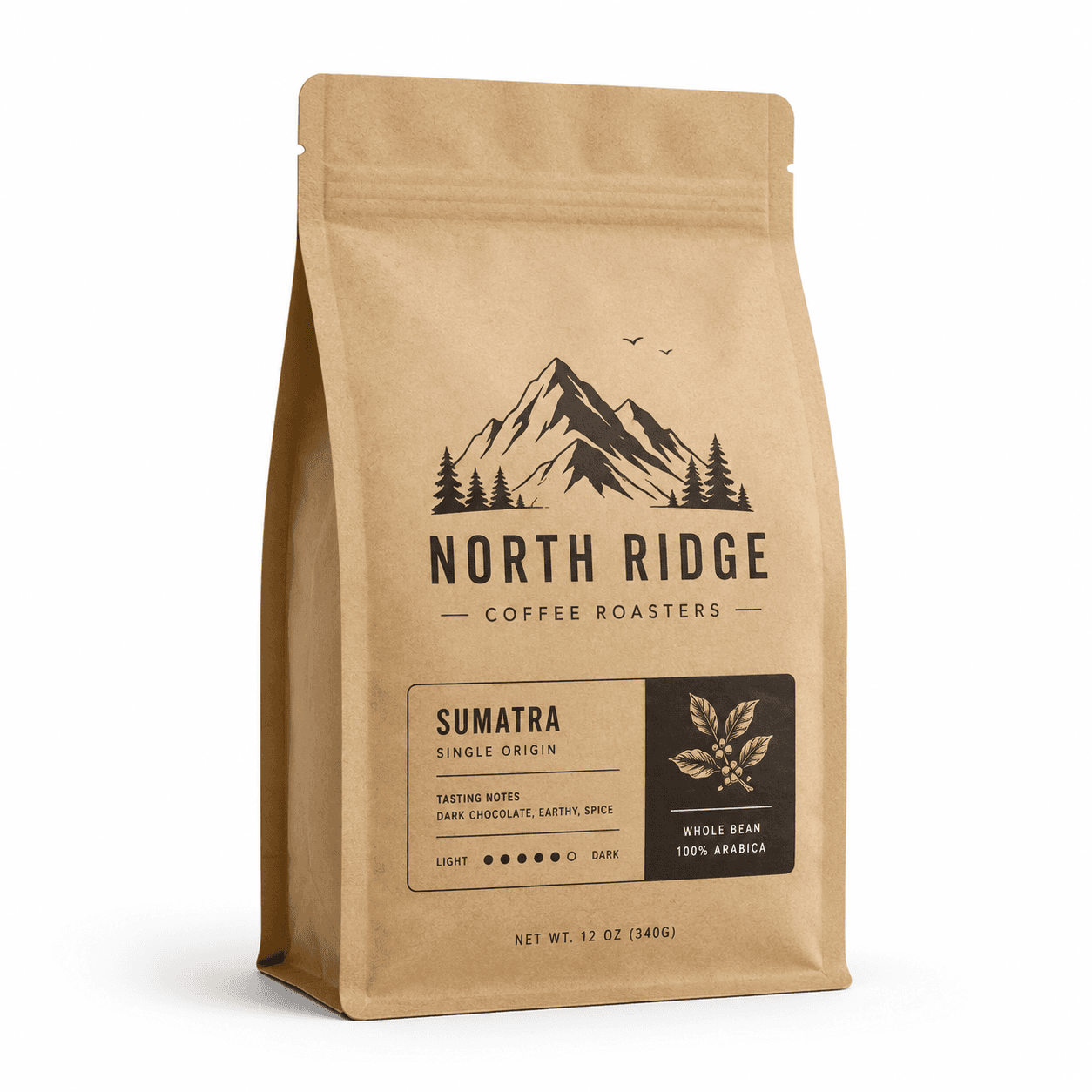
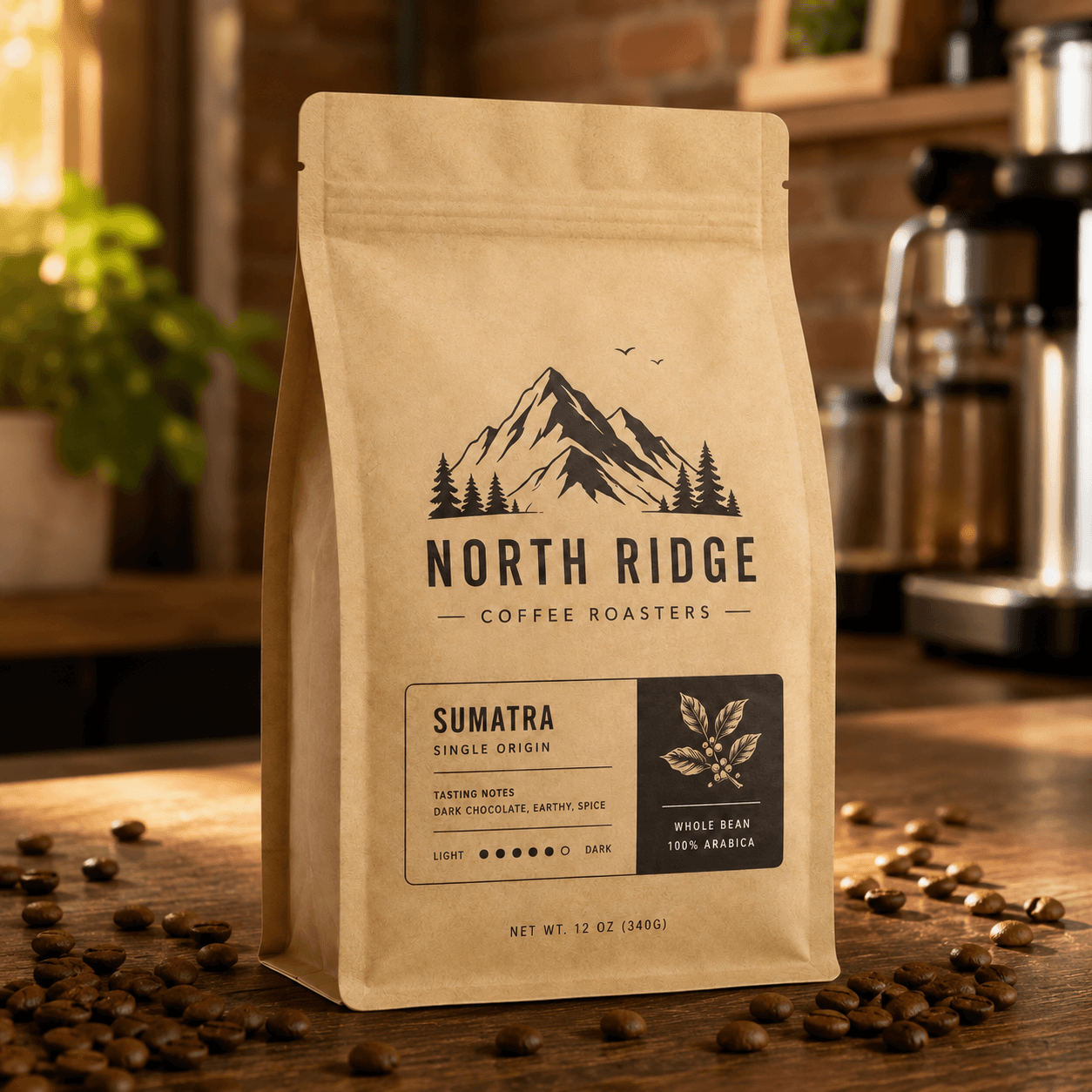
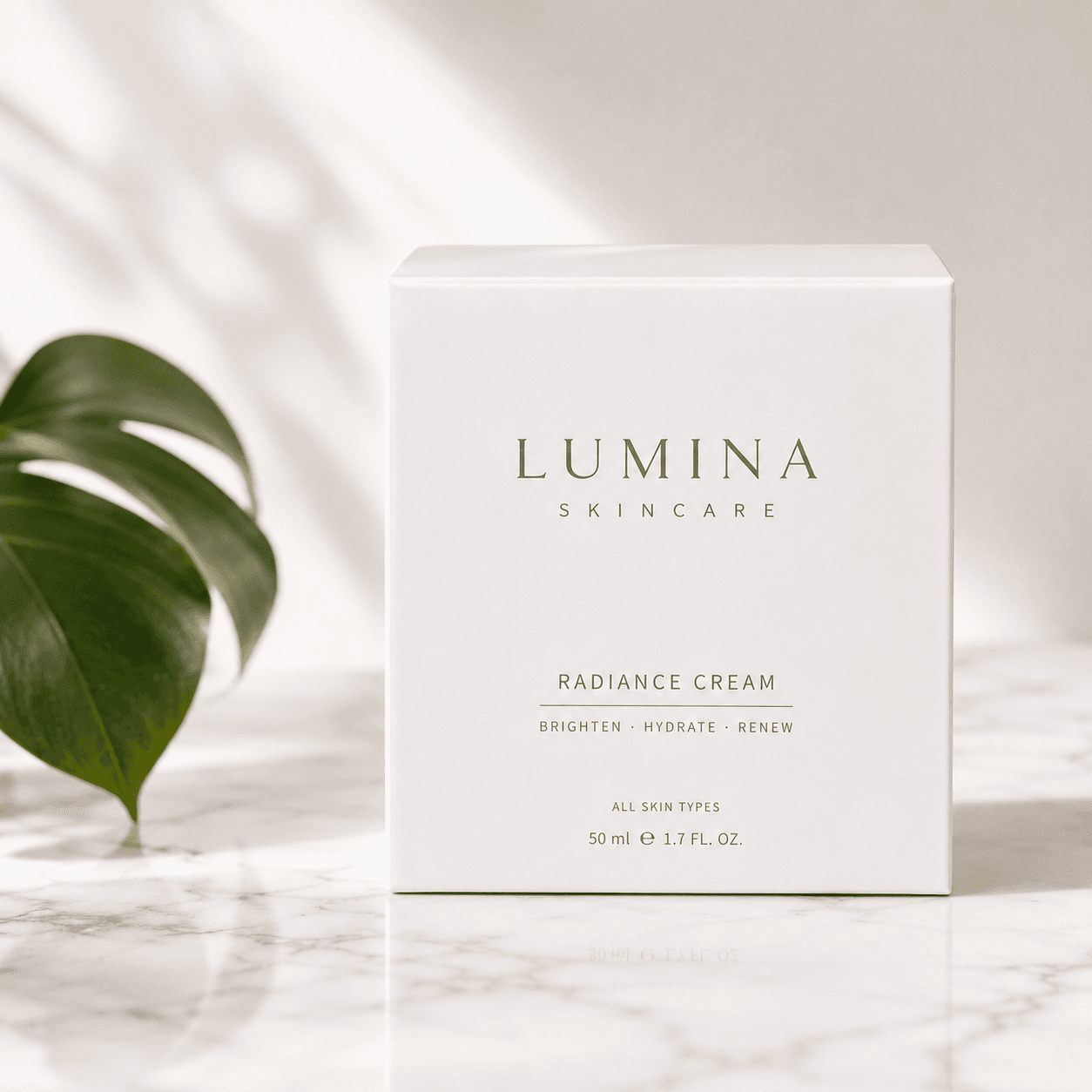
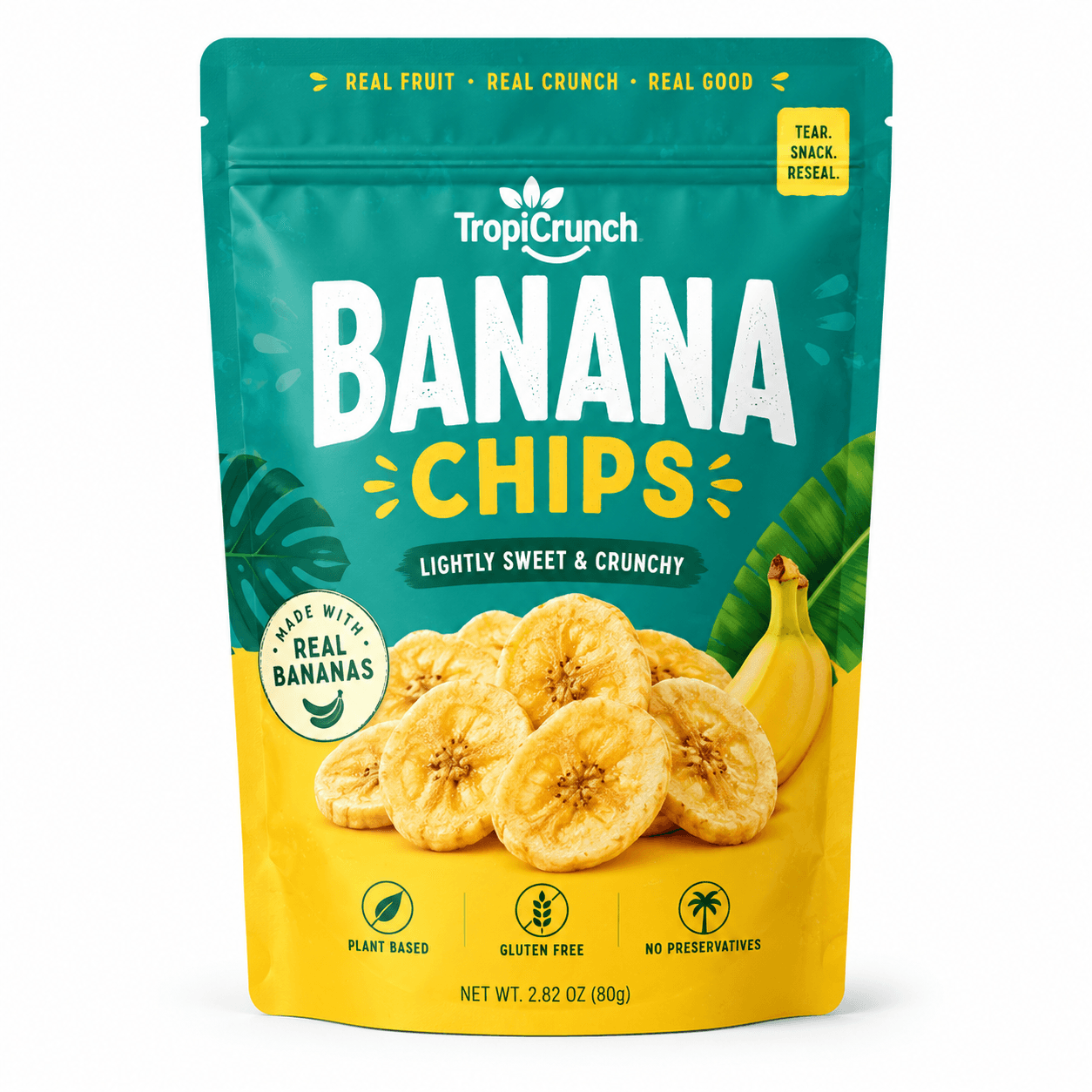
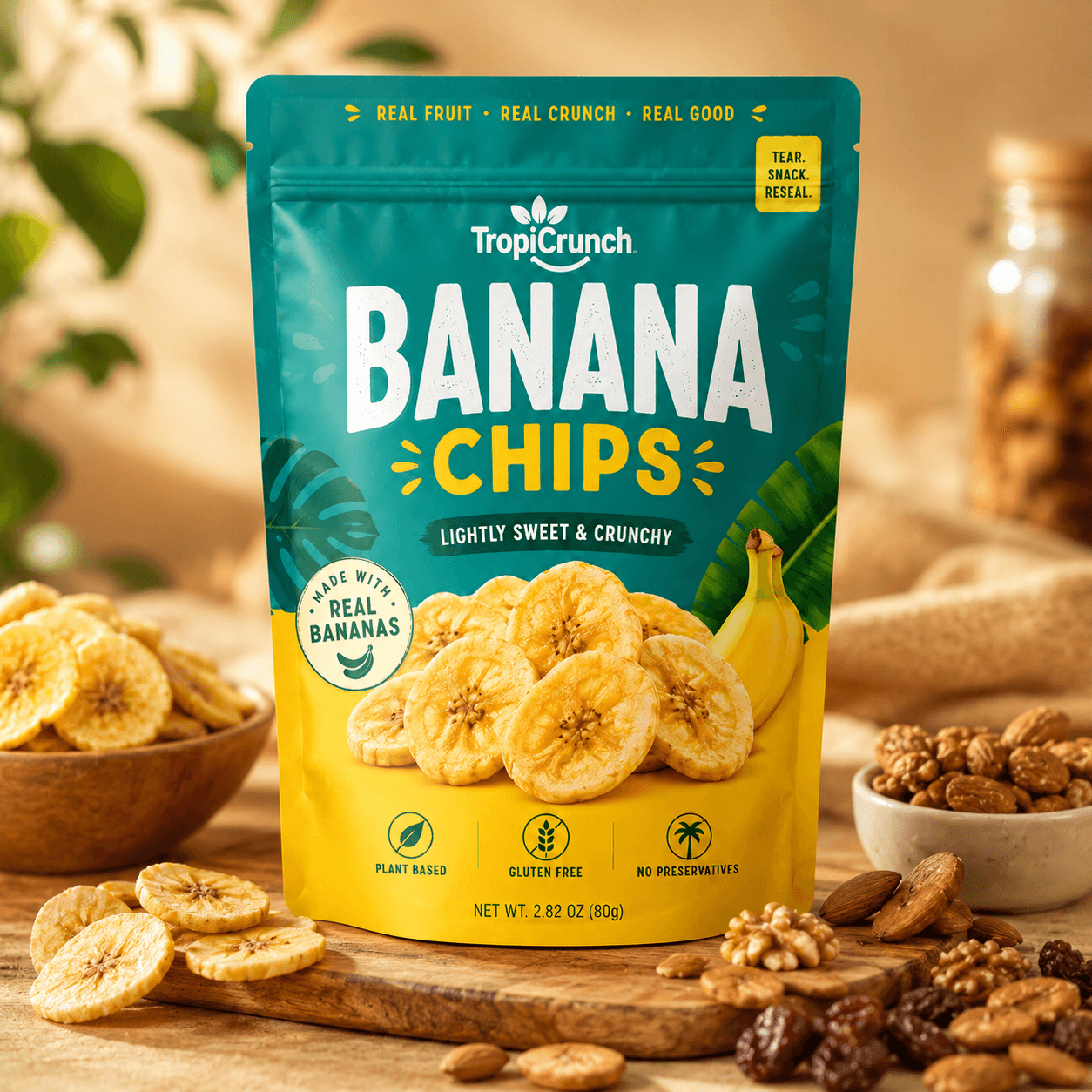
The alternative available today: upload the packaging design file, specify the context type, and receive a photorealistic lifestyle mockup in seconds. The pipeline classifies the packaging format, generates a contextually appropriate scene, places the packaging with correct perspective and lighting, and outputs a render indistinguishable from a studio photograph. The brand gets every context it needs from a single design file, before the product is even manufactured.
| Stack | Infra /mo | AI team | Total cost | Revenue | Margin |
|---|---|---|---|---|---|
Runflow pay-per-use · no commitment | $800 | $0 | $800 | $4.0K | 80% |
Cloud API + manual QA similar pricing · no auto-QA · part-time engineer needed | $800 | ~$5K | $5.8K | $4.0K | loss |
Self-hosted GPU raw compute · full-time AI engineer required | $400 | $12K | $12K | $4.0K | loss |
Runflow Sentinel — built-in quality control layer that automatically detects and discards failed or low-quality outputs before delivery. You only pay for images that pass QA. No engineer needed to babysit the pipeline.
Pricing based on Runflow published rates (June 2026) with automatic volume discounts. Revenue column is illustrative — actual client pricing varies by vertical and contract size. GPU self-hosted estimate uses $0.04/img raw compute cost.
Why CPG brands need mockups before manufacturing
Packaging mockups serve two distinct purposes in the product launch lifecycle, and most CPG teams conflate them into a single workflow that creates bottlenecks at both stages.
Pre-manufacturing validation: before a packaging design is sent to the printer, the brand needs to see it rendered in three dimensions and in context. A flat dieline looks nothing like the finished product on a shelf. A can looks different when photographed in a refrigerator aisle than when laid flat in Illustrator. Pre-manufacturing mockups let design, brand, and sales teams sign off on the packaging before the minimum order quantity is committed. Changes at this stage cost nothing. Changes after manufacturing cost the entire print run.
Go-to-market content production: once the design is locked, the brand needs the packaging photographed in the contexts it will appear in at launch - retailer sell-in decks need clean catalog shots, website product pages need lifestyle images, Amazon listings need compliant main images plus lifestyle secondary images, social channels need platform-native content. Traditionally all of this content is produced in a single post-manufacturing shoot. The API inverts this: content production begins the moment the design file is finalized, not after the product arrives from the manufacturer.
The compounding benefit is speed to market. A brand that produces mockup content pre-manufacturing can hand retailers complete sell-in decks, pre-populate Amazon listings, and schedule social content weeks before the product ships. The launch is fully prepared by the time inventory arrives. Without the API, the brand photographs the product after it arrives, waits for retouching, and launches with a content gap that costs early sales momentum.
The technical pipeline
The packaging mockup pipeline runs four stages. The stages differ slightly depending on whether the input is a 3D render, a flat design file applied to a template, or a catalog photograph of the physical product.
Stage 1 - Packaging format detection: the input image is classified to identify the packaging format (standup pouch, folding carton, rigid canister, glass jar, flexible bag, label-on-bottle) and its orientation and geometry. Format detection determines which 3D placement model is applied in stage 3 - a standup pouch has different geometry and fold behavior than a folding carton, and both require different perspective and shadow handling. This classification also triggers scene selection: contextually appropriate scenes are different for a coffee bag (cafe environment) versus a skincare box (bathroom or editorial surface).
Stage 2 - Scene generation: a scene is generated or selected that matches the target context type and the product category. Context types include: shelf/retail (product on a store shelf or counter), lifestyle (product in its natural use environment - a coffee bag on a cafe counter, a skincare box on a marble bathroom surface), editorial (product on a clean aesthetic surface for brand imagery), and social-native (product in a casual, user-generated-content-style setting). Scene generation uses a fine-tuned diffusion model with category-specific prompt engineering for each context type.
Stage 3 - Perspective-correct placement: the packaging design is mapped onto the 3D form factor identified in stage 1 and placed into the generated scene with correct perspective, scale, and position. For flat design files, this step applies the design to a 3D packaging template first, then composites the result into the scene. For catalog photographs of physical products, the product is segmented and placed directly. Correct perspective mapping is the most technically demanding step - a packaging image placed into a scene without perspective correction looks flat and obviously artificial.
Stage 4 - Shadow, reflection, and lighting: the placed packaging receives scene-appropriate shadow and reflection rendering. A product sitting on a marble surface has a soft reflection beneath it. A product on a wooden surface has a warm shadow consistent with the scene lighting direction. A product on a white seamless background has a drop shadow that matches the studio lighting setup. Without this step, the product looks composited rather than photographed. Shadow and reflection rendering is what separates a commercial-quality mockup from an obviously generated image.
Context types and when each is used
Five context types cover the full content requirement for a CPG product launch across all channels.
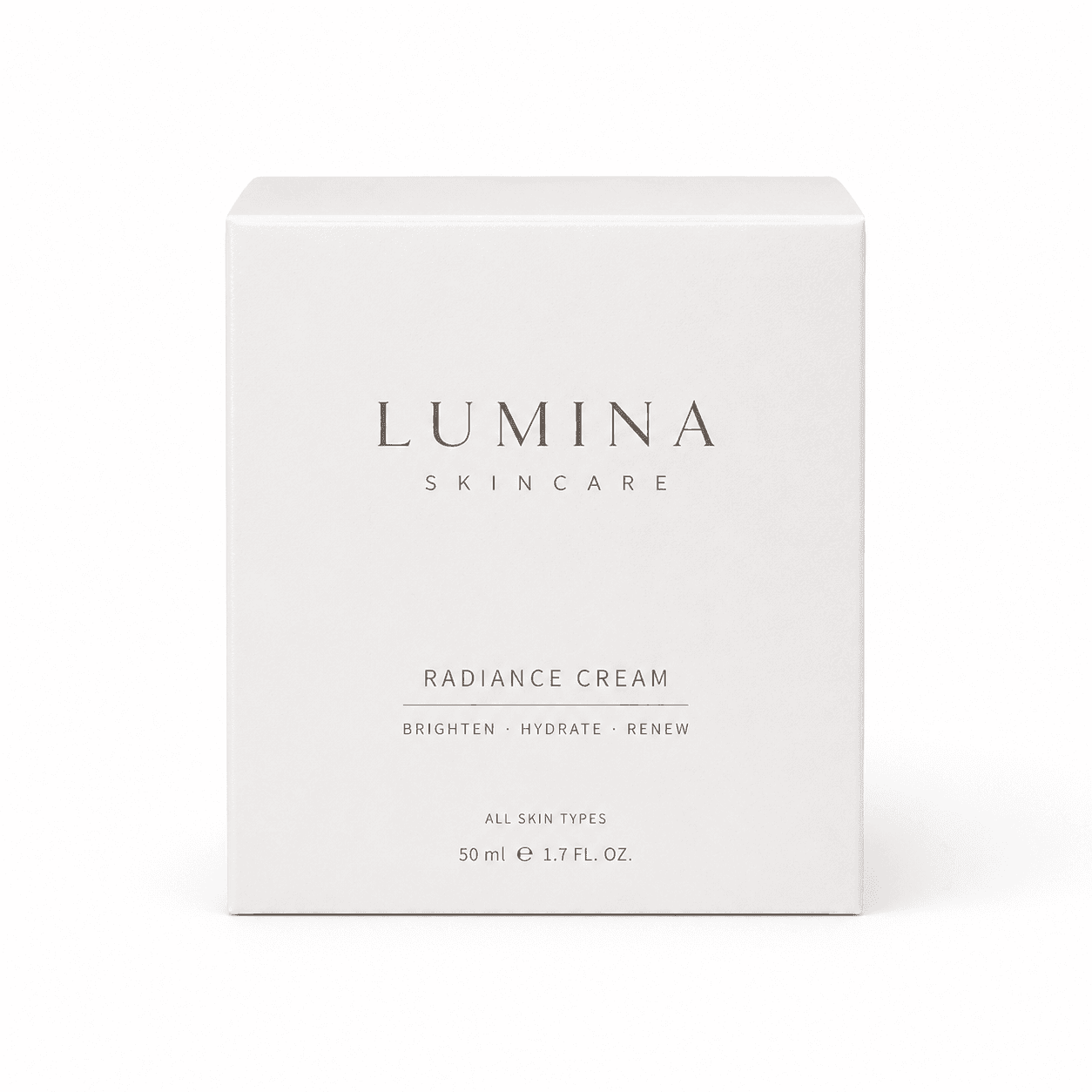
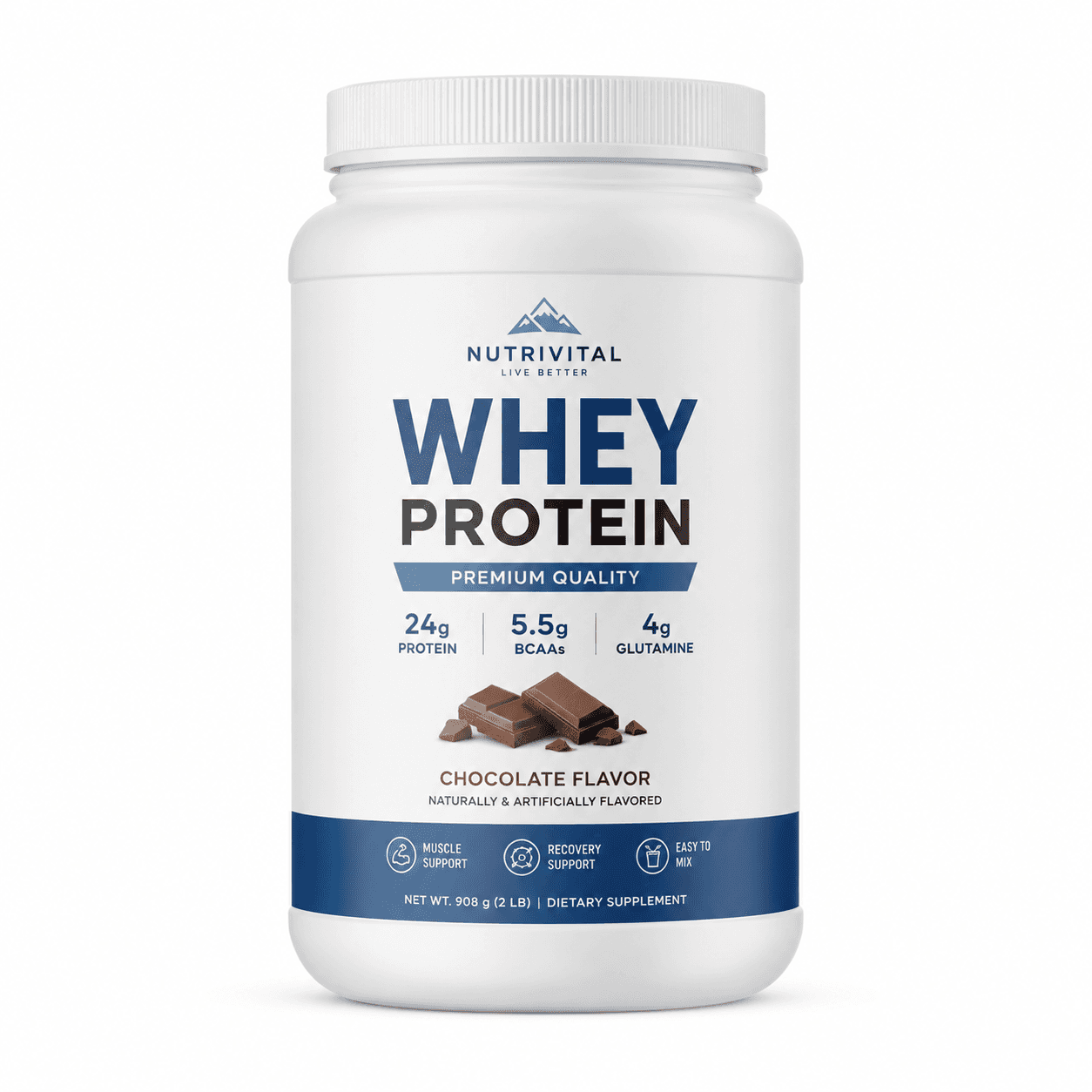
Catalog/retail: clean product-forward image on a simple background with consistent studio lighting. This is the primary image for retailer sell-in decks, wholesale catalogs, and Amazon main images. The packaging occupies 80-85% of the frame. Background is white, off-white, or a single light neutral color. No props, no lifestyle elements. This context is the most technically straightforward - it requires accurate perspective and shadow but no scene generation.
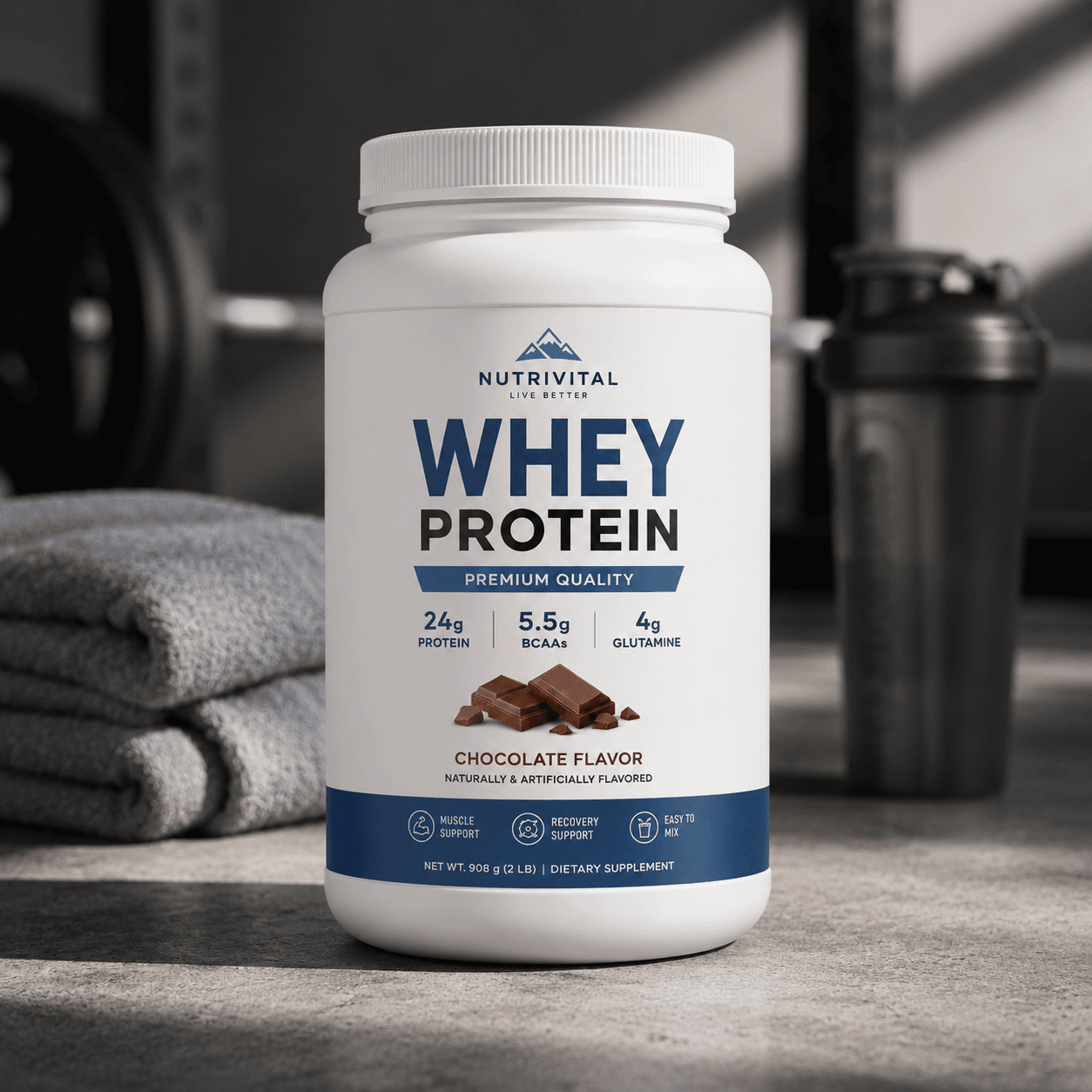
Lifestyle: product placed in its natural use environment with contextually relevant props and ambient scene elements. A coffee bag on a cafe counter with an espresso machine blurred in the background. A protein powder tub on a gym floor beside a shaker bottle. A skincare box on a marble bathroom surface with a plant in the background. Lifestyle mockups are used for website hero images, Amazon secondary images, and email campaign headers.
Editorial: product on a clean, aesthetically deliberate surface - marble, linen, stone, dark wood - with minimal props. The aesthetic is brand-forward rather than use-context-forward. This is the format for Instagram grid content, brand lookbooks, and press kits. Editorial mockups require the most precise lighting and shadow rendering because the simplicity of the scene makes any compositional flaw immediately visible.
Social-native: product photographed in a casual, slightly imperfect way that mimics organic creator content. A slightly off-center composition, natural light, everyday surface, no obvious studio lighting. This context performs on TikTok and Instagram Stories where studio-polished content underperforms relative to content that looks like it was taken by a real person. Social-native mockups are the most novel output type for brands accustomed to professional photography - they require deliberate imperfection, which is counterintuitive for a quality-focused brand team.
Flat lay: product photographed from above with complementary props arranged around it. This is a native Instagram format used for product launches, gifting content, and seasonal campaigns. The challenge for the pipeline is prop selection and composition - a flat lay requires knowing which props are contextually appropriate for the product category and how to arrange them to produce an aesthetically coherent composition. Template-based flat lays produce more consistent results than fully generative ones for a first version.
ICP: who buys a packaging mockup API
Three distinct buyer profiles exist for packaging mockup generation, with different integration patterns and willingness to pay.
CPG brands are the direct buyer. Brands at the 20-200 SKU range have enough packaging design volume to justify a dedicated mockup tool, and enough channel complexity to need multiple context types per SKU. The integration is a design tool plugin or a standalone web app where the design team uploads the packaging file and selects context types. Charge per render or per seat. Brands in food, beverage, beauty, and supplements are the highest-density verticals for this use case.
Packaging design agencies are the leverage buyer. An agency producing packaging designs for 20-50 CPG clients generates mockup requirements at scale. Currently, agencies either outsource mockup photography or maintain a library of Photoshop templates they manually apply designs to - a process that takes 30-60 minutes per context type. An API that automates this step lets agencies offer faster turnaround and lower mockup costs as a competitive differentiator, while increasing their output capacity without adding headcount.
E-commerce platforms are the third buyer. A platform serving CPG sellers (Faire for wholesale, RangeMe for retail buyer discovery, Amazon Seller Central) needs product imagery at scale. A platform-level integration that auto-generates catalog and lifestyle mockups from the design file uploaded at product registration reaches thousands of brands through a single commercial agreement.
Unit economics
Cost comparison: traditional mockup shoot versus API:
| Scenario | Studio shoot | API pipeline | Saving |
|---|---|---|---|
| 1 SKU, 5 contexts | $1,500-4,000 | $0.50-1.00 | 99%+ |
| 12 SKUs, 5 contexts | $18K-48K/yr | $6-12 | 99%+ |
| 50 SKUs, 5 contexts | $75K-200K/yr | $25-50 | 99%+ |
| Turnaround | 1-2 weeks | Minutes | N/A |
| Pre-manufacturing? | No | Yes | N/A |
The economics are not a modest improvement - they are a different order of magnitude. The per-render cost of $0.10-0.20 means even a brand generating 10,000 mockups per year spends $1,000-2,000 on infrastructure. The budget previously spent on mockup photography becomes available for media, sampling, or product development. The more significant shift is pre-manufacturing availability: the API produces commercial-quality mockups from a design file before any inventory exists, which changes the launch timeline and the retailer relationship.
Competitive landscape
| Tool | Type | API access | Lifestyle contexts | Pre-manufacturing |
|---|---|---|---|---|
| Placeit | Template library (manual) | No | Limited templates | Yes (templates) |
| Smartmockups | Template library (manual) | Limited | Limited templates | Yes (templates) |
| Packly | 3D preview tool | No | No | Yes (3D only) |
| Adobe Dimension | 3D desktop app | No | Manual setup | Yes (manual) |
| AI pipeline (gap) | Generative API | Yes | All contexts | Yes (automated) |
The existing market is entirely template-based. Placeit and Smartmockups offer libraries of pre-built Photoshop and web templates where brands manually apply their design. The output is limited to whatever template configurations exist in the library, and complex packaging formats (asymmetric shapes, specialty finishes) have no template coverage. The generative API gap is an approach that works on any packaging format, generates contextually appropriate scenes rather than selecting from a fixed template library, and handles pre-manufacturing use cases from design file input rather than requiring a photograph of the physical product.
How to build it: the 30-day path
Week 1: format detection and 3D mapping. Build the packaging format classifier for the five most commercially common formats: standup pouch, folding carton, rigid canister, label-on-bottle, and flexible bag. For each format, define a 3D mesh template with UV mapping coordinates that accept the design file as a texture input. Test the design file to 3D mapping on 30 packaging designs across the five formats. Define quality criteria: the 3D render should be indistinguishable from a product photograph at the catalog context type.
Week 2: scene generation by context type. Build the scene generation nodes for the five context types. For each type, define the prompt engineering approach, the scene composition constraints, and the props or surface materials appropriate for each product category. Test scene generation against the product categories in your target ICP - food, beverage, beauty, and supplements have distinct aesthetic requirements. A cafe scene for a coffee bag should not look like a gym scene for a protein powder.
Week 3: compositing, shadow, and lighting. Build the perspective-correct compositing node. This is the technically hardest step - the 3D packaging form must be placed into the generated scene with correct foreshortening, shadow direction matching the scene lighting, and surface reflections appropriate to the material. Test across the five context types and document failure modes. Shadow rendering quality is the single largest determinant of whether the output looks like a photograph or an obvious composite.
Week 4: design tool integration and first pilot. Build the file input layer - PDF, PNG, or AI file upload that automatically applies the design to the detected format template. Run a pilot with one packaging design agency handling 5-10 CPG clients. Measure turnaround time improvement and client feedback on output quality. If the agency uses pipeline outputs in client deliverables without manual correction, the commercial case is established.
| Stack | Infra /mo | AI team | Total cost | Revenue | Margin |
|---|---|---|---|---|---|
Runflow pay-per-use · no commitment | $800 | $0 | $800 | $4.0K | 80% |
Cloud API + manual QA similar pricing · no auto-QA · part-time engineer needed | $800 | ~$5K | $5.8K | $4.0K | loss |
Self-hosted GPU raw compute · full-time AI engineer required | $400 | $12K | $12K | $4.0K | loss |
Runflow Sentinel — built-in quality control layer that automatically detects and discards failed or low-quality outputs before delivery. You only pay for images that pass QA. No engineer needed to babysit the pipeline.
Pricing based on Runflow published rates (June 2026) with automatic volume discounts. Revenue column is illustrative — actual client pricing varies by vertical and contract size. GPU self-hosted estimate uses $0.04/img raw compute cost.
Specialty finishes and edge cases
Three packaging characteristics require additional pipeline handling and are worth scoping explicitly before the first version launch.
Foil and metallic finishes: packaging with gold foil, silver holographic, or chrome finishes requires environment-mapped reflections rather than simple shadow rendering. A foil label reflects the environment around it - a cafe scene produces warm reflected colors, a studio setup produces a clean metallic sheen. Environment mapping adds pipeline complexity and compute cost. For a first version, metallic finish simulation should be scoped as a separate rendering mode rather than a default behavior, with a higher per-render price to cover the additional compute.
Transparent packaging: products in clear plastic or glass packaging reveal the contents behind the label, and the contents affect the visual appearance of the label. A transparent protein powder canister looks different when the powder is white versus brown. The pipeline needs to handle the contents layer separately from the packaging layer for these formats. Template-based solutions handle this manually; the generative pipeline can infer the contents from the product category but needs explicit configuration for edge cases.
Multi-pack configurations: retail sells packaging in multi-packs (6-pack, case of 12) that require the single-unit design to be composited into a multi-unit arrangement with consistent perspective across all units. Multi-pack mockups are high-value for retail sell-in decks and are currently produced manually in Photoshop. A multi-pack compositing node that takes the single-unit render and generates a shelf-ready multi-pack arrangement is a high-margin add-on to the core pipeline.
Internal links
The lifestyle product photography pipeline uses similar scene generation and compositing architecture. See Lifestyle Product Photography API for the product placement approach.
For GPU infrastructure at this workload, the GPU Provider Selection Matrix covers cold start and cost tradeoffs.